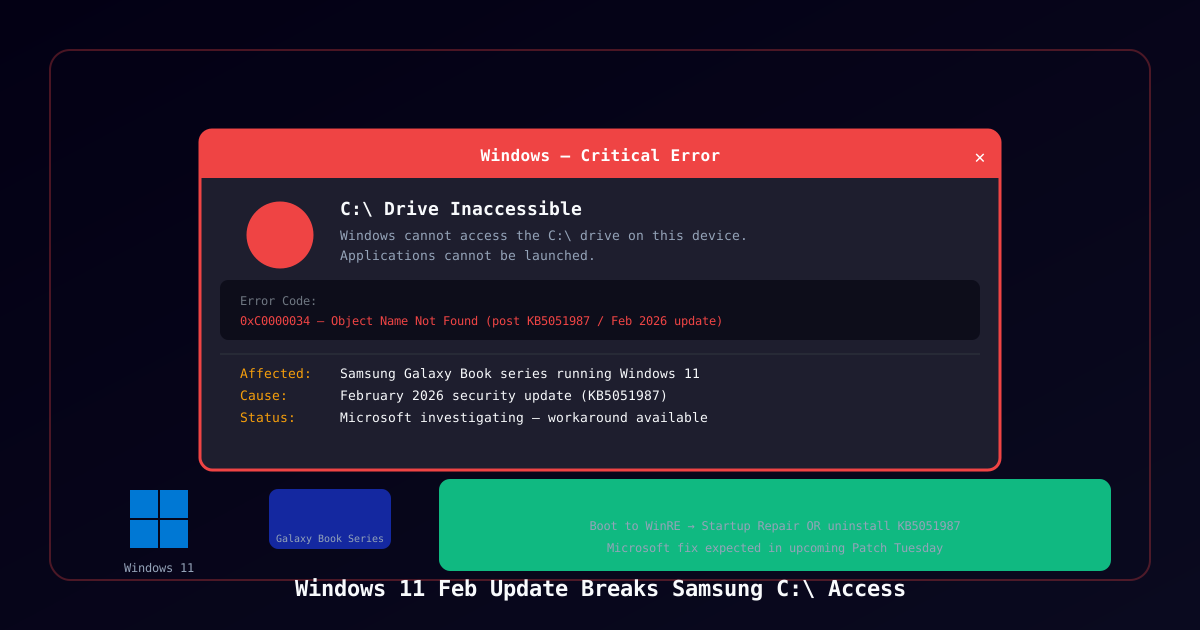
Microsoft Investigating Samsung Laptop Drive Access Bug
Microsoft has acknowledged a new issue affecting Samsung laptops running Windows 11 after installing the February 2026 security updates. Affected users find themselves unable to access their C:\ drive and cannot launch applications — effectively rendering the device unusable until the issue is resolved.
The bug surfaced in the days following Microsoft's February 2026 Patch Tuesday release, with reports concentrating on Samsung Galaxy Book series devices running Windows 11. Microsoft has added the issue to its Windows 11 known problems dashboard and is actively investigating.
What Happens
Affected users describe the following symptoms after installing the February 2026 update:
- C:\ drive is inaccessible — the drive shows in File Explorer but cannot be browsed
- Applications fail to launch — any application installed to C:\ returns an error
- System tools are unavailable — including Settings, Task Manager, and Windows Security
- Error code reported:
0xC0000034(Object Name Not Found) in some cases - Device may become effectively unbootable into a usable desktop state
The issue does not affect all Samsung laptops — the specific combination of hardware, firmware, and update configuration that triggers the bug has not been fully characterized. Reports are concentrated on newer Galaxy Book models but some older Samsung notebooks have also been affected.
Root Cause
Microsoft has not publicly identified the precise root cause. Based on community reports and Windows engineering blog notes, the issue appears to be linked to:
- A driver compatibility conflict introduced by the February 2026 cumulative update (KB5051987)
- Specifically, a change to how Windows 11 handles Samsung-specific storage controllers or their associated firmware interface
- Samsung's Magician software and related Samsung storage drivers may exacerbate the condition on some configurations
The February 2026 cumulative update for Windows 11 (version 24H2) was the primary Patch Tuesday release, addressing several critical vulnerabilities including six zero-days. Microsoft has confirmed it is investigating to isolate whether the conflict is in the Samsung firmware, the Samsung drivers, or the update itself.
Affected Devices
| Category | Details |
|---|---|
| Operating System | Windows 11 (primarily 24H2) |
| Update | KB5051987 (February 2026 cumulative) |
| Primarily affected | Samsung Galaxy Book series (2022–2025) |
| Also reported | Select older Samsung Galaxy Book Pro models |
| Not affected | Non-Samsung hardware; Samsung models with storage drivers from other vendors |
Workarounds
Microsoft has published two workarounds for affected users:
Option 1: Startup Repair (Recommended)
- Boot into Windows Recovery Environment (WinRE):
- Restart the PC and hold Shift while clicking Restart, or
- If the system fails to boot normally three times, Windows will automatically offer WinRE
- Navigate to Troubleshoot → Advanced Options → Startup Repair
- Allow Startup Repair to run — it may detect and resolve the storage access conflict
- Reboot normally
Option 2: Uninstall KB5051987
- Boot into Windows Recovery Environment (WinRE)
- Navigate to Troubleshoot → Advanced Options → Uninstall Updates
- Select Uninstall latest quality update to remove KB5051987
- Reboot normally
- After recovering the system, pause Windows Update until Microsoft releases a fix
Important: Uninstalling KB5051987 removes the February 2026 security patches, including fixes for six zero-day vulnerabilities. Affected users should apply the fix as soon as Microsoft releases an updated cumulative update.
Timeline
| Date | Event |
|---|---|
| February 11, 2026 | Microsoft releases KB5051987 (February Patch Tuesday) |
| February 12–14, 2026 | Reports begin appearing on Microsoft forums and Reddit of Samsung laptops losing C:\ access |
| February 17, 2026 | Microsoft acknowledges the issue on the Windows 11 known issues dashboard |
| March 13, 2026 | BleepingComputer reports the issue remains under investigation; workarounds confirmed |
| Pending | Microsoft fix expected in an upcoming cumulative update |
Context: Windows Update Bugs on Samsung Hardware
This is not the first time a Windows update has caused compatibility issues specifically on Samsung hardware:
- 2021: A Windows 10 update caused some Samsung devices to enter a boot loop due to UEFI firmware interactions
- 2022: A driver update conflicted with Samsung's NVMe firmware on select models
- 2025: Samsung issued a firmware advisory for Galaxy Book devices after a Windows 11 22H2 update caused intermittent storage errors
The pattern highlights an ongoing challenge: Windows updates must work across an enormous variety of hardware configurations, and OEM-specific storage drivers and firmware can introduce failure modes that are difficult to anticipate in Microsoft's testing environment.
Security Considerations
The complication for IT administrators is balancing the need to apply the February 2026 security patches — which address critical vulnerabilities — against the risk of rendering Samsung devices unusable:
- Six zero-days were patched in the February 2026 Patch Tuesday, including actively exploited vulnerabilities
- Leaving KB5051987 uninstalled while Microsoft investigates leaves those vulnerabilities unpatched
- Organizations with Samsung laptop fleets should test the February update on a subset of devices before broad deployment and hold deployment on Galaxy Book models until Microsoft releases a fix
Microsoft has confirmed a fix is in development and is expected to be included in an upcoming out-of-band or monthly cumulative update release.
Sources
- BleepingComputer — Microsoft: Windows 11 users can't access C: drive on some Samsung PCs
- Microsoft Windows 11 Known Issues Dashboard