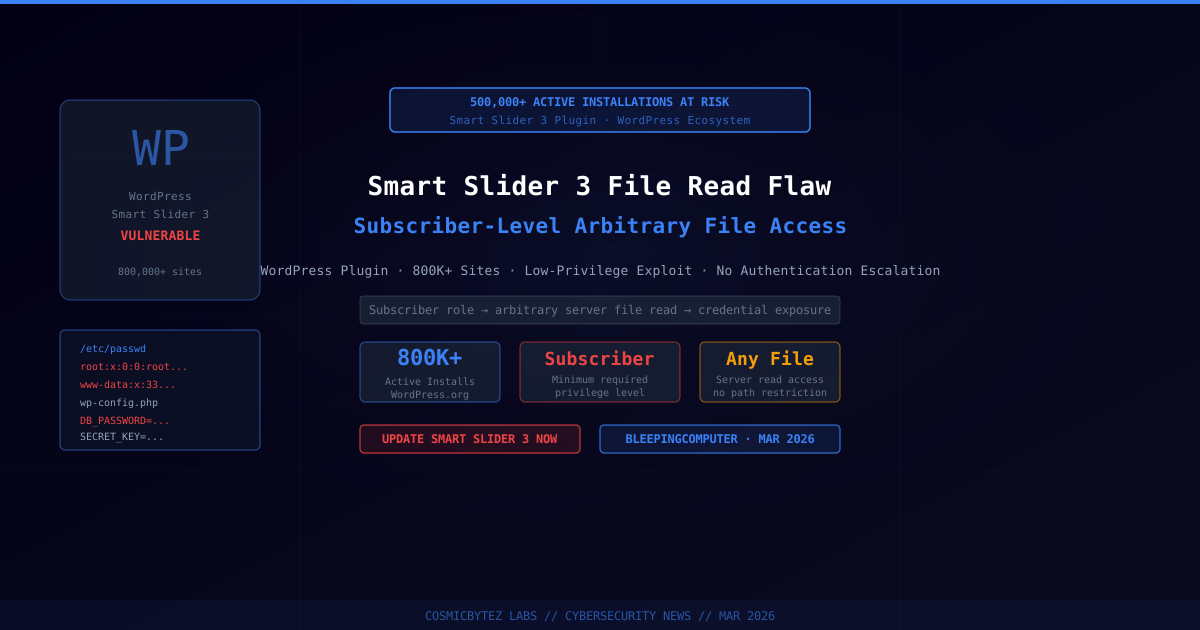
Smart Slider 3 WordPress Plugin Patched for Subscriber-Level Arbitrary File Read
A security vulnerability in the Smart Slider 3 WordPress plugin has been disclosed, affecting one of the platform's most widely deployed visual content tools. The flaw allows any authenticated user with as little as subscriber-level access to read arbitrary files from the web server — potentially exposing database credentials, WordPress secret keys, and other sensitive configuration data stored in files like wp-config.php and /etc/passwd.
Smart Slider 3 is active on more than 800,000 WordPress installations, placing a significant portion of the plugin's user base at risk until patches are applied.
Vulnerability Details
| Attribute | Value |
|---|---|
| Plugin | Smart Slider 3 |
| Active Installs | 800,000+ |
| Vulnerability Type | Arbitrary File Read |
| Minimum Privilege Required | Subscriber |
| Impact | Server file access, credential exposure |
| Patched | Yes — update to the latest version |
The vulnerability exists within the plugin's handling of certain AJAX requests. A user registered on the affected WordPress site — even with minimal subscriber permissions — can craft a request that causes the server to return the contents of arbitrary files accessible to the web server process.
Impact: What Can Be Read?
An attacker exploiting this flaw from a subscriber account can read any file that the web server user (www-data, apache, or equivalent) has permission to access, including:
wp-config.php— Contains database credentials (DB_USER,DB_PASSWORD,DB_HOST), WordPress secret keys and salts, and table prefix/etc/passwd— System user enumeration (useful for lateral movement).envfiles — API keys, payment gateway credentials, SMTP passwords, and other application secrets- Server configuration files — Virtual host configs, PHP configuration, and application-specific settings
- SSH authorized keys — If web server has read access to home directories
The exposure of WordPress secret keys is particularly impactful, as these keys are used to sign authentication cookies and nonces — their compromise allows session forgery and full administrative takeover.
Who Is at Risk?
The flaw is exploitable by any registered WordPress user, meaning sites that allow public registration are at highest risk:
- eCommerce stores (WooCommerce) — any registered customer
- Membership sites — subscriber accounts are common
- Forums and community sites — registered users
- Blogging platforms with open registration
Sites where registration is disabled or restricted to known users face a lower — but not zero — risk, as the attack could also be mounted by compromised or malicious contributor/editor accounts.
Remediation
Update Smart Slider 3 Immediately
The vulnerability has been patched in the latest version of Smart Slider 3. Update through the WordPress dashboard:
- Log in to your WordPress admin panel
- Navigate to Plugins → Installed Plugins
- Locate Smart Slider 3 and click Update Now
Alternatively, update via WP-CLI:
wp plugin update smart-slider-3Verify No Exploitation Occurred
After patching, review your web server access logs for suspicious AJAX requests to the plugin's endpoints:
# Look for unusual POST requests to admin-ajax.php from low-privilege sessions
grep "admin-ajax.php" /var/log/nginx/access.log | grep "POST" | tail -100Rotate Exposed Credentials
If exploitation cannot be ruled out, rotate all credentials stored in files accessible to the web server:
- Regenerate WordPress secret keys at api.wordpress.org/secret-key/1.1/salt/ and update
wp-config.php - Change database password for the WordPress MySQL user
- Rotate all API keys stored in
.envfiles orwp-config.php - Review authentication logs for unexpected admin logins or session activity
Disable Open Registration (if not required)
If your site does not need public registration, disable it to reduce the subscriber-level attack surface:
- Navigate to Settings → General in the WordPress admin
- Uncheck "Anyone can register"
Broader WordPress Plugin Security
This disclosure follows a pattern of high-impact vulnerabilities in widely-used WordPress plugins. With over 60,000 plugins in the WordPress.org repository, the plugin ecosystem remains a significant attack surface for WordPress operators.
Best practices for WordPress plugin security:
- Keep all plugins updated — enable auto-updates for security releases
- Minimize installed plugins — remove unused or inactive plugins
- Use a web application firewall (e.g., Wordfence, Cloudflare) to block exploitation attempts
- Monitor for unexpected file access via server-side logging
- Apply least-privilege principles to WordPress database users
Key Takeaways
- Smart Slider 3 (800,000+ installs) is vulnerable to an arbitrary file read exploitable by any subscriber-level user
- Exploitation can expose database credentials, WordPress secret keys, and sensitive server files
- Patch immediately — update to the latest version of Smart Slider 3 via the WordPress dashboard
- If exploitation is suspected, rotate all credentials stored in server-accessible files
- Sites with open user registration face the highest exploitation risk
Sources
- File read flaw in Smart Slider plugin impacts 500K WordPress sites — BleepingComputer
- Smart Slider 3 Plugin — WordPress.org