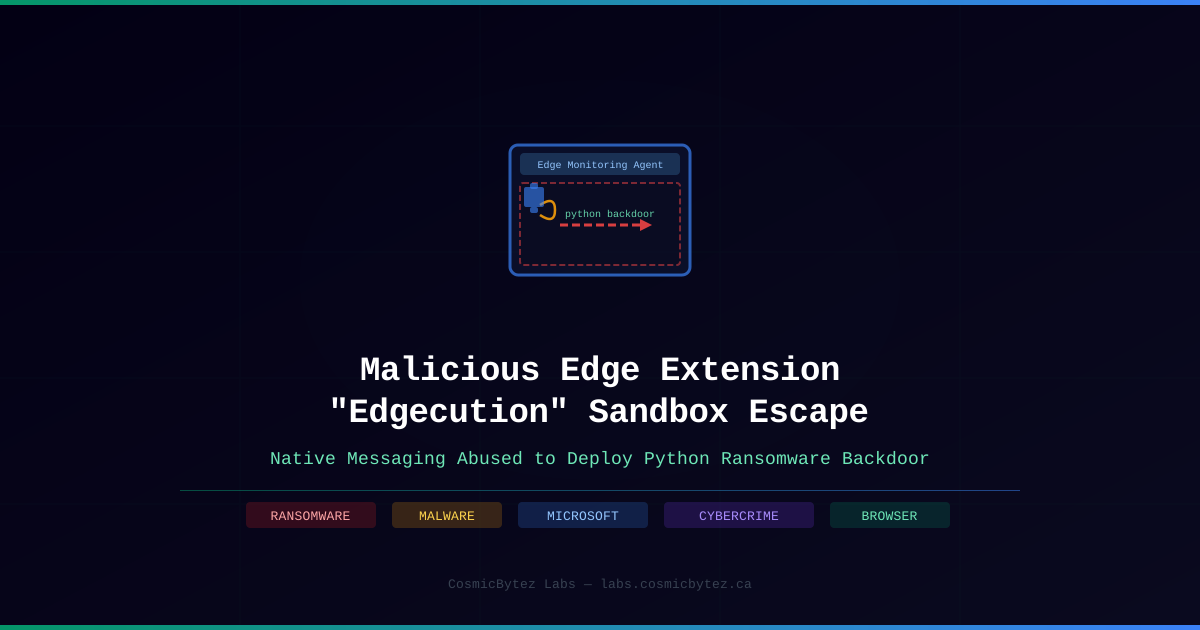
Researchers at Zscaler have uncovered a novel browser-based attack technique used in a real-world ransomware intrusion. A malicious Microsoft Edge extension, dubbed "Edgecution", leverages Chrome's Native Messaging protocol to create a covert command channel that bridges the browser sandbox and the host operating system — enabling the deployment of a Python-based backdoor for the Payouts King ransomware operation.
Attack Overview
The Edgecution campaign is notable for its two-component architecture: a malicious browser extension paired with a locally installed Python backdoor. The extension acts as a relay, using a legitimate browser API in a way that was not designed to be abused as an attack vector.
Four-Phase Attack Chain
Phase 1 — Social Engineering via Microsoft Teams
Attackers impersonated IT support staff through Microsoft Teams, directing employees to a fake "Outlook Updates Management Console" page. The page presented what appeared to be a legitimate and necessary software update, creating urgency and a plausible pretext.
Phase 2 — Malware Delivery via Malformed ZIP
The fake update download contained malformed ZIP files embedding Python 3.13.3. The malformed archive structure was specifically designed to evade security scanning tools. To maximize victim compatibility, the package offered three separate execution methods: AutoHotKey, batch script, or PowerShell — ensuring the attack could proceed regardless of which tools the target had available.
Phase 3 — Browser Sandbox Escape via Native Messaging
Once installed, the malicious extension — disguised as "Edge Monitoring Agent" — communicated externally using Chrome's Native Messaging protocol. This legitimate browser API allows extensions to interact with native desktop applications, creating a communication channel that exits the browser process entirely and reaches the host OS.
By routing commands through Native Messaging, the extension bypassed the browser sandbox restrictions that would normally contain its activity. The extension acted as a transparent relay, forwarding attacker commands to the locally installed Python backdoor.
Phase 4 — Python Backdoor Execution
The Python backdoor exposed a broad attack surface for the operators:
- Execute arbitrary shell commands
- Run PowerShell scripts
- Execute arbitrary Python code
- Write files to disk
- Enumerate running processes
- Collect system information
This capability set is consistent with ransomware pre-deployment reconnaissance — mapping the environment, establishing persistence, and staging for data exfiltration before detonation.
Why This Technique Is Significant
Native Messaging is a well-established, legitimate browser feature. Restricting it entirely would break workflows for many enterprise tools. Unlike more obvious malware delivery methods, a browser extension communicating via Native Messaging blends into expected traffic patterns and may not trigger traditional endpoint detection rules tuned for suspicious process spawning or network connections.
The use of a malformed ZIP as a delivery mechanism is also notable — it represents deliberate evasion engineering targeting file scanning heuristics.
Defensive Recommendations
For Enterprise Security Teams
- Audit all browser extensions organization-wide and enforce allowlists for approved extensions only
- Restrict Native Messaging host configurations via Group Policy or endpoint management — limit which native applications browser extensions can communicate with
- Monitor for unexpected Python installations — Python 3.13.3 appearing on non-developer endpoints is a high-confidence IOC
- Flag malformed ZIP file downloads as high-priority events in DLP and endpoint detection systems
For End Users
- Verify IT support contacts through official internal channels before installing any software, especially when contacted via Teams, email, or phone
- Be skeptical of urgent software update prompts — legitimate enterprise updates come through managed software deployment systems, not web pages
- Report unexpected requests to your security team immediately
For Security Operations
- Hunt for the "Edge Monitoring Agent" extension across the browser extension inventory
- Look for Native Messaging host registrations that are not part of the approved software catalog
- Review Python execution artifacts in endpoint logs — shell spawning from Python processes should be investigated
The Edgecution technique highlights an underappreciated attack surface: browser extensions can serve as a bridge between the sandboxed browser environment and the full attack capabilities available on the host OS. Expect this technique to be refined and replicated.