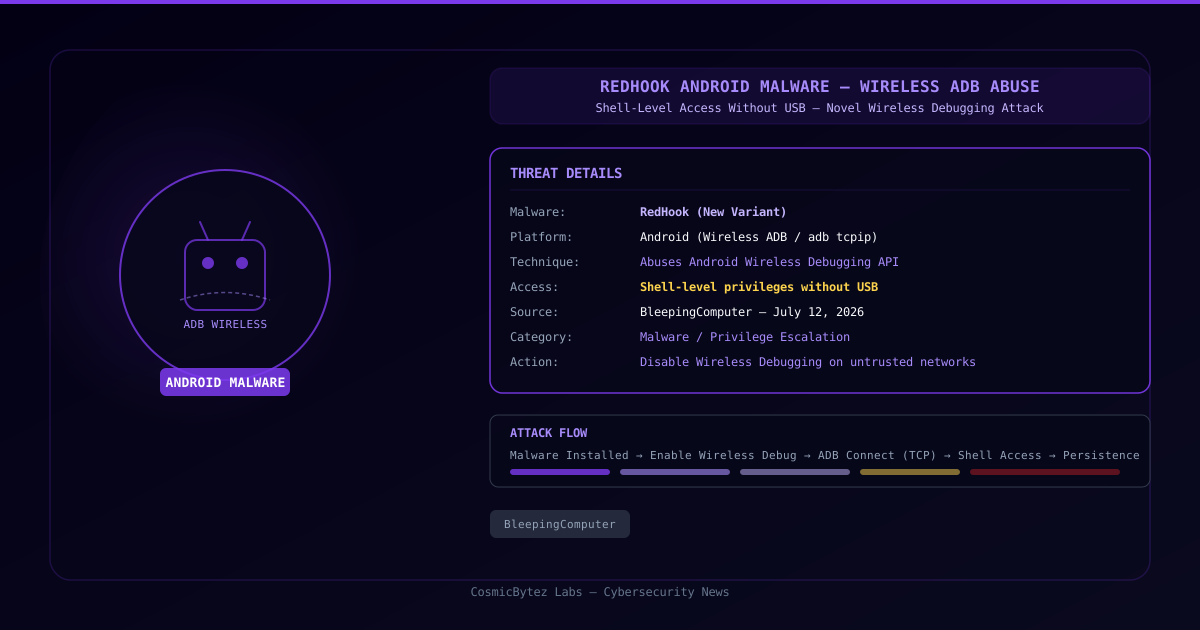
A new variant of the RedHook Android malware has emerged with a significant capability upgrade: it now abuses Android's Wireless Debugging (Wireless ADB) feature to gain shell-level access to compromised devices — entirely without a USB cable or physical computer connection. The discovery, reported by BleepingComputer on July 12, 2026, marks a notable evolution in mobile malware persistence techniques.
What Is Wireless ADB and Why Does It Matter?
Android Debug Bridge (ADB) is a developer tool built into Android that allows a computer to communicate with a connected device for debugging, app deployment, and shell access. Traditionally, ADB required a physical USB connection.
Android 11 introduced Wireless Debugging (adb tcpip) — a feature that allows ADB connections over Wi-Fi, eliminating the USB requirement. While intended for developers, RedHook now weaponizes this capability:
- The malware, once installed, programmatically enables Wireless Debugging on the device
- It then initiates an ADB connection over TCP/IP (typically port 5555)
- This grants the malware shell-level privileges — the same access a developer would have via USB ADB
The result is persistent, privileged access that doesn't require rooting the device or exploiting additional vulnerabilities.
Why This Technique Is Significant
Previous RedHook variants relied on accessibility service abuse or overlay attacks. The Wireless ADB technique is notable for several reasons:
- No USB required — removes the physical access constraint of traditional ADB exploits
- No root required — the technique leverages a legitimate Android feature
- Difficult to detect — Wireless Debugging activity may not be obvious to users
- Persistent shell access — enables command execution, file exfiltration, app installation, and more
- Wi-Fi network reach — any device on the same network can potentially communicate with the ADB listener
Attack Flow
1. RedHook malware installed (via sideload, trojanized app, or social engineering)
2. Malware programmatically enables Android Wireless Debugging
3. ADB listener starts on TCP port 5555
4. Attacker (or C2 server) connects via adb connect <device-ip>:5555
5. Shell-level access granted — full command execution capability
6. Malware can download payloads, exfiltrate data, install additional apps, or persistWho Is Affected
This technique targets Android devices with Wireless Debugging capable of being enabled by apps — which depends on device manufacturer, Android version, and permission configuration. Devices where:
- Android 11 or later is installed
- Malicious apps have sufficient permissions to toggle developer settings
- The device is on a shared or untrusted Wi-Fi network
are at elevated risk.
Mitigation Steps
For Users
- Disable Wireless Debugging if you are not a developer:
Settings → Developer Options → Wireless Debugging - Disable Developer Options entirely if not needed:
Settings → Developer Options → toggle off - Avoid sideloading apps from untrusted sources
- Review installed apps for unknown or suspicious applications
- Use trusted networks — Wireless ADB listeners are network-accessible
For Security Teams
- Mobile Device Management (MDM): enforce policies that disable Developer Options and Wireless Debugging on managed Android devices
- Network monitoring: detect ADB traffic on port 5555 within corporate networks — this is anomalous on production devices
- Endpoint detection: flag apps that programmatically modify developer settings
- App vetting: enforce app store policies; block sideloading on managed devices
Detection Indicators
| Indicator | Description |
|---|---|
| TCP port 5555 open on mobile device | ADB listener active |
adb tcpip process activity | Wireless ADB enabled |
| Developer Options enabled on non-dev devices | Potential pre-condition |
| Unknown apps with developer setting access | Malware indicator |
| Unexpected outbound connections from Android device | C2 communication |
Broader Context: Android Malware Evolution
RedHook's adoption of Wireless ADB follows a trend of Android malware leveraging legitimate OS features to achieve privileged access without triggering traditional exploit detection:
- Accessibility Services: abused for screen reading, click injection, and credential theft
- Notification Listener: abused for OTP interception
- Device Admin APIs: abused for persistence and device wipe capability
- Wireless ADB (new): abused for shell-level access without rooting
This evolution makes behavioral detection increasingly important — signature-based approaches may miss malware that abuses legitimate APIs.
Key Takeaways
- RedHook now uses Wireless ADB to gain shell access on Android without USB or rooting
- The technique abuses a legitimate Android developer feature introduced in Android 11
- Devices on shared Wi-Fi with Wireless Debugging enabled are network-accessible to attackers
- Disable Developer Options and Wireless Debugging on non-developer devices immediately
- MDM policies should enforce restrictions on developer settings across managed Android fleets