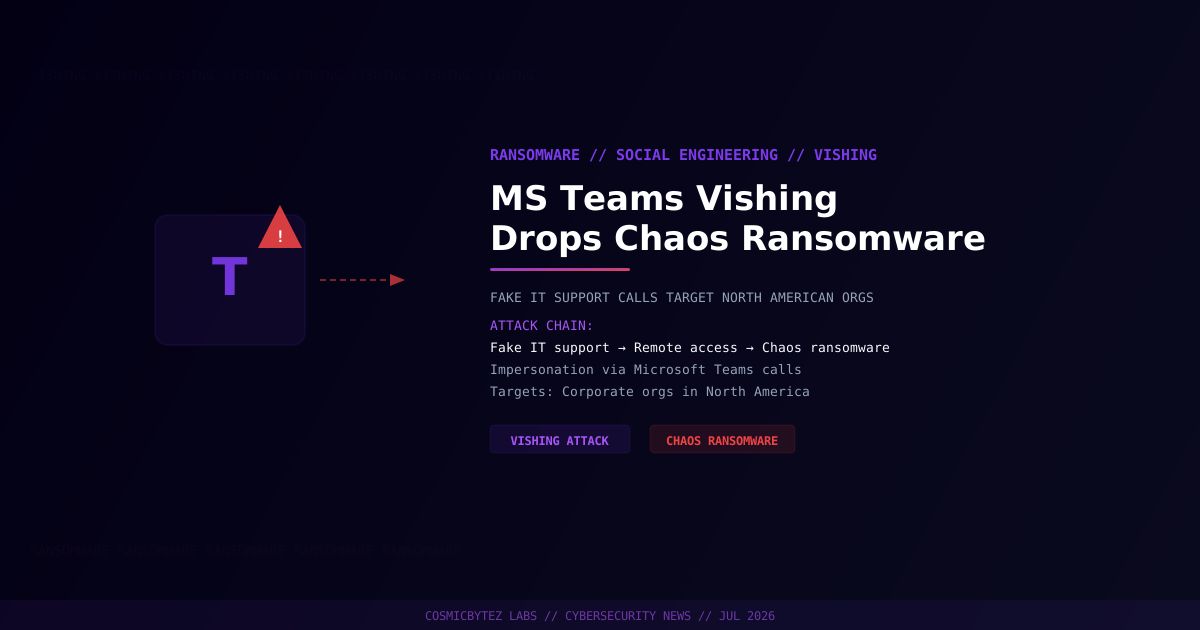
The Attack Explained
A newly observed threat campaign is targeting North American organizations through a sophisticated voice phishing (vishing) technique that abuses Microsoft Teams to deploy Chaos ransomware. Attackers are posing as internal IT support staff, placing calls directly within the Teams platform, and using social engineering to convince employees to grant remote access to their devices.
This attack chain requires no malware to be delivered via email and bypasses many traditional email-based defenses — making it a particularly effective and difficult-to-detect technique.
Attack Chain Breakdown
Stage 1 — Initial Contact
  → Attacker calls target employee via Microsoft Teams
  → Impersonates IT helpdesk or system administrator
  → Claims urgent technical issue requiring remote assistance

Stage 2 — Remote Access Obtained
  → Victim is persuaded to install legitimate remote access software
     (e.g., AnyDesk, TeamViewer, Quick Assist)
  → Attacker gains full control of the victim's workstation

Stage 3 — Ransomware Deployment
  → Attacker disables endpoint protections where possible
  → Deploys Chaos ransomware payload
  → Files encrypted; ransom note dropped
→ Exfiltration of sensitive data for double-extortion leverageWhy Microsoft Teams?
Microsoft Teams is trusted implicitly within corporate environments. Unlike external emails — which employees may scrutinize for phishing indicators — calls and messages from within Teams are often treated as inherently legitimate, especially when an attacker has already gained access to a compromised Teams account or has created a convincing impersonator account.
The platform's widespread adoption in hybrid work environments means that employees are conditioned to accept IT support requests over Teams, making it a natural vector for this kind of attack.
Chaos Ransomware Profile
Chaos is a .NET-based ransomware builder that first emerged in 2021 and has since evolved through multiple iterations. Key characteristics include:
| Attribute | Detail |
|---|---|
| Type | Ransomware (file encryptor + wiper variants) |
| Platform | Windows (.NET) |
| Builder | Publicly available builder kit (low barrier to entry) |
| Encryption | AES-256 for larger files; overwrites small files |
| Exfiltration | Some variants exfiltrate before encrypting |
| Ransom notes | Custom per campaign; includes contact instructions |
| Availability | Sold/leaked on cybercriminal forums |
Chaos's builder kit has lowered the barrier to entry for ransomware deployment, enabling less-sophisticated threat actors to conduct ransomware operations with minimal technical knowledge.
Indicators of Compromise (IoCs)
Organizations should monitor for the following behaviors:
| Indicator | Description |
|---|---|
| Unexpected Teams calls from "IT support" accounts | Social engineering lure |
| Installation of AnyDesk, TeamViewer, or Quick Assist | Remote access tool deployment |
| Rapid file modification or mass rename events | Ransomware encryption in progress |
.chaoS, .havoC, or random-extension renamed files | Chaos ransomware file markers |
| Deletion of Volume Shadow Copies (VSS) | Ransomware anti-recovery step |
Ransom note files (read_it.txt, DECRYPT_FILES.txt) | Post-encryption indicator |
Who Is Targeted?
The campaign is currently targeting corporate organizations across North America. Industries with large remote/hybrid workforces and widespread Teams deployments are at elevated risk, including:
- Financial services
- Healthcare
- Legal and professional services
- Technology companies
- Government contractors
How to Defend Against This Attack
Immediate Controls
- Restrict who can initiate Teams calls with internal employees — configure Teams to block external guest calls or require approval
- Establish a verified IT support request process — employees should be trained to verify IT support requests through an out-of-band channel (not Teams itself)
- Disable or restrict quick-access remote tools — block or whitelist remote assistance applications via endpoint policy
- Enable call recording or logging in Teams — monitor for calls from unknown or recently created accounts
Training Recommendations
- Conduct security awareness training specifically covering vishing via collaboration platforms
- Run simulated vishing exercises using Teams scenarios
- Brief employees: Legitimate IT staff will never ask you to install software during an unsolicited call
Technical Mitigations
# Block external Teams users from calling internal users
# (Microsoft Teams Admin Center > Voice > Calling policies)

# Restrict AnyDesk/TeamViewer via AppLocker or Windows Defender WDAC
# Example: deny by publisher
New-AppLockerPolicy -RuleType Publisher -Action Deny `
  -Publisher "AnyDesk Software GmbH" -Xml .\policy.xml

# Enable VSS snapshot monitoring
Get-WmiObject Win32_ShadowCopy | Select-Object InstallDate, VolumeNameBackup and Recovery
- Ensure offline, immutable backups are in place and tested
- Verify that backups are not accessible from compromised workstation credentials
- Test restoration procedures regularly
Comparison: Vishing vs. Traditional Phishing
| Factor | Email Phishing | Teams Vishing |
|---|---|---|
| Delivery | Voice/chat call | |
| Detection cues | Sender domain, links, urgency | Caller identity, urgency |
| Bypasses email filters | No | Yes |
| Employee trust level | Moderate | High (internal platform) |
| Technical sophistication | Low-Medium | Low-Medium |
| Effectiveness in hybrid work | Moderate | High |