Backups Silently Failing
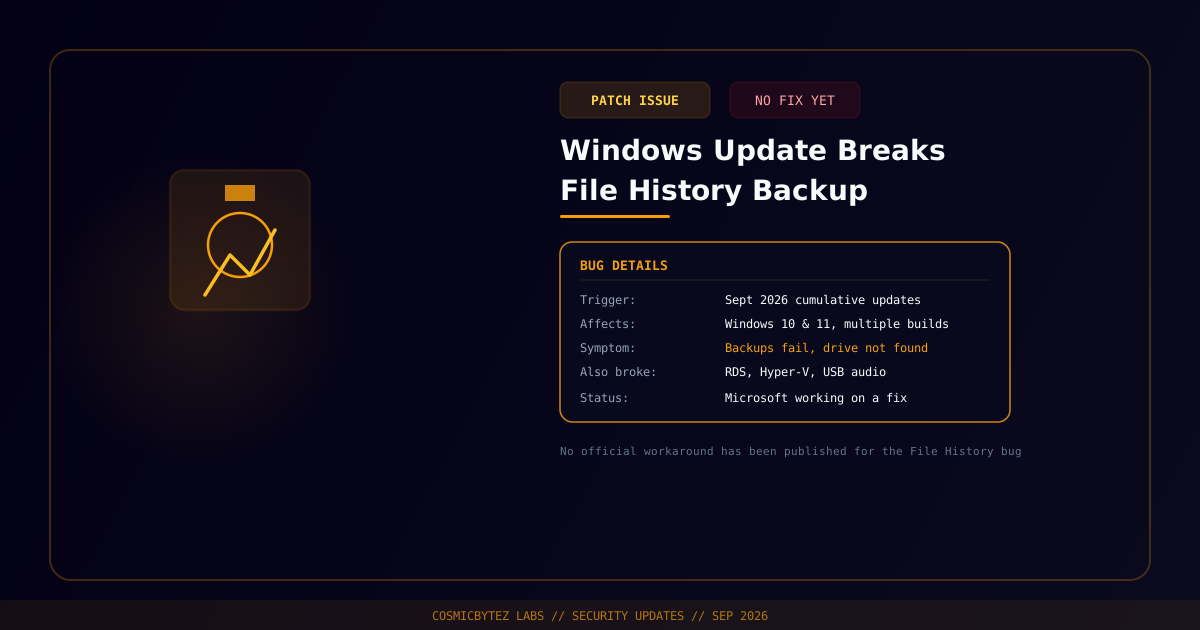
Microsoft has confirmed that the built-in File History backup feature in Windows is breaking on some systems after installing September 2026 cumulative security updates. The company says it is aware of the problem and "still working on a fix," but has not yet published a permanent resolution or an official workaround.
Affected Updates and Systems
The bug spans a wide range of currently supported Windows versions, introduced through several separate cumulative updates:
- Windows 11 (26H1, 25H2, 24H2, 23H2) via KB5124012, KB5124008, and KB5122880
- Windows 10 (22H2, 21H2) via KB5122878
- Windows 10 Enterprise LTSC (2016, 2019) via KB5123099 and KB5122876
In practice, that covers effectively every actively supported Windows 10 and 11 build shipping the September patch batch.
Symptoms
Affected users report a consistent set of failure modes:
- File History unable to create or update backups
- False "Reconnect your drive" prompts even when the backup drive is connected and healthy
- The "Last Backup" timestamp failing to update after a scheduled run
- Files showing "No previous version available" when a restore is attempted
FileHistory.execrash events appearing in Event Viewer
The combination is particularly dangerous because several of these symptoms fail silently from the user's perspective — a system can appear to be backing up normally while File History is actually not capturing new data.
Part of a Larger September Patch Problem
File History isn't the only feature broken by this update batch. Microsoft has also acknowledged the same September cumulative updates causing Remote Desktop Services failures, Hyper-V problems, and USB audio issues — a notably broad blast radius for a single monthly patch cycle.
Why This Matters
The silent-failure mode here is the real risk: a backup feature that visibly errors out at least prompts users to investigate, but one that reports stale "last backup" timestamps or simply stops capturing changes without a clear failure signal can leave systems with weeks-old backups that nobody notices are stale until a restore is actually needed. Until Microsoft ships a fix, admins relying on File History for endpoint backup should manually verify recent backup timestamps and file versions on affected systems rather than trusting the dashboard status, and should not treat File History as a reliable safety net for anything critical in the meantime.