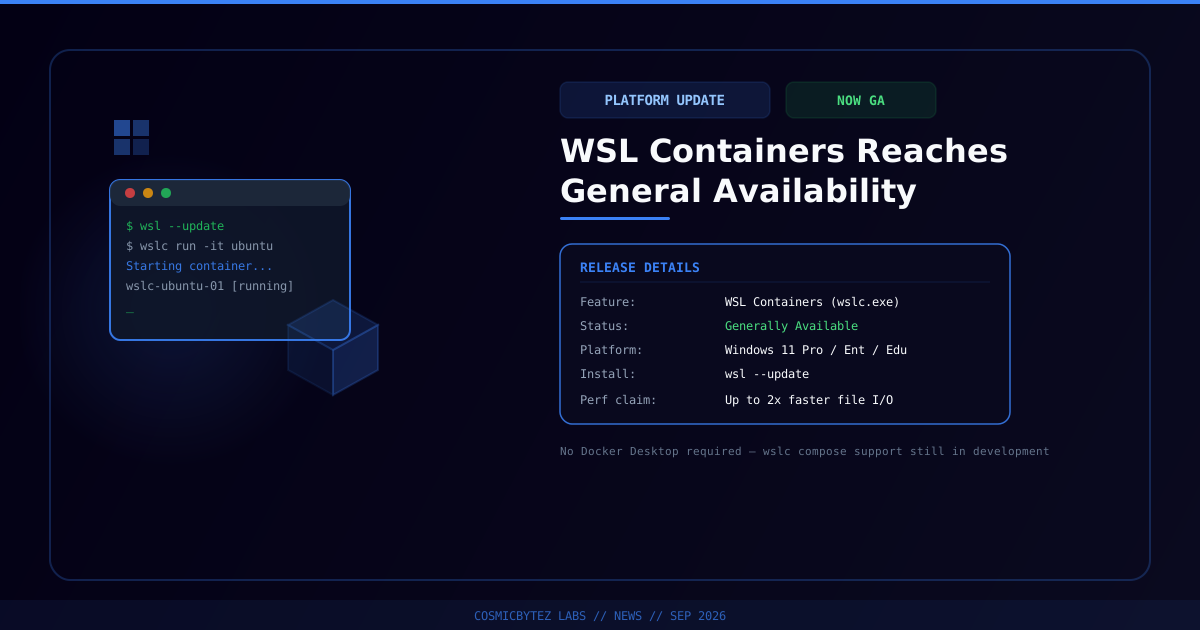
Microsoft Ships WSL Containers to General Availability
On September 29, 2026, Microsoft announced that WSL Containers — a feature that lets developers build, run, and deploy Linux containers directly on Windows through the Windows Subsystem for Linux — is now generally available. The feature debuted as a public preview at Microsoft Build 2026 in June, where Microsoft said it was targeting a fall 2026 GA release, a timeline it met. Access runs through a new command-line tool, wslc.exe (aliased as container.exe for developers who already know Docker-style commands), plus a WSL Containers API that lets native Windows applications programmatically launch and interact with Linux containers — a capability Microsoft is positioning for scenarios like local AI workloads and running cloud-based containerized applications locally.
Unlike Docker Desktop, which runs a Docker Engine daemon inside a single shared WSL 2 virtual machine, WSL Containers is built directly into WSL itself and launches an independent, lightweight Hyper-V micro-VM per container or per app, isolating storage and networking on a per-workload basis. The CLI is deliberately Docker-compatible — commands such as wslc run, wslc build, and wslc container ps map closely to their Docker counterparts, and container operations follow the Docker Engine API schema, so existing muscle memory largely carries over.
| Attribute | Value |
|---|---|
| Feature | WSL Containers |
| Status | Generally available |
| GA announced | September 29, 2026 |
| Preview debut | Microsoft Build 2026 (June 2026) |
| CLI | wslc.exe (alias: container.exe) |
| Platform | Windows 11 Pro, Enterprise, or Education (Hyper-V isolation required; Home edition not supported) |
| How to get it | Run wsl --update, or download from Microsoft's GitHub releases page |
| Isolation model | Per-container/per-app Hyper-V micro-VMs, vs. Docker Desktop's single shared WSL 2 VM |
| Performance claim | Up to 2x faster performance accessing Windows files from Linux environments |
| Docker Compose support | Not yet shipped — wslc compose for existing compose.yaml files is in active development |
| Cost | Included with supported Windows 11 editions, no separate license |
What WSL Containers Is
WSL Containers extends WSL beyond simply hosting Linux distributions into a first-class Linux container runtime for Windows. Rather than requiring a third-party engine, Windows itself now ships a daemonless container runtime that developers reach through wslc.exe. The general-availability release adds a broad set of day-to-day container management commands that weren't in the preview: wslc container restart, wslc container cp for copying files, container health checks, configurable mount points via a --mount flag, a configurable default storage location, wslc events for streaming real-time container activity, and wslc network connect/disconnect commands alongside custom network driver options (including a new networking mode Microsoft calls consomme).
How It Compares to Docker Desktop and Existing WSL2 Workflows
For a developer who already runs the Docker Engine reliably inside a WSL 2 distro, the direct day-to-day benefit is modest: WSL Containers mainly removes the need for distro-specific daemon setup and adds a Windows-side wslc.exe entry point. The more substantial architectural change is isolation — Docker Desktop's WSL 2 backend runs every container inside one shared Linux VM, while WSL Containers spins up a dedicated Hyper-V micro-VM per container or per requesting app, which stronger isolates storage and networking between workloads. Microsoft is also pitching cost as a differentiator: Docker Desktop requires a paid subscription for use at larger companies, while WSL Containers ships free with qualifying Windows 11 editions.
The most consistently cited gap in early hands-on coverage is Docker Compose. WSL Containers currently has no equivalent to docker compose up — no YAML-based multi-service orchestration exists yet, which several reviewers flagged as the main blocker to fully replacing Docker Desktop for multi-container development stacks. Microsoft has confirmed wslc compose support for existing compose.yaml files is actively in development, alongside further improvements to networking and cross-OS file performance.
Enterprise and Developer Tooling Integration
Microsoft used the GA release to lean into manageability and security controls aimed at IT and security teams:
- Microsoft Intune can now enable or disable WSL Containers fleet-wide and restrict image pulls to approved registries, giving administrators a lever to keep developers pulling only images that meet organizational compliance requirements.
- Microsoft Defender for Endpoint, which already had WSL visibility, now extends its plugin to surface process, file, and network activity generated inside WSL containers.
- VS Code Dev Containers can use
wslcas its default driver, and .NET Aspire now treats WSL Containers as a first-class container runtime, alongside a VS Code container extension and early third-party tooling.
Why This Matters
For IT and platform teams, WSL Containers signals that Windows itself is absorbing a capability that previously required installing and licensing a separate product. That has two practical implications: it lowers the barrier for Windows-based developers to run Linux container workloads without onboarding Docker Desktop, and it gives enterprises a new governance surface — Intune-managed registry restrictions and Defender visibility into container activity — that third-party container runtimes on Windows generally haven't offered out of the box. For local AI development specifically, the new WSL Containers API gives native Windows applications a supported way to spin up isolated Linux containers programmatically, which is relevant to the growing number of local-inference and agent tooling scenarios that expect a Linux runtime underneath. The missing Compose support, however, means most teams running multi-service local stacks will still need Docker Desktop or another orchestrator for now.
Getting Started
For Individual Developers
- Confirm you're on Windows 11 Pro, Enterprise, or Education — the Home edition does not support the Hyper-V-based isolation WSL Containers depends on.
- Run
wsl --updatefrom an elevated terminal to pull the latest WSL release, or grab the latest build directly from Microsoft's GitHub releases page. - Try Docker-familiar commands through
wslc(or itscontainer.exealias) —wslc run,wslc build, andwslc container psare functional starting points. - If your workflow depends on
compose.yamlmulti-container stacks, keep Docker Desktop installed untilwslc composeships.
For IT and Platform Teams
- Evaluate the Intune controls for WSL Containers now, particularly registry allow-listing, before developers adopt the feature ad hoc.
- Confirm Microsoft Defender for Endpoint is picking up WSL container telemetry in your environment and route it into existing detection workflows.
- Track
wslc composeprogress before committing to a fleet-wide migration away from Docker Desktop — the current GA release is not yet a full drop-in replacement for Compose-based projects.
Key Takeaways
- WSL Containers exited preview and reached general availability on September 29, 2026, roughly three months after its public preview debut at Microsoft Build 2026.
- The feature is accessed through a new CLI,
wslc.exe(aliascontainer.exe), plus a WSL Containers API for native Windows apps to launch Linux containers programmatically. - Architecturally, WSL Containers isolates each container in its own Hyper-V micro-VM, contrasting with Docker Desktop's single shared WSL 2 VM — and it's free with qualifying Windows 11 editions rather than requiring a paid Docker Desktop license.
- Requires Windows 11 Pro, Enterprise, or Education; get it via
wsl --update. Microsoft claims up to 2x faster file access performance between Windows and Linux environments. - New enterprise controls ship at GA: Microsoft Intune can restrict WSL Containers to approved registries, and Microsoft Defender for Endpoint now covers container-level process, file, and network activity.
- Docker Compose support is not yet available —
wslc composeis still in development — so teams running multi-container stacks will likely need to keep Docker Desktop in their toolchain for now.