Microsoft's October Office update closes two dozen RCE holes — five with zero-click risk
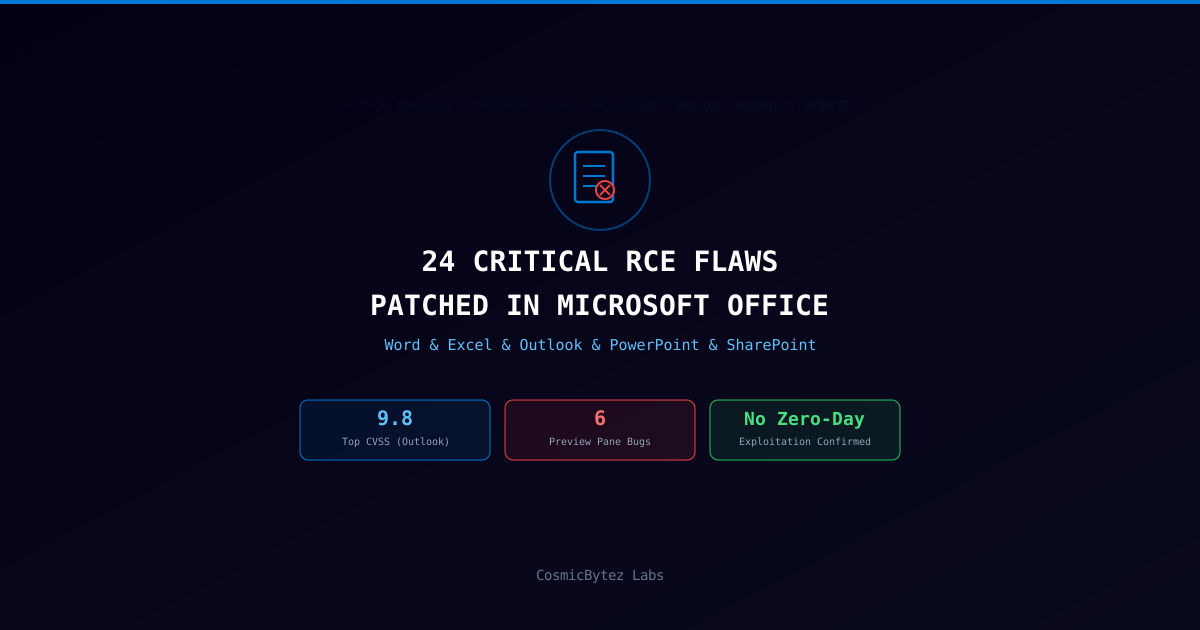
As part of its October 2026 Patch Tuesday release, Microsoft shipped fixes for more than 30 vulnerabilities across the Office product line, 24 of which are high-severity remote code execution (RCE) flaws, according to SecurityWeek. The batch also includes several information disclosure bugs and one security bypass issue. Microsoft says none of the newly resolved Office issues have been exploited in the wild as a zero-day, but researchers tracking the same release flagged a cluster of five Outlook bugs — all carrying a CVSS score of 9.8 — that can be triggered the moment a malicious email is displayed in the Reading Pane, with no click or attachment open required. SecurityWeek counted six Office flaws in total exploitable through a preview pane rather than a full file-open, five of them in Outlook alone.
The Office fixes landed alongside Microsoft's broader October cycle, which patched a record 1,413 CVEs fleet-wide (covered separately on Labs); this piece focuses on the Office-specific slice of that release.
Incident Details
| Attribute | Value |
|---|---|
| Disclosure date | October 13, 2026 (Patch Tuesday); SecurityWeek analysis published October 16, 2026 |
| Total Office vulnerabilities patched | More than 30 |
| Remote code execution flaws | 24, rated high severity/critical, CVSS range 7.5–9.8 |
| Other bug classes | Multiple information disclosure flaws; one security bypass issue |
| Affected products | Word, Excel, Outlook, PowerPoint, SharePoint, Office LTSC for Mac (2021 and 2024), Office 365 for Mac |
| Most common root cause | Buffer overflow (heap-based and stack-based); also off-by-one, use-after-free, path traversal, and numeric truncation errors |
| Preview Pane-exploitable bugs | 6 total — 5 in Outlook's Reading Pane |
| Highest-rated flaws | Five Outlook RCEs, each CVSS 9.8: CVE-2026-70242, CVE-2026-70291, CVE-2026-88156, CVE-2026-97016, CVE-2026-97749 |
| Zero-day / in-the-wild exploitation | None confirmed for any Office flaw in this release |
| Standard attack vector | Attacker sends a specially crafted document and convinces the recipient to open it |
How It Worked
Buffer overflows dominate the Office RCE list
Most of the 24 RCE flaws trace back to memory-safety bugs in how Office applications parse file formats. Independent analysis of the release (Cisco Talos) attributes the majority to heap-based buffer overflow conditions, with smaller clusters of use-after-free, off-by-one, integer overflow/wraparound, and path traversal errors rounding out the list. In practice, each of these weaknesses lets a malformed document — a .docx, .xlsx, or .pptx file crafted with out-of-spec structures — corrupt memory in a way that redirects program execution to attacker-controlled code once the file is parsed. Representative examples from this cycle include:
- Word —
CVE-2026-70300(untrusted pointer dereference, CVSS 9.8) andCVE-2026-70269(heap-based buffer overflow combined with integer overflow, CVSS 8.1) - Excel —
CVE-2026-97778(integer overflow/wraparound, CVSS 8.8), one of roughly 18 Excel RCEs patched this cycle, nearly all clustered at CVSS 8.8 - PowerPoint —
CVE-2026-88178(use-after-free, CVSS 9.8) andCVE-2026-88207(heap-based buffer overflow, CVSS 7.5) - SharePoint — a smaller set of fixes this cycle, including an elevation-of-privilege issue tied to improper cryptographic signature verification
The Outlook Reading Pane cluster: no click required
The five Outlook flaws stand apart because they don't require the standard "open the attachment" step that gates most document-based RCEs. Microsoft's advisories describe all five as triggerable simply by an email rendering in Outlook's Reading Pane — the preview panel that displays message content without the user opening it in a separate window. CVE-2026-70242 and CVE-2026-70291 are both heap-based buffer overflow bugs; Microsoft rates exploitation for the group as "Exploitation Less Likely," but the zero-click delivery mechanism means every unpatched Outlook desktop client with the Reading Pane enabled is in scope the moment a crafted email arrives — no social engineering required.
Six flaws, one shared weak point: the preview
SecurityWeek's count of six Preview Pane-exploitable bugs (five in Outlook, one elsewhere in the Office/Explorer file-preview path) underscores a recurring theme in this cycle: traditional advice to "don't open unexpected attachments" doesn't fully neutralize risk when previewing — not opening — a file is enough to trigger code execution.
Information disclosure and the security bypass issue
Beyond the headline RCEs, Microsoft's Office update addresses several information disclosure vulnerabilities that could let an attacker read memory contents or local file data without full code execution, plus one security bypass flaw that could allow an attacker to circumvent a protective control (such as Protected View or a macro-trust boundary) under specific conditions. SecurityWeek's reporting did not break out individual CVE identifiers for this subset.
Impact Assessment
| Impact Area | Description |
|---|---|
| Email-borne compromise | Five CVSS 9.8 Outlook RCEs trigger via Reading Pane preview alone, bypassing the "don't click it" defense most phishing training relies on |
| Document-based malware delivery | 24 RCE flaws across Word, Excel, and PowerPoint give attackers a wide set of file-format exploits for phishing and watering-hole campaigns |
| macOS Office fleets | Office LTSC for Mac (2021, 2024) and Office 365 for Mac also received fixes, extending exposure beyond Windows-only environments |
| Patch triage load | Office fixes landed the same cycle as a record 1,413-CVE Windows release, competing for security-team attention and testing bandwidth |
| Information exposure | Multiple info-disclosure bugs could leak memory or file contents as a precursor to a more targeted follow-on attack |
| Defense-in-depth erosion | Preview Pane-triggered bugs undercut "inspect before opening" workflows that many SOCs and end users rely on as a first line of defense |
Recommendations
For IT administrators
- Deploy the October Office security updates fleet-wide through WSUS, Intune, or the Microsoft 365 Apps Click-to-Run channel without delay — prioritize the five Outlook Reading Pane RCEs (
CVE-2026-70242,CVE-2026-70291,CVE-2026-88156,CVE-2026-97016,CVE-2026-97749) given their zero-click delivery. - Confirm macOS fleets running Office LTSC for Mac (2021/2024) or Office 365 for Mac have pulled the corresponding updates — Mac Office patching is frequently overlooked relative to Windows.
- Validate patch deployment against the full affected-product list (Word, Excel, Outlook, PowerPoint, SharePoint), not just the most-publicized Outlook cluster.
For security teams
- Do not rely solely on Microsoft's "Exploitation Less Likely" rating for the Outlook flaws — a CVSS 9.8 zero-click bug remains high priority regardless of likelihood scoring, since likelihood estimates can shift once proof-of-concept code circulates.
- As an interim mitigation before patches are fully rolled out, consider disabling the Outlook Reading Pane fleet-wide or restricting it to internal senders.
- Tune email gateway and attachment-sandboxing rules to flag malformed or oversized Office file structures, which are a common signature of buffer-overflow exploitation attempts.
- Monitor EDR telemetry for Office applications (Winword.exe, Excel.exe, Powerpnt.exe, Outlook.exe) spawning unexpected child processes — a classic post-exploitation indicator for these flaw classes.
For end users
- Apply Office updates as soon as they are offered; do not defer the October cycle given the Preview Pane risk.
- Be cautious with unsolicited documents even after patching — the fix closes this specific set of CVEs but does not eliminate document-based risk generally.
- macOS users running Office should check for and install updates through Microsoft AutoUpdate, not just the Windows update mechanism.
Key Takeaways
- Microsoft's October 2026 Office update patches 24 high-severity RCE flaws plus multiple information disclosure bugs and a security bypass issue, across Word, Excel, Outlook, PowerPoint, SharePoint, and both Mac Office channels.
- None of the Office flaws were exploited as a zero-day before the patch shipped, per Microsoft — but that does not reduce urgency given the zero-click delivery path for several bugs.
- Five Outlook RCEs —
CVE-2026-70242,CVE-2026-70291,CVE-2026-88156,CVE-2026-97016, andCVE-2026-97749— each carry a CVSS score of 9.8 and trigger simply by previewing a malicious email in the Reading Pane. - Six total Office flaws this cycle are exploitable via a preview pane rather than requiring a full file-open, undermining "don't open unknown attachments" guidance.
- Buffer overflow is the dominant root cause across the RCE batch, with smaller numbers of use-after-free, off-by-one, path traversal, and numeric truncation bugs rounding out the list.
- The update ships alongside Microsoft's record 1,413-CVE October Patch Tuesday, meaning Office patching competes directly with a much larger Windows-focused remediation workload this cycle.