Executive Summary
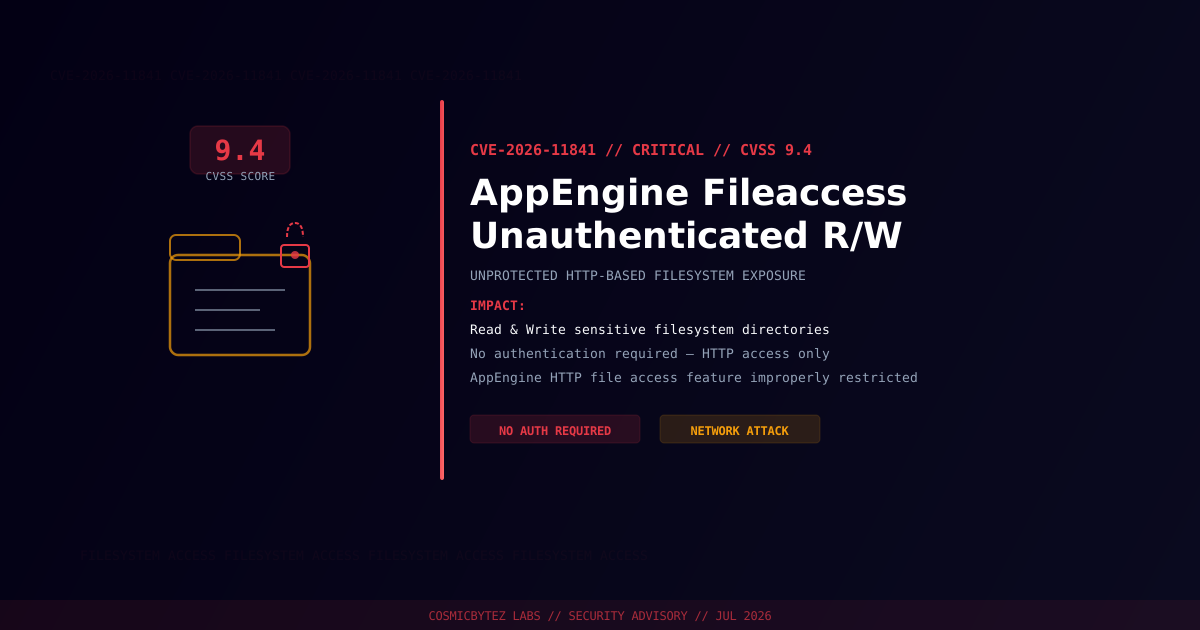
A critical access-control vulnerability (CVE-2026-11841) has been disclosed affecting AppEngine's Fileaccess over HTTP feature. Due to improper access restrictions, an unauthenticated remote attacker can perform arbitrary read and write operations on sensitive filesystem areas exposed through the HTTP-based file access interface.
CVSS Score: 9.4 (Critical)
The vulnerability stems from a critical filesystem directory being unintentionally exposed through the HTTP-based file access feature without requiring authentication. Successful exploitation allows attackers to read sensitive data and write malicious content to the host filesystem.
Vulnerability Overview
| Attribute | Value |
|---|---|
| CVE ID | CVE-2026-11841 |
| CVSS Score | 9.4 (Critical) |
| Type | Improper Access Restriction — Unauthenticated Filesystem Access |
| Attack Vector | Network |
| Privileges Required | None |
| User Interaction | None |
| Affected Component | AppEngine Fileaccess over HTTP |
Affected Versions
| Product | Affected Configuration |
|---|---|
| AppEngine | Fileaccess over HTTP feature enabled |
Attack Vector
1. Attacker identifies AppEngine instance with Fileaccess over HTTP enabled
2. Attacker sends unauthenticated HTTP requests to the file access endpoint
3. Improperly restricted endpoint processes requests without authentication
4. Attacker reads sensitive filesystem directories (config, credentials, data)
5. Attacker writes malicious content to filesystem (webshells, backdoors)
6. Full persistent access — data exfiltration and remote code execution possibleImpact of Successful Exploitation
| Impact | Description |
|---|---|
| Data Exfiltration | Read configuration files, credentials, and sensitive data |
| Arbitrary File Write | Upload malicious scripts or overwrite application files |
| Persistent Backdoor | Write webshells for persistent unauthorized access |
| Privilege Escalation | Access files owned by privileged application accounts |
| Application Compromise | Modify application logic or configuration |
Immediate Remediation
Step 1: Disable Fileaccess over HTTP
If the feature is not actively required, disable HTTP-based file access immediately:
# Identify AppEngine instances with Fileaccess over HTTP enabled
# Consult your AppEngine vendor documentation to locate the Fileaccess configuration
# Disable or restrict the HTTP file access endpointStep 2: Apply Available Patches
Check with your AppEngine vendor for updated packages addressing CVE-2026-11841 and apply immediately.
Step 3: Restrict Network Access
If the Fileaccess feature is required, restrict access at the network layer:
# Example: restrict via firewall or reverse proxy to trusted IP ranges only
# Block external access to the Fileaccess HTTP endpoint
# Enforce authentication at the proxy/WAF layer as a compensating controlStep 4: Audit Filesystem for Compromise
# Check for recently modified files in sensitive directories
find /app -newer /app/last_known_good -type f -ls

# Search for common webshell signatures
grep -rl "eval\s*(base64_decode" /app/
grep -rl "passthru\|exec\|shell_exec" /app/uploads/

# Review application logs for unauthorized HTTP access to Fileaccess endpoint
grep "fileaccess\|file_access" /var/log/appengine/access.log | grep -v "192.168\|10\."If Immediate Patching Is Not Possible
- Disable the Fileaccess over HTTP feature entirely
- Block network access to the Fileaccess endpoint at the firewall or load balancer
- Enforce IP allowlisting for any required file access operations
- Monitor access logs continuously for unauthorized access attempts
- Deploy a WAF rule to block unauthenticated requests to the Fileaccess endpoint
Detection Indicators
| Indicator | Description |
|---|---|
| Unauthenticated GET/POST to Fileaccess endpoint | Active exploitation attempt |
| New files created in sensitive directories | Possible webshell or backdoor upload |
| Access to configuration or credential files | Data exfiltration in progress |
| Unusual outbound connections from app server | Post-exploitation data exfiltration |
| Modified application files with obfuscated content | Backdoor installation |
Post-Remediation Steps
- Confirm patch applied — verify vendor advisory and installed version
- Disable or restrict Fileaccess over HTTP to minimum required access
- Audit filesystem for unauthorized modifications or uploaded files
- Rotate all credentials exposed through the affected filesystem areas
- Review access logs for the full incident timeline
- Implement continuous file integrity monitoring on sensitive directories
- Deploy a WAF with rules targeting the Fileaccess endpoint