Executive Summary
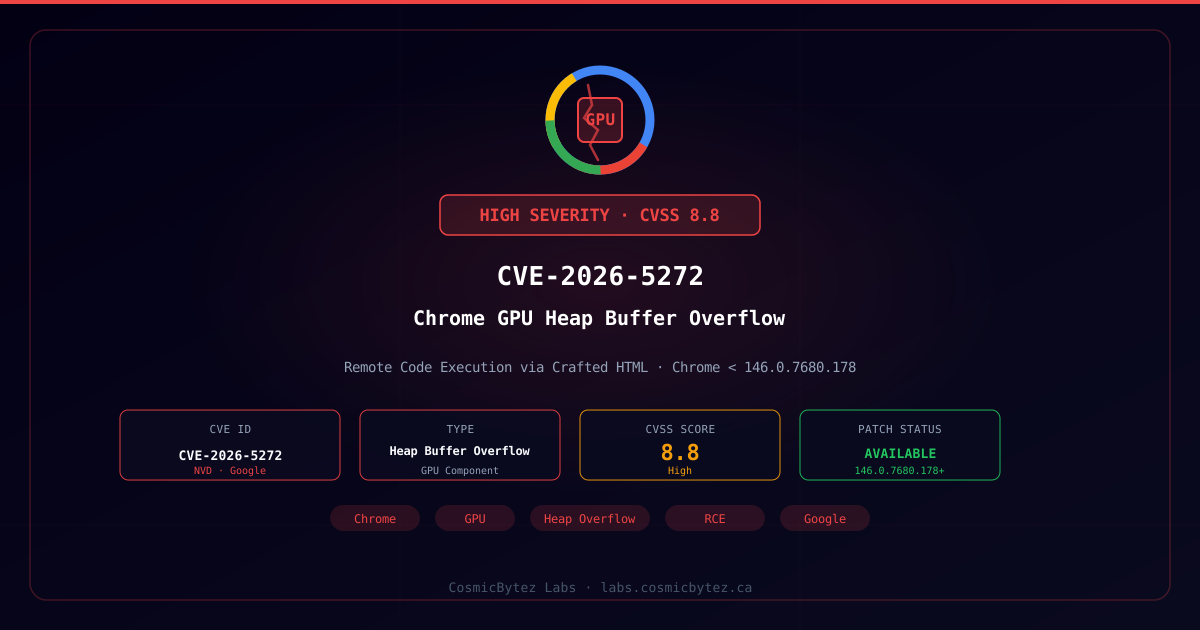
Google has patched CVE-2026-5272, a high-severity heap buffer overflow vulnerability in Chrome's GPU component affecting all Chrome versions prior to 146.0.7680.178. The flaw can be exploited remotely by tricking a user into visiting a crafted HTML page, potentially resulting in arbitrary code execution within the browser process.
CVSS Score: 8.8 (High)
All Chrome users should update to version 146.0.7680.178 or later immediately.
Vulnerability Details
Root Cause
CVE-2026-5272 is a heap buffer overflow in Chrome's GPU process. Heap buffer overflows occur when a program writes more data to a buffer allocated on the heap than the buffer can hold, corrupting adjacent memory. In a browser context, GPU process vulnerabilities are particularly significant because:
- The GPU process handles rendering operations with elevated hardware privileges
- Overflow conditions can overwrite heap metadata or adjacent allocations
- Attackers controlling overwritten data can redirect execution flow
- Successful exploitation achieves code execution inside the GPU process sandbox
Exploitation Path
| Vector | Details |
|---|---|
| Attack Vector | Network (remote) |
| Attack Complexity | Low |
| Privileges Required | None |
| User Interaction | Required (visit crafted HTML page) |
| Scope | Unchanged |
| Confidentiality Impact | High |
| Integrity Impact | High |
| Availability Impact | High |
The attack is triggered purely through a maliciously crafted HTML page — no additional plugins, extensions, or user actions beyond visiting the page are required.
Affected Versions
| Platform | Vulnerable Versions | Fixed Version |
|---|---|---|
| Windows | Chrome < 146.0.7680.178 | 146.0.7680.178/.179 |
| macOS | Chrome < 146.0.7680.178 | 146.0.7680.178/.179 |
| Linux | Chrome < 146.0.7680.178 | 146.0.7680.178 |
| Android | Chrome for Android < 146.0.7680.178 | 146.0.7680.178 |
Chromium-based browsers including Microsoft Edge, Brave, Opera, Vivaldi, and Arc share Chrome's GPU infrastructure and may also be affected until their vendors ship updated versions.
Immediate Remediation
Update Chrome
- Open Chrome and navigate to
chrome://settings/help - Chrome will check for and download the update automatically
- Click Relaunch when prompted to apply the update
Verify the installed version shows 146.0.7680.178 or higher.
Enterprise Deployment
# Windows — verify current Chrome version
Get-ItemProperty "HKLM:\SOFTWARE\Google\Chrome\BLBeacon" -Name "version"

# Force update check via registry policy
Set-ItemProperty -Path "HKLM:\SOFTWARE\Policies\Google\Update" `
  -Name "Update{8A69D345-D564-463C-AFF1-A69D9E530F96}" -Value 1

# Trigger update agent
& "C:\Program Files\Google\Update\GoogleUpdate.exe" /ua /installsource scheduler# Linux — update via package manager
sudo apt-get update && sudo apt-get install --only-upgrade google-chrome-stable
# macOS — update via Homebrew
brew upgrade --cask google-chromeTemporary Mitigations (If Patching Is Delayed)
- Disable GPU acceleration —
chrome://flags/#disable-accelerated-2d-canvasandchrome://flags/#ignore-gpu-blocklist— reduces attack surface but impacts performance - Enable Enhanced Safe Browsing — Settings → Privacy and Security → Security → Enhanced protection
- Restrict browsing to known-good, trusted sites until the patch is applied
- Consider browser isolation platforms for high-risk users
Detection
Process Monitoring
GPU process exploitation may manifest as:
- Unexpected
chrome --type=gpu-processchild process crashes - Renderer or GPU process spawning unusual child processes
- High-frequency GPU process restarts
Log Indicators
# Windows Event Log — look for Chrome GPU crashes
Get-WinEvent -LogName Application | Where-Object {
  $_.ProviderName -eq "Application Error" -and
  $_.Message -match "chrome.exe"
} | Select-Object TimeCreated, Message

# Linux crash logs
journalctl -xe | grep -i "chrome" | grep -i "crash\|segfault\|gpu"Network Indicators
- Browser processes making unexpected outbound connections to unusual IP ranges
- Large, complex HTML/WebGL payloads delivered from newly registered domains
- Renderer process initiating connections not typically associated with browsing activity
Timeline
| Date | Event |
|---|---|
| 2026-04-01 | CVE-2026-5272 published to NVD |
| 2026-04-01 | Google releases Chrome 146.0.7680.178 with fix |
| 2026-04-01 | Security advisory issued (Chromium severity: High) |