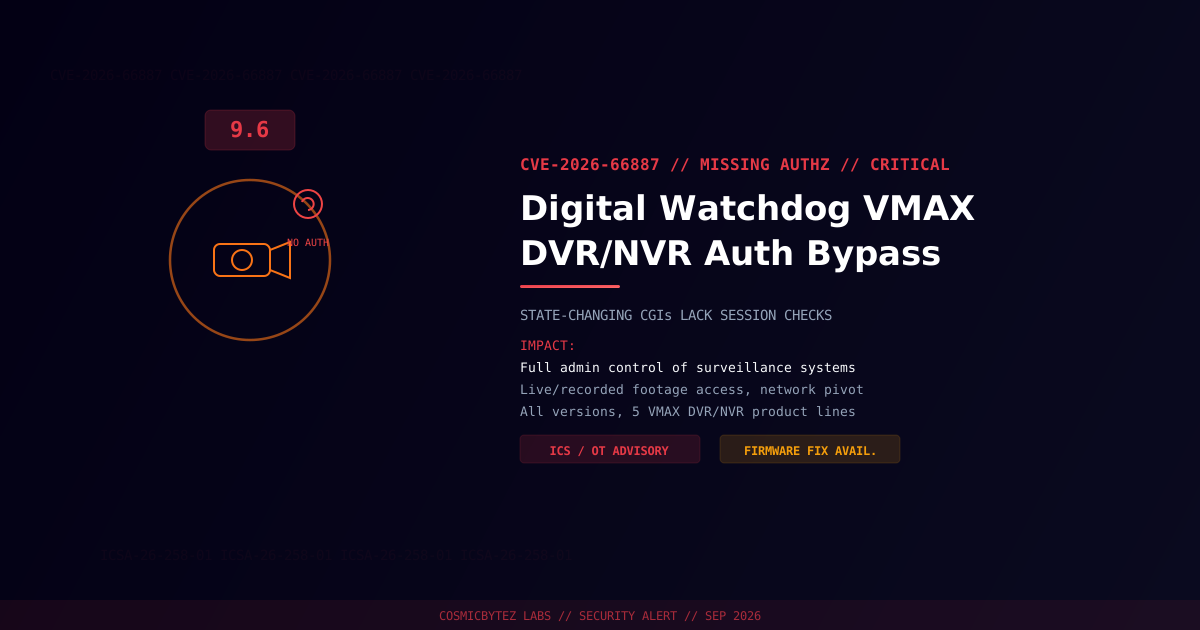
Executive Summary
CISA has published ICS Advisory ICSA-26-258-01, disclosing a critical missing authorization vulnerability (CVE-2026-66887) affecting all versions of five Digital Watchdog VMAX DVR/NVR product lines. State-changing CGI endpoints on the devices fail to perform session checks, letting an attacker on the local network issue administrative commands without ever authenticating. The advisory groups this flaw alongside five related issues — including the hard-coded credentials bug tracked as CVE-2026-66890 — reported to CISA by Scot Berner of TrustedSec.
CVSS Score: 9.6 (Critical) — CVSS v3.1; 9.4 under CVSS v4.0
Vulnerability Overview
| Attribute | Value |
|---|---|
| CVE ID | CVE-2026-66887 |
| CVSS v3.1 | 9.6 — AV:A/AC:L/PR:N/UI:N/S:C/C:H/I:H/A:H |
| CVSS v4.0 | 9.4 |
| Type | Missing Authorization on State-Changing CGIs |
| Attack Vector | Adjacent network (local network access to the device) |
| Privileges Required | None |
| Advisory | CISA ICSA-26-258-01 |
| Reported By | Scot Berner, TrustedSec |
Affected Products
| Vendor | Product Lines | Affected Versions |
|---|---|---|
| Digital Watchdog | VMAX DVR/NVR (five product lines) | All versions |
CISA's advisory covers six vulnerabilities total across these product lines, spanning authentication bypasses, hard-coded credentials, missing authorization, and predictable session-token generation. This entry addresses the missing-authorization issue specifically; see CVE-2026-66890 for the companion hard-coded FTP credentials flaw.
Technical Details
The affected VMAX DVR/NVR firmware exposes CGI endpoints used to change device state — configuration changes, user management, and other administrative actions — without verifying that the requester holds a valid, authenticated session. An attacker with network access to the device's management interface can therefore issue these state-changing requests directly, bypassing the authentication flow entirely.
Impact of Successful Exploitation
| Impact | Description |
|---|---|
| Full Administrative Control | Attacker gains equivalent access to a legitimate administrator |
| Surveillance Access | View live and recorded video feeds without credentials |
| Configuration Tampering | Alter device settings, disable logging, add rogue accounts |
| Network Pivot | Use the compromised DVR/NVR as a foothold into the broader network |
CISA reports no known public exploitation at the time of publication (September 15, 2026).
Remediation
Step 1: Apply the Firmware Update
Digital Watchdog has released updated firmware addressing this and the related vulnerabilities in the same advisory. Contact Digital Watchdog support or your integrator to obtain and apply the current firmware for your specific VMAX DVR/NVR model.
Step 2: Network Segmentation
- Place DVR/NVR management interfaces on an isolated VLAN, not reachable from general user networks or the internet.
- Restrict access to the device's web/CGI interface to a small set of trusted management hosts via firewall rules.
- Disable or restrict remote/cloud access features that aren't in active use.
Step 3: Monitor for Abuse
- Review device logs (where available) for configuration changes or new accounts that weren't initiated by known administrators.
- Watch network traffic for CGI requests to the device from unexpected source IPs.