Overview
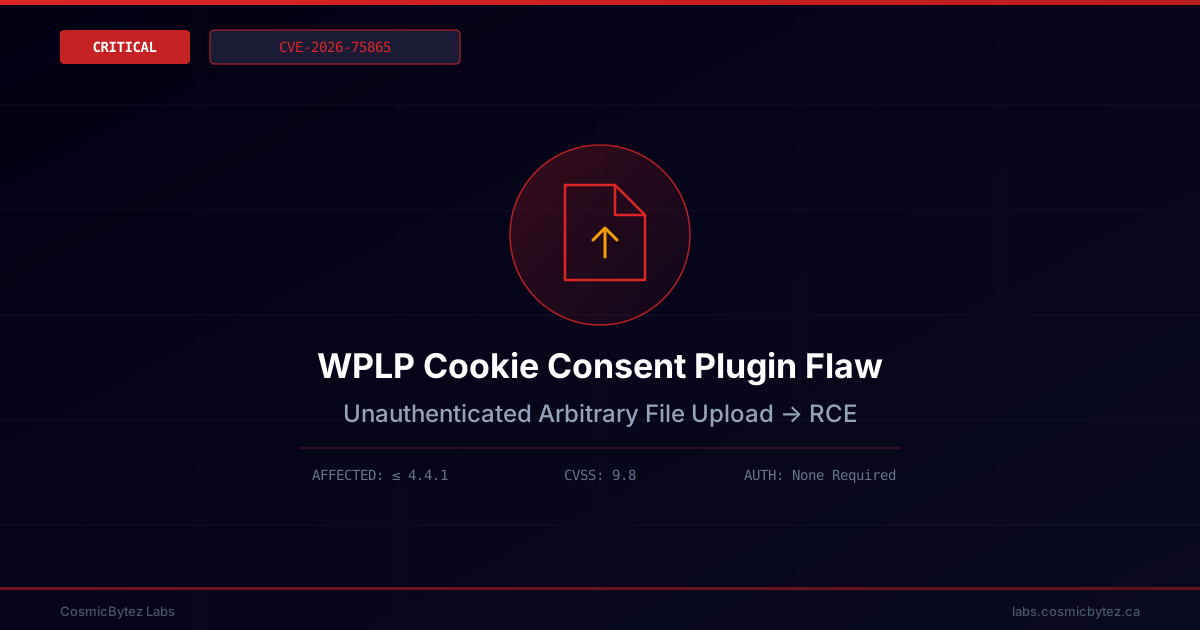
A critical vulnerability has been disclosed in the WPLP Cookie Consent – Cookie Banner & Consent Management for GDPR, CCPA & Google Consent Mode plugin for WordPress, developed by WP Legal Pages. Tracked as CVE-2026-75865, the flaw allows completely unauthenticated attackers to upload arbitrary files to a vulnerable site's server, creating a direct path to remote code execution (RCE).
The plugin is widely used by site owners needing to comply with GDPR, CCPA, and Google Consent Mode requirements, making this a broad-impact issue across the WordPress ecosystem.
Technical Details
| Field | Value |
|---|---|
| CVE ID | CVE-2026-75865 |
| Severity | Critical (CVSS 9.8) |
| Affected Versions | ≤ 4.4.1 |
| Attack Vector | Network (REST API) |
| Authentication | None Required |
| Privileges Required | None |
| User Interaction | None |
| Weakness | CWE-434: Unrestricted Upload of File with Dangerous Type |
| Credit | Supakiad S. (m3ez) |
How It Works
The vulnerability stems from two chained issues:
- Missing file type validation in the plugin's
saas_upload_logo()function, which accepts uploaded files without verifying their extension or content type. - Authorization bypass on the WPLP connector's
upload-logoREST endpoint, which fails to properly enforce authentication before accepting uploads.
Combined, these flaws let an attacker send a crafted request directly to the upload-logo REST endpoint and upload a file of their choosing — including a PHP web shell — without needing valid credentials. Once uploaded to a web-accessible directory, the file can be executed to run arbitrary code on the server.
Impact Assessment
Who Is At Risk
Any WordPress site running WPLP Cookie Consent version 4.4.1 or earlier is vulnerable, regardless of user role configuration, since exploitation requires no authentication at all. Given the plugin's purpose — cookie consent and compliance banners — it is commonly installed on public-facing commercial and content sites.
Potential Attack Chains
- Unauthenticated Upload — Attacker sends a crafted request to the
upload-logoREST endpoint with a malicious payload disguised as a logo file. - Web Shell Placement — The uploaded file lands in a web-accessible directory due to missing type validation.
- Remote Code Execution — Attacker requests the uploaded file directly, triggering server-side code execution.
- Full Site Compromise — RCE can lead to database access, defacement, malware distribution, or use of the server as a foothold for further attacks.
Mitigation
Immediate Actions
- Update immediately once WP Legal Pages releases a patched version beyond 4.4.1.
- If no patch is yet available, deactivate the plugin on internet-facing sites until fixed.
- Audit the
wp-content/uploadsdirectory (and any plugin-specific upload paths) for unfamiliar.phpor executable files. - Restrict direct execution of uploaded files via web server rules (e.g., disable PHP execution in upload directories).
Detection Opportunities
- Review web server access logs for POST requests to endpoints containing
upload-logoor other WPLP connector paths from unfamiliar IPs. - Look for newly created files in upload directories with unexpected extensions or naming patterns.
- Monitor for outbound connections or process spawning originating from the web server user following plugin activity.
Defence-in-Depth
- Run a web application firewall (WAF) with rules covering unrestricted file upload patterns.
- Apply the principle of least privilege to the web server process and uploads directory permissions.
- Maintain an inventory of installed plugins and subscribe to vulnerability feeds (e.g., Wordfence, Patchstack) for rapid patch awareness.
- Regularly back up site files and databases to enable fast recovery if compromise is detected.
Background
Arbitrary file upload vulnerabilities remain one of the most common and severe classes of WordPress plugin flaws, frequently leading directly to full server compromise. Because CVE-2026-75865 requires no authentication and targets a consent-management plugin used broadly for regulatory compliance, defenders should treat unpatched instances as an urgent remediation priority.