Executive Summary
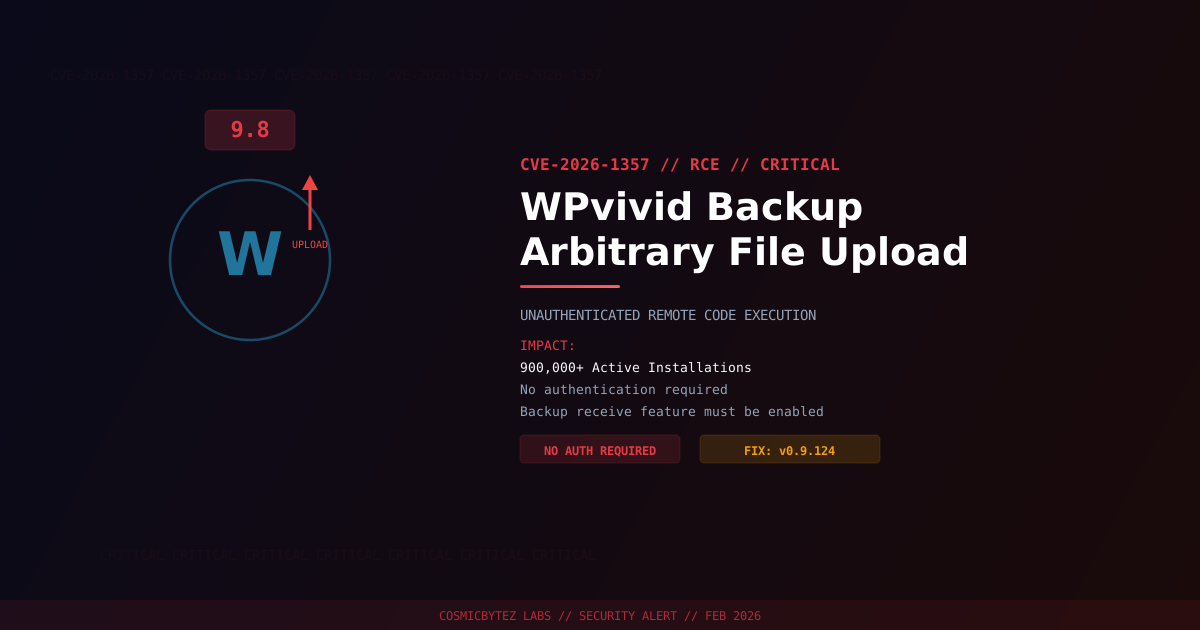
A critical unauthenticated arbitrary file upload vulnerability (CVE-2026-1357) has been disclosed in the WPvivid Backup & Migration plugin for WordPress, one of the most popular backup solutions with over 900,000 active installations. The vulnerability carries a CVSS score of 9.8 and allows remote attackers to upload and execute arbitrary PHP files without authentication.
CVSS Score: 9.8 (Critical)
The flaw exists in the plugin's "receive a backup from another site" functionality. When this feature is enabled, an attacker can exploit the lack of proper authentication and file validation to upload a malicious PHP webshell, achieving full remote code execution. A patch is available in version 0.9.124.
Vulnerability Overview
| Attribute | Value |
|---|---|
| CVE ID | CVE-2026-1357 |
| CVSS Score | 9.8 (Critical) |
| Type | Unauthenticated Arbitrary File Upload / RCE |
| Attack Vector | Network (no authentication required) |
| Privileges Required | None |
| User Interaction | None |
| Condition | "Receive backup from another site" feature must be enabled |
Affected Versions
| Plugin | Affected Versions | Fixed Version |
|---|---|---|
| WPvivid Backup & Migration | < 0.9.124 | 0.9.124 |
Attack Vector
1. Attacker identifies WordPress site running WPvivid with backup receive enabled
2. Attacker sends crafted HTTP request to the backup receiving API endpoint
3. Plugin accepts upload without verifying sender identity or file contents
4. Malicious PHP file (webshell) written to web-accessible directory
5. Attacker accesses uploaded webshell via HTTP
6. Full server compromise — database access, file manipulation, lateral movementImpact of Successful Exploitation
| Impact | Description |
|---|---|
| Remote Code Execution | Execute arbitrary PHP code on the server |
| Database Compromise | Full read/write via wp-config.php credentials |
| Data Exfiltration | Access all site content and user data |
| Webshell Persistence | Uploaded files persist across updates |
| Lateral Movement | Pivot to other sites on shared hosting |
| Malware Distribution | Serve malware to site visitors |
Immediate Remediation
Step 1: Update to Version 0.9.124
# Via WP-CLI
wp plugin update wpvivid-backuprestore

# Verify the installed version
wp plugin get wpvivid-backuprestore --field=versionOr update through WordPress admin: Plugins > Installed Plugins > WPvivid > Update Now.
Step 2: Disable Backup Receive Feature
Even after patching, disable the feature if not actively in use:
- Navigate to WPvivid Backup > Settings
- Locate the "Receive backup from another site" option
- Disable the feature and save
Step 3: Scan for Existing Compromise
# Search for recently uploaded PHP files in unexpected locations
find /path/to/wordpress/wp-content/ -name "*.php" -newer /path/to/wordpress/wp-includes/version.php -type f

# Check for common webshell signatures
grep -rl "eval\s*(base64_decode" /path/to/wordpress/wp-content/
grep -rl "system\s*(" /path/to/wordpress/wp-content/uploads/

# Verify WordPress core integrity
wp core verify-checksumsIf Immediate Patching Is Not Possible
- Disable the backup receive feature immediately
- Deactivate the WPvivid plugin entirely if the feature cannot be disabled
- Block access to WPvivid API endpoints at the web server or WAF level
- Monitor access logs for suspicious POST requests to WPvivid endpoints
Detection Indicators
| Indicator | Description |
|---|---|
| POST requests to WPvivid API endpoints | Exploitation attempts |
| PHP files in wp-content/uploads/ | Webshells uploaded through the vulnerability |
| Access to newly created PHP files | Attacker accessing an uploaded webshell |
| Outbound connections from web server | Post-exploitation data exfiltration |
Post-Remediation Steps
- Confirm plugin updated to 0.9.124 or later
- Disable backup receive feature if not required
- Scan installation for webshells and unauthorized modifications
- Review user accounts for unauthorized administrators
- Rotate all credentials — WordPress admin, database, API keys
- Regenerate WordPress security keys using
wp config shuffle-salts - Deploy a WAF (Wordfence, Sucuri) for ongoing protection
- Implement file integrity monitoring
References
- BleepingComputer — WordPress Plugin with 900K Installs Vulnerable to Critical RCE
- GBHackers — WordPress Backup Plugin Vulnerability
- NIST NVD — CVE-2026-1357