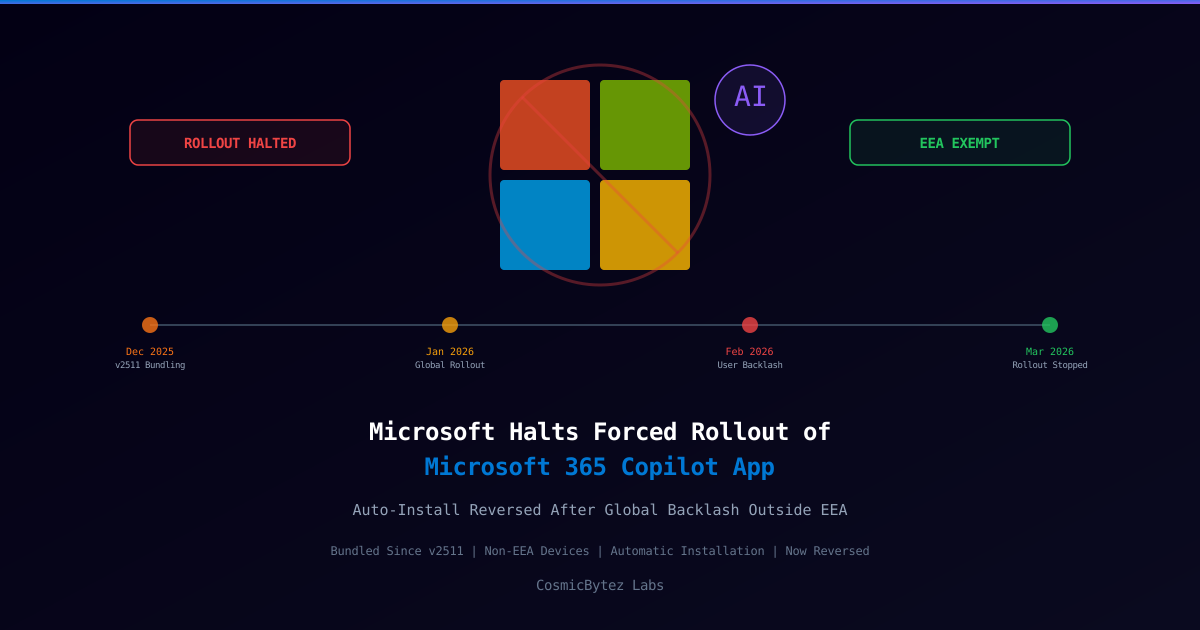
Microsoft Reverses Course on Forced Microsoft 365 Copilot App Installation
Microsoft has quietly halted the automatic forced installation of the Microsoft 365 Copilot app on Windows devices outside the European Economic Area (EEA), reversing a bundling strategy that began rolling out in December 2025. The rollback was confirmed by BleepingComputer on March 17, 2026, though Microsoft has not publicly explained the reason for stopping the deployment.
The forced installation had affected commercial Microsoft 365 customers running Microsoft 365 Apps version 2511 or later, with devices receiving the new AI productivity hub silently — without administrator or user consent — within seven days of updating.
What Happened
| Attribute | Value |
|---|---|
| App | Microsoft 365 Copilot app (formerly Microsoft 365 app) |
| Trigger | Microsoft 365 Apps version 2511 (Current Channel) |
| Rollout Start | Early December 2025 |
| Rollout Halted | Mid-December 2025 |
| Affected Region | Global excluding EEA (EEA excluded from day one) |
| Installation Method | Silent, SYSTEM-context, auto-provisioned |
| Existing Installs | Not removed — already-installed copies remain |
| Official Reason | None provided by Microsoft |
The Microsoft 365 Copilot App
The Microsoft 365 Copilot app is a rebranded, AI-first replacement for the previous Microsoft 365 app (formerly Office Hub). Microsoft began the rebranding transition on January 15, 2025, positioning the new app as a unified AI productivity hub that provides:
- Copilot AI chat — work-grounded and web-grounded AI conversations
- Microsoft 365 Copilot Search — universal search across M365 data and third-party integrations
- AI Agents — including custom organizational agents
- Content creation tools — images, video generation, brand kits, notebooks
- Quick access to core M365 apps (Word, Excel, PowerPoint, Teams, SharePoint, PDFs)
The app is available as a web app (m365.cloud.microsoft), a Windows desktop application, and mobile apps for iOS and Android.
How the Forced Installation Worked
Microsoft bundled automatic silent installation of the Copilot app with Microsoft 365 Apps version 2511:
- Version 2511 hit the Current Channel in early December 2025, rolling to the Monthly Enterprise Channel in January 2026
- Devices on the Semi-Annual Enterprise Channel were not affected
- After updating to v2511 or later, the Copilot app would install silently within up to 7 days — adding a new Start menu entry with no user interaction
- The installation ran in SYSTEM context — provisioned system-wide, not per-user
EEA Exclusion Was Built-In From the Start
The European Economic Area was explicitly excluded from the auto-install from the outset. In EEA countries, the Microsoft 365 Copilot app is only installable via the Microsoft Store or CDN — it cannot be bundled with Microsoft 365 Apps. Eligibility is determined by tenant attributes, not device location.
Admin Opt-Out (While Active)
While the rollout was active, enterprise administrators could disable auto-installation via: Microsoft 365 Apps admin center → Customization → Device Configuration → Modern App Settings → uncheck "Enable automatic installation of Microsoft 365 Copilot app"
Why Was It Stopped?
Microsoft has not publicly disclosed the reason for halting the global rollout. The official guidance states only that existing installations are unaffected and that admins should await further updates. However, analysts point to several likely factors:
Regulatory Pressure
The EEA exclusion from day one suggests Microsoft was already anticipating regulatory scrutiny. Relevant frameworks include:
- Digital Markets Act (DMA) — bundling a new AI-first app with dominant productivity software directly mirrors the Teams bundling case, where the European Commission applied pressure that led Microsoft to unbundle Teams from Microsoft 365 globally in 2023/2024
- GDPR — an AI-integrated hub application handling customer data faces heightened compliance requirements across the EU
- EU AI Act — emerging obligations for AI systems deployed in commercial contexts
Enterprise Pushback
The silent, SYSTEM-context installation without admin consent drew criticism from enterprise IT administrators, who highlighted the lack of prior notification and the difficulty of controlling which applications are deployed across managed fleets without explicit opt-in.
Impact Assessment
| Impact Area | Description |
|---|---|
| Enterprise IT | Organizations that received the forced install before the halt need to audit deployments and assess Copilot data handling policies |
| Admin Control | Raises questions about Microsoft's ability to silently push AI-integrated apps to managed corporate devices |
| Regulatory Signal | Halt without explanation may indicate regulatory dialogue or legal review is underway |
| Existing Installs | Already-installed copies are NOT removed — organizations must proactively uninstall if unwanted |
| Manual Deployment | Admins can still deploy via Intune, ConfigMgr, Group Policy, CDN, or Microsoft Store |
Key Takeaways
- Microsoft silently force-installed the AI-first Microsoft 365 Copilot app on commercial Windows devices globally (ex-EEA) as part of M365 Apps v2511, starting December 2025
- The rollout was halted in mid-December 2025 with no official explanation from Microsoft — existing installs were not reversed
- The EEA was excluded from day one, strongly suggesting awareness of Digital Markets Act bundling concerns analogous to the prior Teams unbundling case
- Enterprise admins should audit their environments for unwanted Copilot app installations and review data governance implications of the AI-integrated hub
- The app cannot be force-removed by Microsoft — manual uninstallation via Intune, ConfigMgr, or local removal is required if organizations wish to remove it
- Microsoft has not announced a revised timeline for resuming automatic deployment — organizations should monitor MC (Message Center) notifications for updates