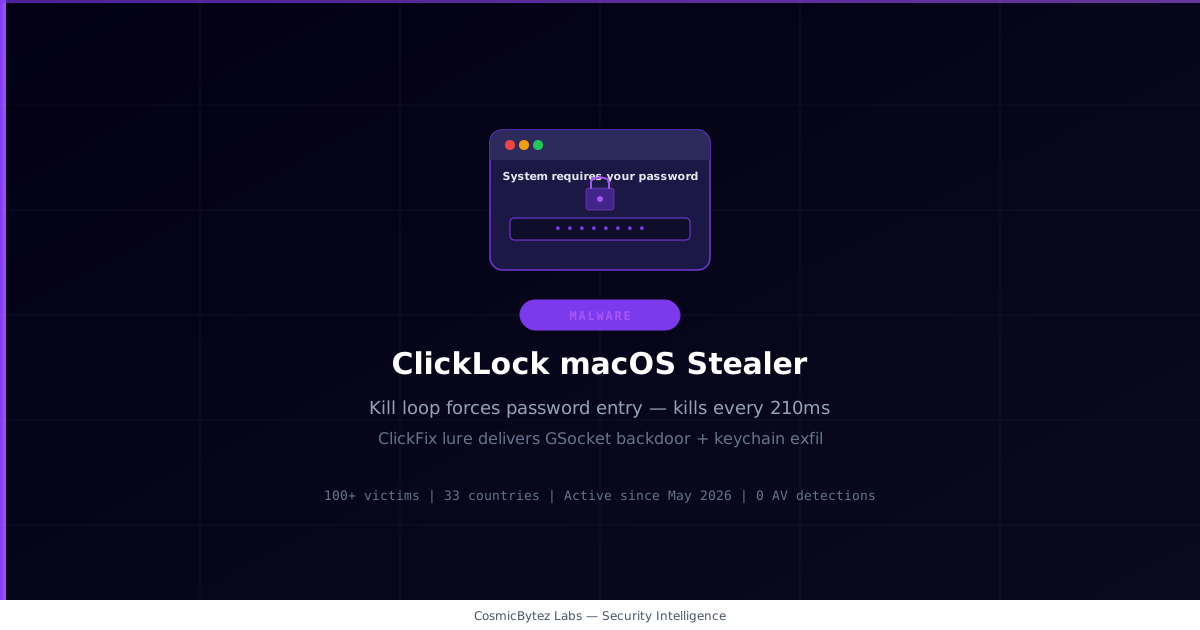
A newly discovered macOS infostealer dubbed ClickLock takes a uniquely aggressive approach to credential theft: rather than silently harvesting data in the background, it repeatedly kills every visible application on the system — every 210 milliseconds, for up to 83 hours — leaving the victim with a non-functional desktop and a single password prompt standing between them and their normal workflow.
Discovered by Group-IB Threat Intelligence, the malware was first uploaded to VirusTotal on June 9, 2026 with zero detections. It has been active since approximately May 2026 and shows signs of ongoing active development.
ClickFix Entry Point
ClickLock's infection chain begins with a ClickFix social engineering lure — a fake Cloudflare CAPTCHA or verification page that instructs the victim to open macOS Terminal and paste a command to "verify" their browser session. Once executed, the malicious shell script:
- Disables
Ctrl+Ckeyboard interrupts and hides the terminal cursor - Plays a fake Cloudflare verification progress animation for approximately 10 seconds
- Silently downloads four payloads from two compromised WordPress sites
No exploit or elevated privilege is required. The entire compromise hinges on a single moment of social engineering.
The Kill Loop
On the next login session, ClickLock's most distinctive behavior activates. The malware fires pkill and killall bursts every 210 milliseconds, repeatedly terminating:
- Finder and Dock
- Spotlight and SystemUIServer
- Terminal and Activity Monitor
- NotificationCenter
- All major web browsers
The macOS desktop becomes effectively unusable. The only thing that remains is a password prompt — styled to impersonate a legitimate macOS system dialog, complete with a downloaded Apple icon and the victim's real username — that validates the entered password against the local directory service (dscl) before transmitting it. If the victim enters an incorrect password or dismisses the dialog, the kill loop continues until either the correct password is submitted or 83 hours elapse.
Group-IB notes this forced-interaction technique "has no known legitimate use case" in macOS security tooling.
What Gets Stolen
Once the system password is captured, the stealer modules execute and exfiltrate:
| Category | Scope |
|---|---|
| Browsers | 8 Chromium-based and other browsers |
| Crypto wallet extensions | 31 browser extensions |
| Password manager extensions | 7 browser extensions |
| Desktop crypto wallet apps | 8 applications |
| macOS Keychain | Full contents |
| Chrome Safe Storage key | AES key enabling offline credential decryption |
| Shell history | Complete .bash_history / .zsh_history |
| FTP credentials | Any stored credentials |
All exfiltrated data is archived and sent to a Telegram bot controlled by the attackers.
After exfiltration, the stealer components unload their own LaunchAgents and delete themselves — and forge file timestamps against ~/Movies to disrupt forensic timeline analysis.
Persistent Backdoor
One component intentionally survives cleanup: a modified build of GSocket (an open-source encrypted tunneling tool) named internally as "goyim". It:
- Runs under the process name
SystemUIServerl(trailing lowercasel, mimicking the legitimateSystemUIServer) - Resides in
~/Library/Application Support/iCloudsync - Connects to operator relay at
gsnc[.]eu:67via encrypted tunnel - Persists across reboots via a remaining LaunchAgent
The attacker maintains persistent shell access to the compromised machine while it appears fully normal to the user.
Scale and Victimology
Group-IB confirmed at least 100 victims across 33 countries, with over 50% in Europe and additional victims in North America, the Middle East, and Africa. The targeting profile suggests financially motivated actors focused on regions with high macOS adoption and cryptocurrency usage.
Defense
The single point of prevention is refusing to paste commands from any website into Terminal. No legitimate service requires Terminal command execution to verify a browser session or CAPTCHA.
Apple added a Terminal warning in macOS Tahoe 26.4 specifically to counter ClickFix-style attacks.
If your desktop apps are repeatedly closing:
- Do not enter your password.
- Hold the power button to force-shut down.
- Boot into Safe Mode (hold Shift on Intel; hold power → Safe Mode on Apple Silicon).
- Remove LaunchAgents from
~/Library/LaunchAgents/and~/Library/Application Support/iCloudsync.
If the password was already entered:
- Immediately isolate the machine from the network.
- Assume full credential compromise — reset all passwords, revoke sessions, block payment cards.
- Hunt and remove the
SystemUIServerlprocess and its GSocket installation in~/Library/Application Support/iCloudsync. - Engage incident response for a full forensic investigation.
Indicators of Compromise
| IOC | Type |
|---|---|
gsnc[.]eu:67 | C2 relay |
~/Library/Application Support/iCloudsync | Backdoor install path |
Process SystemUIServerl | Typosquat process name |
$HOME/.cacheb/ | Payload staging directory |
Full IOC list including file hashes and YARA rules is available in the Group-IB ClickLock blog post.