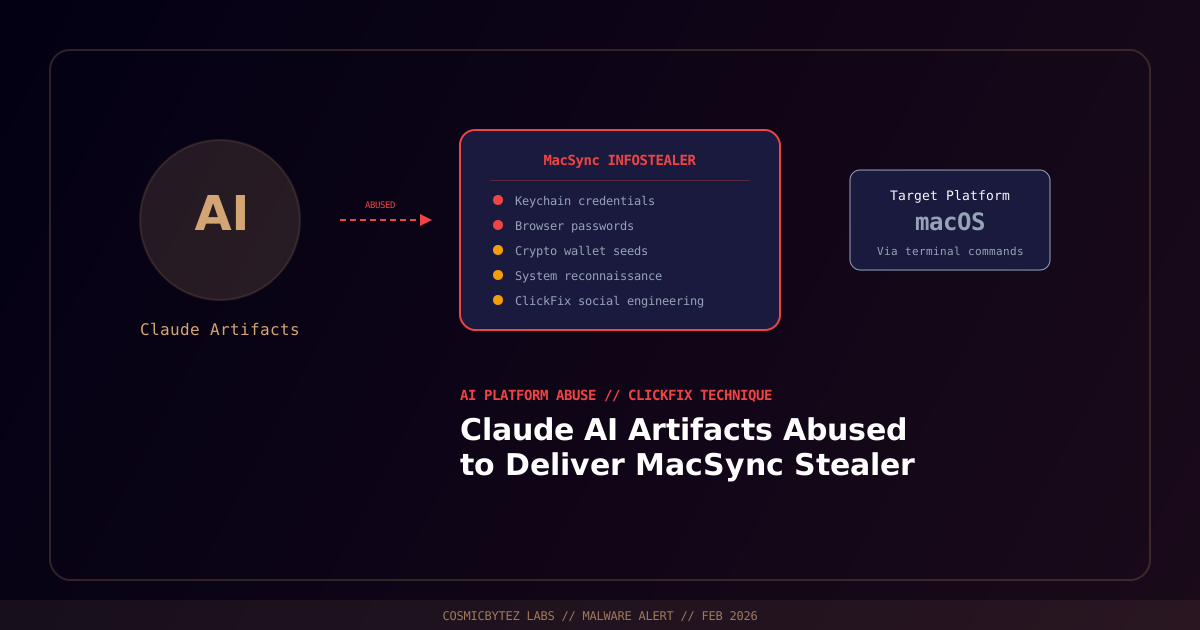
Claude AI Artifacts Weaponized for Malware Delivery
Threat actors are abusing publicly shared Claude AI artifacts and Google Ads to distribute the MacSync infostealer to macOS users through ClickFix social engineering campaigns. Over 10,000 users have accessed the malicious content, making this one of the first large-scale campaigns to weaponize AI-generated artifacts as a malware delivery mechanism.
A parallel variant uses Medium articles impersonating Apple support to achieve the same objective.
Campaign Overview
| Attribute | Details |
|---|---|
| Attack Vector | Claude AI artifacts, Google Ads, Medium articles |
| Malware | MacSync infostealer |
| Target Platform | macOS |
| Social Engineering | ClickFix technique |
| Estimated Victims | 10,000+ users accessed malicious content |
| Secondary Vector | Medium articles impersonating Apple support |
Attack Flow
[User Searches for macOS Help]
        |
        v
[Google Ad or Shared Link → Claude AI Artifact]
        |
        v
[Fake Security Alert Displayed]
        |
        v
[User Instructed to Open Terminal]
        |
        v
[User Pastes "Fix" Command into Terminal]
        |
        v
[curl/bash Command Fetches MacSync Loader]
        |
        v
[MacSync Infostealer Installed]
        |
        v
[Credentials, Cookies, Wallet Data Exfiltrated]The artifact page displays a convincing macOS security alert and instructs users to:
- Press Command + Space to open Spotlight
- Type Terminal and press Enter
- Paste a provided command (a
curl | bashone-liner) - Press Enter to "apply the fix"
MacSync Capabilities
Once installed, MacSync operates as a comprehensive macOS infostealer:
- Browser credential theft — Passwords, cookies, autofill from Safari, Chrome, Firefox, Brave, Edge
- Cryptocurrency wallet extraction — MetaMask, Exodus, Coinbase Wallet, Phantom
- Keychain access — Wi-Fi passwords, application credentials, certificates
- Document theft — Financial, tax, and personal document patterns
- Screenshot capture — Periodic desktop screenshots
MacSync persists via LaunchAgent in ~/Library/LaunchAgents/ and stores components in a hidden ~/.macsync/ directory.
Why AI Artifacts Are Being Abused
- Trusted platform — Users inherently trust content from Anthropic's infrastructure
- No authentication required — Shared artifacts are publicly accessible
- Rich interactivity — Artifacts can display convincing fake system alerts and buttons
- Search engine indexing — Artifact URLs can be promoted through Google Ads
- Difficult to moderate at scale — Volume of artifacts makes comprehensive review challenging
Protection for macOS Users
- Never paste commands from websites into Terminal — Apple support will never ask this
- Check for MacSync indicators:
- Look for unexpected LaunchAgents in
~/Library/LaunchAgents/ - Check for hidden
.macsyncdirectory in your home folder
- Look for unexpected LaunchAgents in
- Enable macOS Gatekeeper to block unsigned applications
- Install updates from System Settings only, not from web pages
- Use a password manager instead of browser-stored passwords
- Deploy endpoint protection with infostealer behavioral detection
Sources
- BleepingComputer — Claude AI Artifacts Abused to Spread MacSync Infostealer
- CyberSecurityNews — ClickFix Campaign Uses AI Artifacts