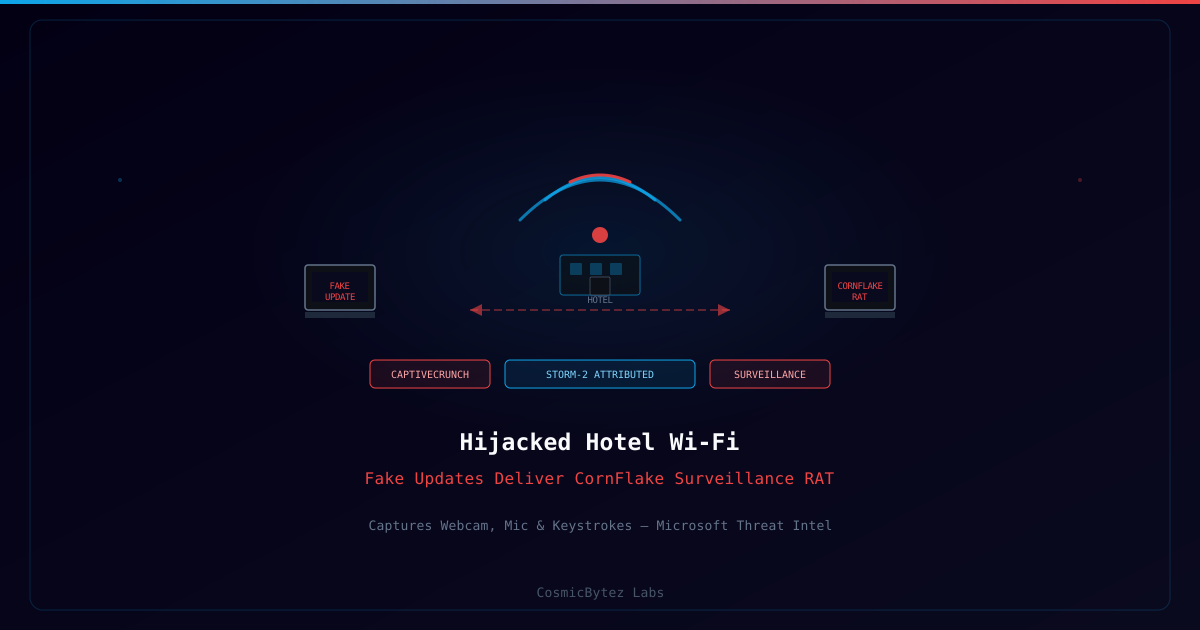
Microsoft's threat intelligence team has detailed a sophisticated espionage operation — tracked as CaptiveCrunch and attributed to threat actor Storm-2 — that exploits hotel Wi-Fi networks to deliver a custom remote access trojan (RAT) named CornFlake. The technique turns trusted public network infrastructure against business travelers, making it a significant threat for corporate security teams.
How CaptiveCrunch Works
The attack chain begins before a victim connects to a hotel network. The attackers gain access to the hotel's captive portal infrastructure — the web page that guests must interact with to accept terms of service before accessing Wi-Fi. Microsoft's research indicates Storm-2 has compromised routers and captive portal systems at hotels in at least three geographic regions.
Once in position, the attackers intercept guest traffic at the portal level and inject a fake browser update notification:
Attack Chain:
1. Guest connects to hotel Wi-Fi
2. Captive portal loads — attacker controls the served content
3. Fake "Your browser requires a critical security update" page displayed
4. Guest clicks "Update Now" button
5. CornFlake RAT installer downloaded (masquerading as browser update package)
6. Installation executes — CornFlake achieves persistence
7. Remote surveillance beginsThe fake update pages are convincingly styled to match real Chrome, Firefox, or Edge update prompts, including version numbers and security messaging consistent with the browser the victim is using.
CornFlake RAT Capabilities
CornFlake is a purpose-built surveillance implant with capabilities tailored for corporate espionage:
| Capability | Detail |
|---|---|
| Webcam capture | Periodic or triggered image capture from the device camera |
| Microphone recording | Audio capture from the built-in or connected microphone |
| Keystroke logging | Full keylogger capturing credentials, messages, and documents |
| Screen capture | Periodic screenshots of active applications |
| Clipboard harvesting | Captures copied text, including passwords from password managers |
| Browser data theft | Cookies, saved passwords, browsing history |
| File exfiltration | Targeted document and file collection |
| Encrypted C2 | Encrypted command-and-control communications to avoid detection |
The combination of camera, microphone, and keylogger capabilities positions CornFlake as a tool designed for high-value individual targeting — consistent with the intelligence-gathering profile of Storm-2.
Storm-2 Attribution and Target Profile
Microsoft attributes CaptiveCrunch to Storm-2, a threat actor Microsoft tracks with medium-high confidence as a state-affiliated espionage group. The campaign's targeting profile includes:
- Business travelers at hotels near government, financial, and technology centers
- Conference attendees at venues used for international business meetings
- Executives and senior staff from targeted industry sectors
Hotel Wi-Fi is a particularly effective delivery vector for corporate espionage: travelers connect to networks they cannot verify, often on devices that may have relaxed security controls (personal laptops used for work, company laptops in "travel mode"), and in environments where unexpected prompts may be attributed to unfamiliar local network infrastructure.
Technical Indicators
Microsoft shared the following behavioral indicators associated with CornFlake installations:
Persistence mechanisms observed:
- Scheduled task creation with names mimicking browser update services
- Registry Run key entries pointing to AppData locations
- Startup folder entries using DLL side-loading via legitimate signed executables
Network indicators:
- Beaconing to C2 infrastructure on ports 443 and 8443
- DNS queries to newly-registered domains using hotel and travel-related keywords
- Encrypted traffic with TLS fingerprints inconsistent with standard browser traffic
File system indicators:
- Dropper placed in
%APPDATA%\[BrowserName]\Update\directory - Main implant DLL with names mimicking browser component files
- Log files written to
%TEMP%with randomized names
Why Public Wi-Fi Remains a Risk Vector
Despite years of public Wi-Fi security warnings, captive portal attacks remain effective because:
- HTTPS is not a defense here — the captive portal interaction typically occurs before the user reaches HTTPS sites, at the HTTP interception layer
- User trust in hotel infrastructure — guests assume the hotel's network is managed and secure
- Urgency framing — "critical update" prompts trigger immediate action over security skepticism
- VPN gaps — many users only activate VPNs after connecting, leaving the captive portal interaction unprotected
Protective Measures for Business Travelers
Technical controls:
- Use a cellular hotspot (mobile phone tethering) instead of hotel Wi-Fi for sensitive work
- If hotel Wi-Fi is necessary, connect a VPN before any other activity — use a VPN that activates automatically on untrusted networks
- Disable automatic software update prompts from appearing while on untrusted networks
- Keep browsers updated before travel so that "out of date" prompts are implausible
Policy controls:
- Corporate policy: prohibit software installation on company devices while on public networks
- Travel security briefings for executives and staff traveling to high-risk regions
- MDM/EDR monitoring for unusual process spawning and persistence creation events post-travel
Awareness:
- Real browser updates come from the browser itself (via its built-in update mechanism), not from web pages
- No legitimate network will require a software download to complete Wi-Fi authentication
- If a captive portal requests anything other than agreement to terms, disconnect immediately