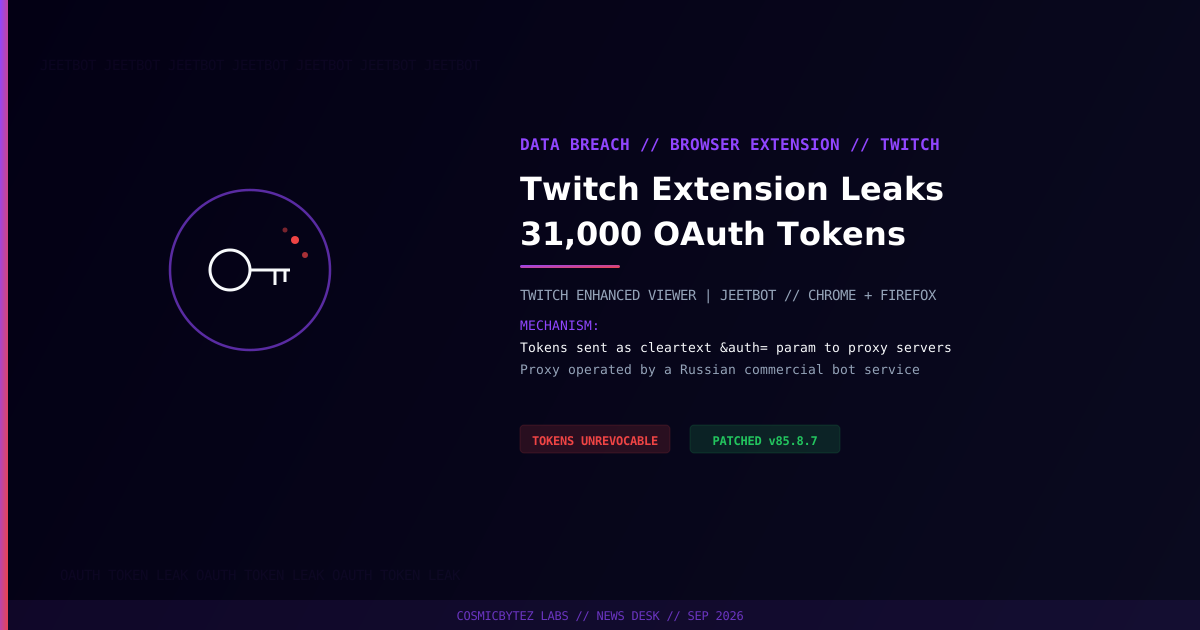
A "Viewer Enhancement" Extension That Phones Home
A malicious cross-store browser extension called "Twitch Enhanced Viewer | JeetBot" has leaked OAuth tokens belonging to nearly 31,000 users to proxy servers operated by a Russian commercial bot service. The extension is listed under developer HISHIMIRO/jeetbot.cc, reportedly operated by Cyprus-based Aleksandr Popov.
Distribution Footprint
| Store | Listing ID | Published | Users |
|---|---|---|---|
| Chrome Web Store | pnhhdhhcadcjfckjhpmjneldiegbojfb | June 26, 2025 | ~30,000 |
| Firefox Add-ons | twitchenhancedviewer@example.com | July 7, 2025 | 604 |
Despite the modest Firefox footprint, the Chrome listing alone accounts for the bulk of the roughly 31,000 combined affected users.
How Tokens Leaked
According to security researcher Kush Pandya, current builds (v85.x) forward the user's OAuth token inline as an &auth= query parameter on a network-layer redirect to the operator's proxy infrastructure. That places live authentication tokens directly in server request logs as cleartext data — readable by anyone with access to those logs, not just the extension's own backend.
The extension is tied to JeetBot, a commercial bot service marketed for Twitch, Kick, and VK Live streaming platforms, which claims more than 26,000 active streamers as customers.
Why This Matters
An OAuth token grants the same access as a login session without needing a password — meaning anyone in possession of a leaked token can act on the victim's Twitch account: read private data, post as the user, or pivot into connected integrations, until the token is revoked.
Remediation Is Incomplete
Users are urged to update to version 85.8.7 or newer on Firefox, or the equivalent updated build on Chrome. However, the developer itself cautioned that "disabling or updating the extension does not revoke previously transmitted tokens" — meaning every user who ran a vulnerable build should treat their Twitch account as potentially compromised regardless of whether they've since updated.
Recommended Actions
- Uninstall the extension if you have it installed on any browser.
- Revoke and regenerate your Twitch OAuth authorization via Twitch account settings — updating the extension alone does not invalidate already-leaked tokens.
- Change your Twitch password and enable two-factor authentication if not already active.
- Review connected third-party apps on your Twitch account for anything unrecognized.
- Be cautious of "enhancement" browser extensions for streaming platforms — verify publisher reputation and review requested permissions before installing.