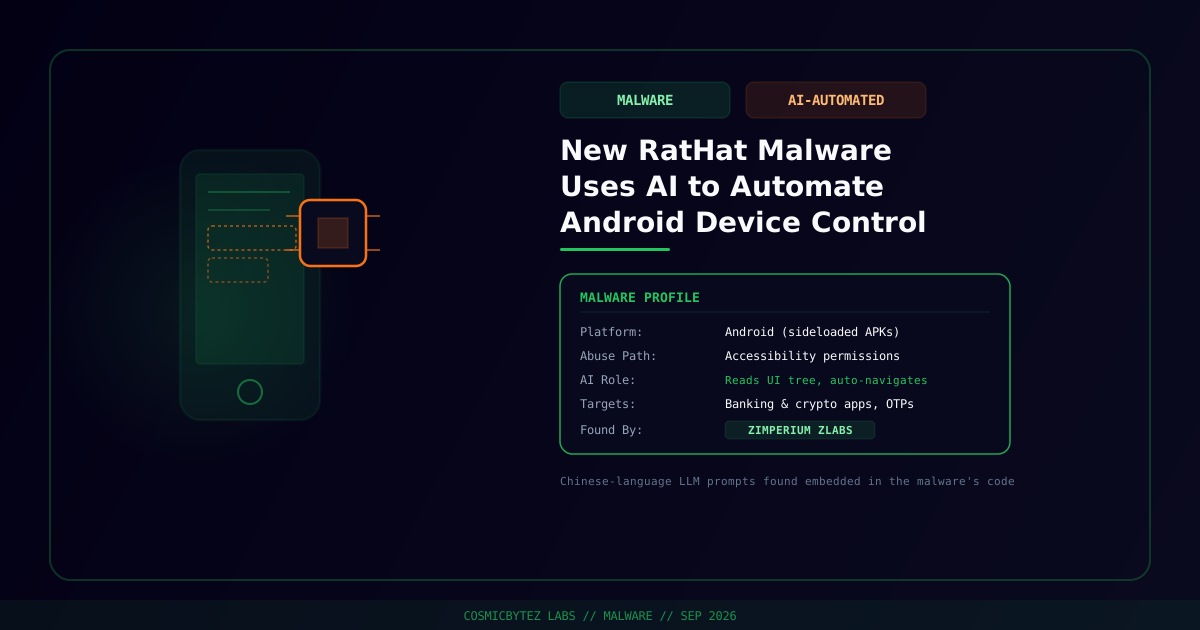
Zimperium's zLabs research team has discovered a new Android remote-access trojan called RatHat that hands its operators an unusual advantage over previous banking malware: an AI subsystem that reads a device's screen and decides how to navigate it, rather than following a fixed, scripted sequence of taps and swipes.
Distribution
RatHat doesn't come through the Google Play Store. Zimperium found it spreading via malvertising campaigns, SMS messages, and phishing sites that push direct APK downloads, all pretexts designed to get a victim to sideload the app outside Google's normal vetting.
The AI-Powered Automation
Once installed, RatHat abuses Android's Accessibility permissions — the same API legitimate screen readers and automation tools rely on — to read the device's UI. Its distinguishing feature converts the Android accessibility tree into XML, identifies the on-screen coordinates and text of interface elements, and then generates navigation commands like "SCROLL_DOWN" to move through an app. Zimperium notes this approach is "more adaptable and harder for security software to detect than traditional, scripted automation," because the malware is reasoning about whatever screen it's actually looking at rather than replaying a hardcoded script that breaks the moment an app's layout changes.
Researchers also found Chinese-language LLM prompts embedded in the malware's code, pointing toward a Chinese-speaking threat actor, though Zimperium has not attributed RatHat to a specific named group.
Capabilities
Beyond AI-driven navigation, RatHat's accessibility abuse enables a fairly complete device-takeover toolkit:
- Enabling Developer Options and Wireless Debugging to open up local shell access
- Installing a Go-based agent that runs with ADB shell privileges
- Displaying HTML overlays on top of banking and cryptocurrency apps to harvest login credentials
- Intercepting SMS messages, push notifications, and one-time passwords
- Recording keystrokes and capturing lock-screen PINs
- Reading URLs directly out of the browser's address bar
Technical Indicators
The malware ships with two native agents (liblocal-service.so and libmedia_codec.so), an unusually bloated 61MB Android manifest, and invalid DEX pseudo-instructions apparently inserted to trip up static-analysis tooling. For remote access, it establishes a persistent tunnel using FRP, an open-source reverse-proxy tool commonly repurposed by malware operators for exactly this kind of covert command-and-control channel.
Why It Matters
RatHat is a preview of where mobile banking trojans are heading: instead of a fragile, hand-coded automation script that a defender can fingerprint by its exact tap sequence, an AI-driven agent adapts to whatever UI it encounters, including redesigns and app updates that would normally break scripted malware outright. Combined with accessibility-permission abuse — already one of the hardest classes of Android malware to fully block without disabling legitimate assistive technology — this raises the bar for behavioral detection meaningfully.
Protection Tips
- Never sideload APKs from ad links, SMS messages, or unfamiliar sites — install apps only through the Google Play Store.
- Be suspicious of any app requesting Accessibility permissions unless it's a screen reader, automation tool, or another app you specifically installed for that purpose.
- Watch for unexplained Developer Options or Wireless Debugging being enabled — that's a strong indicator of this exact abuse pattern.
- Use hardware or app-based two-factor authentication rather than SMS OTPs where possible, since RatHat is built to intercept SMS-delivered codes.