Executive Summary
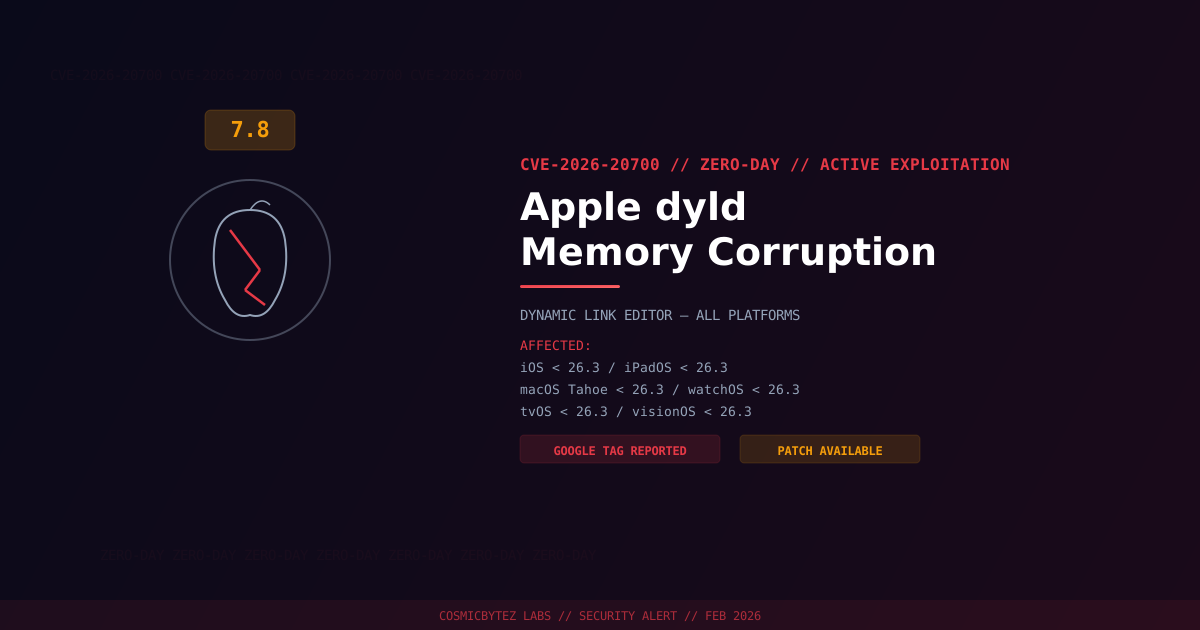
Apple has released emergency security updates across its entire product ecosystem to address CVE-2026-20700, a memory corruption vulnerability in the Dynamic Link Editor (dyld) that was being actively exploited in the wild. Apple confirmed the flaw was leveraged in "extremely sophisticated" targeted attacks against specific individuals, suggesting a state-sponsored espionage campaign.
CVSS Score: 7.8 (High)
The vulnerability was discovered and reported by Google's Threat Analysis Group (TAG), which tracks government-backed hacking operations. Patches are now available for iOS, iPadOS, macOS Tahoe, watchOS, tvOS, and visionOS.
Vulnerability Overview
What Is dyld?
The Dynamic Link Editor (dyld) is a critical system component responsible for loading dynamic libraries (.dylib files) and frameworks into a process at launch time. Because dyld executes early in the application startup chain with the privileges of the calling process, vulnerabilities here are exceptionally dangerous.
Root Cause
CVE-2026-20700 is a memory corruption vulnerability within dyld's handling of specially crafted dynamic library load commands. An attacker who can deliver a malicious application or trick a user into opening a crafted file can achieve arbitrary code execution with the privileges of the current user.
| Attribute | Value |
|---|---|
| CVE ID | CVE-2026-20700 |
| CVSS Score | 7.8 (High) |
| Type | Memory Corruption (dyld) |
| Attack Vector | Local (requires user interaction) |
| Privileges Required | None |
| Exploitation | Active — targeted attacks confirmed |
| Reported By | Google Threat Analysis Group (TAG) |
Affected Versions and Patches
| Platform | Affected Versions | Fixed Version |
|---|---|---|
| iOS | < 26.3 | iOS 26.3 |
| iPadOS | < 26.3 | iPadOS 26.3 |
| macOS Tahoe | < 26.3 | macOS Tahoe 26.3 |
| watchOS | < 26.3 | watchOS 26.3 |
| tvOS | < 26.3 | tvOS 26.3 |
| visionOS | < 26.3 | visionOS 26.3 |
Attack Vector
1. Attacker delivers malicious application or crafted file to target
2. Victim opens the file or installs the application
3. dyld processes specially crafted dynamic library load commands
4. Memory corruption occurs during library loading
5. Attacker achieves arbitrary code execution
6. Exploit chain escalates privileges or installs persistent implant
7. Espionage payload deployed for surveillance and data exfiltrationGoogle TAG's involvement strongly suggests this vulnerability was part of a commercial spyware or nation-state exploit chain. Apple's characterization of attacks as "extremely sophisticated" targeting "specific individuals" aligns with targeted espionage operations.
Immediate Remediation
Update All Apple Devices
- iPhone/iPad: Settings > General > Software Update — Install iOS/iPadOS 26.3
- Mac: System Settings > General > Software Update — Install macOS Tahoe 26.3
- Apple Watch: Watch app > General > Software Update — Install watchOS 26.3
- Apple TV: Settings > System > Software Updates — Install tvOS 26.3
- Vision Pro: Settings > General > Software Update — Install visionOS 26.3
For Enterprise/MDM-Managed Devices
- Push updates immediately through your MDM solution
- Enforce minimum OS version of 26.3 across all managed devices
- Block access for devices running versions below 26.3
- Prioritize updates for high-risk users (executives, journalists, security personnel)
If Immediate Patching Is Not Possible
- Enable Lockdown Mode on devices belonging to high-risk individuals
- Restrict app installation to App Store-only on managed devices
- Review installed profiles for unauthorized configurations
- Monitor for unusual device behavior (battery drain, overheating, data usage spikes)
Detection and Investigation
For High-Risk Individuals
If you believe you may have been targeted:
- Enable Lockdown Mode immediately
- Update to the latest OS version on all Apple devices
- Contact Apple Security at product-security@apple.com
- Preserve device logs before updating for forensic analysis
- Contact your organization's security team or a digital forensics provider
Behavioral Indicators
| Indicator | Description |
|---|---|
| Unusual dylib loads | Unexpected dynamic libraries loaded at process startup |
| Crash reports involving dyld | Repeated dyld-related crashes may indicate exploitation |
| Suspicious profile installations | MDM or config profiles installed without authorization |
| Unexpected outbound connections | Traffic to unknown or suspicious infrastructure |
| Rapid battery drain | Without obvious cause, may indicate implant activity |
References
- CyberScoop — Apple Zero-Day CVE-2026-20700
- SecurityWeek — Apple Patches iOS Zero-Day in Extremely Sophisticated Attack
- Help Net Security — Apple Zero-Day Fixed
- NIST NVD — CVE-2026-20700