Executive Summary
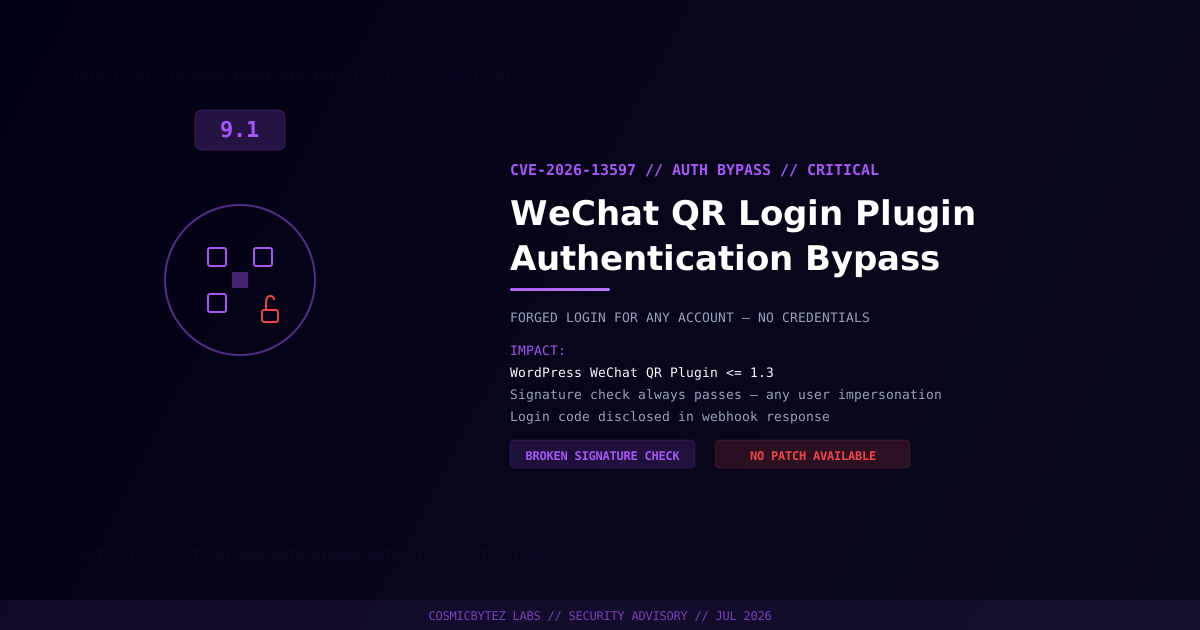
A critical authentication bypass vulnerability (CVE-2026-13597, CVSS 9.1) has been disclosed in the WeChat QR Login WordPress plugin (微信二维码登陆). The flaw allows unauthenticated attackers to forge a WeChat login event for any existing username on the site, achieving full account takeover without knowing credentials.
CVSS Score: 9.1 (Critical)
The vulnerability involves two compounding flaws: the plugin's webhook signature verification function always returns true regardless of the incoming payload, and the generated login code is disclosed in the webhook response itself. Together, these flaws allow an attacker to craft a forged webhook request, obtain the login code from the response, and authenticate as any target user — including administrators.
No patch has been released as of the advisory date. The plugin should be disabled immediately on all affected installations.
Vulnerability Overview
| Attribute | Value |
|---|---|
| CVE ID | CVE-2026-13597 |
| CVSS Score | 9.1 (Critical) |
| Type | Unauthenticated Authentication Bypass / Broken Signature Verification |
| Attack Vector | Network (unauthenticated) |
| Privileges Required | None |
| User Interaction | None |
| Affected Plugin | WeChat QR Login (微信二维码登陆) |
| Affected Versions | Through 1.3 |
| Fixed Version | None — no patch available |
Affected Versions
| Plugin | Affected Versions | Fixed Version |
|---|---|---|
| WeChat QR Login (微信二维码登陆) | Through 1.3 | Not available |
Technical Details
The plugin integrates WeChat's QR code login flow for WordPress sites. When a user scans a QR code with WeChat, the WeChat platform sends a webhook event to the WordPress site to complete the login. The plugin is supposed to verify the webhook request's cryptographic signature to ensure it originates from WeChat.
Root Causes
Flaw 1 — Signature Check Always Passes:
The webhook signature validation function contains a logic error that causes it to return true regardless of the actual request payload or signature. This means any HTTP request claiming to be a WeChat webhook is accepted as legitimate.
Flaw 2 — Login Code Disclosure: After processing the webhook, the plugin includes the generated login code in the HTTP response body. An attacker who sends a forged webhook request receives this code directly, bypassing the intended out-of-band delivery mechanism.
Attack Flow
1. Attacker identifies a WordPress site running WeChat QR Login <= 1.3
2. Attacker sends a crafted POST request to the plugin's webhook endpoint
   specifying a target username (e.g., "admin")
3. Plugin accepts the request — signature check returns true unconditionally
4. Plugin generates a login code and includes it in the webhook response
5. Attacker reads the login code from the HTTP response body
6. Attacker uses the login code to complete authentication as the target user
7. Full account takeover — attacker authenticated as any chosen WordPress userImpact of Exploitation
| Impact | Description |
|---|---|
| Account Takeover | Authenticate as any existing WordPress user, including admins |
| Full Admin Access | If admin account targeted, complete site compromise |
| No Credentials Required | Username is the only information needed |
| Stealthy | No failed login attempts — bypasses brute-force protections |
| Scalable | Attack can target multiple accounts in sequence |
Immediate Remediation
Step 1: Disable the Plugin Immediately
Since no patch is available, the plugin must be disabled or uninstalled on all affected sites:
# Via WP-CLI — deactivate
wp plugin deactivate wechat-qr-login

# Or uninstall entirely
wp plugin uninstall wechat-qr-login --deactivateOr via WordPress admin: Plugins > Installed Plugins > WeChat QR Login > Deactivate / Delete.
Step 2: Review for Unauthorized Access
# Check recent logins for any suspicious activity
wp db query "SELECT user_login, last_activity FROM wp_users
  ORDER BY last_activity DESC LIMIT 50;" 2>/dev/null

# If audit logging is enabled, review authentication events
wp user list --orderby=registered --order=DESC --fields=ID,user_login,user_email,user_registeredStep 3: Audit Administrator Accounts
Any administrator account that was active while the plugin was installed should be considered potentially compromised:
# List all admins and last login (requires audit plugin)
wp user list --role=administrator --fields=ID,user_login,user_emailForce password resets for all administrator and editor accounts as a precaution.
Step 4: Block Webhook Endpoint at WAF/Firewall Level
If the plugin cannot be immediately removed, block external access to the webhook endpoint at the network level to prevent exploitation while remediation is planned.
Detection Indicators
| Indicator | Description |
|---|---|
| POST requests to WeChat webhook endpoint from non-WeChat IPs | Forged webhook exploitation attempts |
| Successful logins from unexpected geographic locations | Account takeover via forged authentication |
| Admin actions from accounts that should not be active | Post-exploitation activity |
| Unusual sessions created without corresponding QR scan | Direct evidence of bypass abuse |
Post-Remediation Checklist
- Disable or uninstall WeChat QR Login plugin on all affected sites
- Force password reset for all administrator and editor accounts
- Invalidate all active WordPress sessions:
wp user session destroy --all - Review recent content changes, plugin installations, and user additions
- Scan for backdoors with a WordPress security scanner
- Monitor logs for continued exploitation attempts against the endpoint
- Regenerate WordPress security keys:
wp config shuffle-salts - Evaluate alternative WeChat login solutions with proper signature validation