Executive Summary
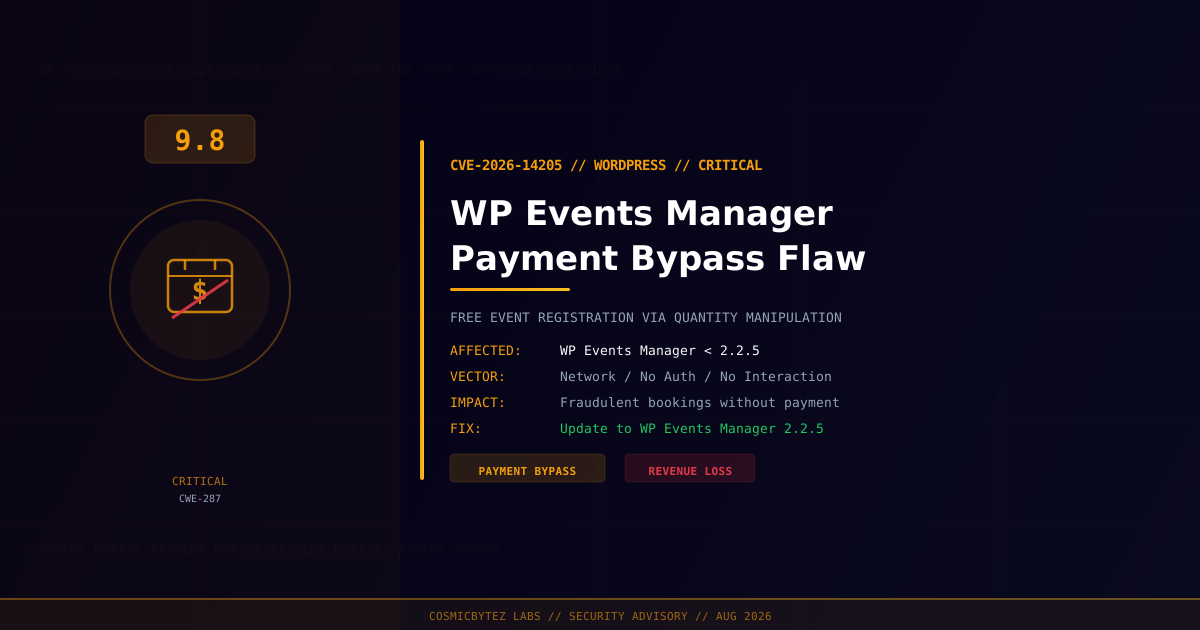
A critical vulnerability (CVE-2026-14205) has been disclosed in WP Events Manager, a WordPress plugin used to manage and monetize events. The flaw allows unauthenticated attackers to register for paid events without completing payment — and at zero cost — by manipulating the quantity parameter during registration.
CVSS Score: 9.8 (Critical)
Reported by WPScan, the vulnerability is classified as CWE-287 (Improper Authentication). The plugin fails to validate the quantity being registered and derives pricing from user-supplied input rather than server-authoritative data, creating a trivially exploitable payment bypass. The fix is available in WP Events Manager version 2.2.5.
Vulnerability Overview
| Attribute | Value |
|---|---|
| CVE ID | CVE-2026-14205 |
| CVSS Score | 9.8 (Critical) |
| Weakness | CWE-287 (Improper Authentication) |
| Type | Unauthenticated Payment Bypass |
| Attack Vector | Network |
| Attack Complexity | Low |
| Privileges Required | None |
| User Interaction | None |
| CISA Automatable | Yes |
| CISA Technical Impact | Total |
Affected Versions
| Plugin | Affected Versions | Fixed Version |
|---|---|---|
| WP Events Manager | < 2.2.5 | 2.2.5 |
Technical Details
The WP Events Manager plugin handles event registration and payment in a fundamentally insecure way. Two compounding flaws create the payment bypass:
1. Unvalidated Quantity Parameter
When registering for a paid event, the plugin accepts a quantity field from user input without server-side validation. An attacker can supply a zero or negative quantity value, bypassing any payment calculation while still completing registration.
2. Client-Side Price Calculation
The plugin incorrectly calculates the total payment amount based on user-supplied input rather than looking up the authoritative price server-side and multiplying by a validated quantity. This means an attacker can manipulate the quantity to produce a zero total, submit a free booking, and receive event access confirmation.
CWE-287: Improper Authentication
While this issue is fundamentally a logic flaw in payment processing, it maps to CWE-287 because the plugin fails to authenticate that the user has actually completed the required payment step before granting access/confirmation for a paid event.
Attack Flow
1. Attacker identifies a WordPress site using WP Events Manager < 2.2.5
   with one or more paid events configured
2. Attacker initiates registration for a paid event
3. Attacker intercepts the registration request (e.g., via browser DevTools
   or a proxy like Burp Suite)
4. Attacker modifies the quantity parameter to 0 or a negative value
5. Plugin calculates total price as $0.00 (0 * event_price)
6. Booking is confirmed without any payment being collected
7. Attacker receives event access, tickets, or confirmation emailPotential Impact
| Impact | Description |
|---|---|
| Direct Revenue Loss | Paid events accessed without payment |
| Fraudulent Bookings | Event capacity consumed by zero-cost registrations |
| Refund Abuse | Edge cases may allow negative charges depending on payment processor |
| Event Overselling | Capacity limits bypassed via manipulated quantities |
| Reputational Damage | Legitimate ticket holders displaced by fraudulent registrants |
Remediation
Step 1: Update to WP Events Manager 2.2.5
Update immediately via the WordPress admin panel or WP-CLI:
# Update via WP-CLI
wp plugin update wp-events-manager

# Verify installed version
wp plugin get wp-events-manager --field=versionOr navigate to WordPress Admin > Plugins > Installed Plugins > WP Events Manager > Update Now.
Step 2: Audit Recent Registrations
Review registrations placed before the patch was applied to identify fraudulent bookings:
# Query recent registrations (adjust table prefix and column names as needed)
wp db query "
  SELECT * FROM wp_em_bookings
  WHERE booking_price = 0
  AND event_id IN (
    SELECT event_id FROM wp_em_events WHERE event_rsvp_spaces > 0
  )
  ORDER BY booking_date DESC
  LIMIT 50;
"Flag any zero-price bookings on paid events for manual review.
Step 3: Verify with Your Payment Processor
Cross-reference bookings in WP Events Manager with your payment gateway (Stripe, PayPal, etc.) to confirm each booking has a corresponding successful payment transaction. Cancel or contact registrants for unmatched entries.
Step 4: Harden Event Registration
After patching, apply additional controls:
- Enable strict payment verification in WP Events Manager settings if available
- Use a Web Application Firewall to block requests with anomalous numeric parameters (quantity <= 0)
- Require login for paid event registration to create an audit trail
- Monitor for anomalous booking patterns — sudden spikes in zero-price registrations
If Immediate Patching Is Not Possible
- Disable paid event registration temporarily until patched
- Set all paid events to require manual approval before access is granted
- Block the registration endpoint at the WAF level
Detection Indicators
| Indicator | Description |
|---|---|
| Zero-price bookings on paid events | Core exploitation indicator |
| Booking quantity of 0 or negative numbers in logs | Manipulation attempt |
| Spike in registrations for high-cost events | Automated exploitation scan |
| Registrations with no corresponding payment processor transaction | Confirmed bypass |