Executive Summary
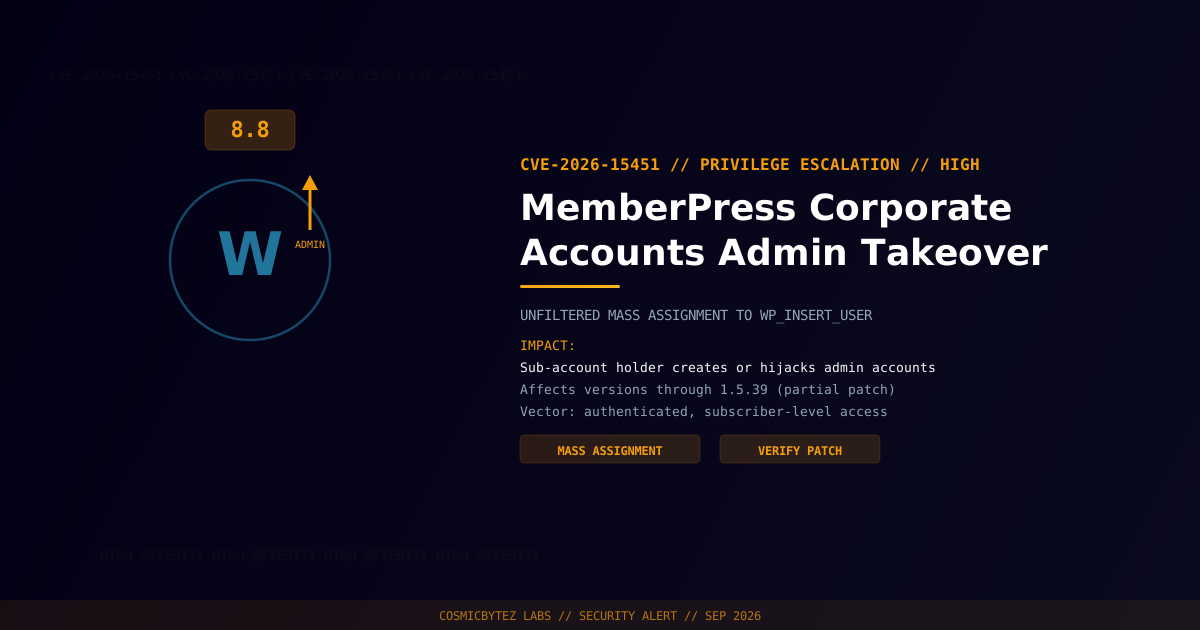
A high-severity privilege escalation vulnerability (CVE-2026-15451) has been disclosed in MemberPress Corporate Accounts, a WordPress add-on that lets a single purchaser manage sub-accounts for a team or organization. A mass assignment bug in the plugin's add_sub_account_user function passes the raw userdata array straight to WordPress's wp_insert_user() without filtering dangerous keys such as role or ID — letting a low-privileged corporate sub-account holder create a brand-new administrator or overwrite the email address on an existing one.
CVSS Score: 8.8 (High)
The vulnerability was partially patched in version 1.5.39, but the underlying mass-assignment pattern that caused it has not been confirmed fully closed — treat this as an active-risk plugin pending vendor confirmation.
Vulnerability Overview
| Attribute | Value |
|---|---|
| CVE ID | CVE-2026-15451 |
| CVSS Score | 8.8 (High) |
| Type | Improper Privilege Management / Mass Assignment (CWE-269) |
| Attack Vector | Network |
| Privileges Required | Low — authenticated subscriber-level access via a corporate sub-account |
| User Interaction | None |
Affected Versions
| Plugin | Affected Versions | Fixed Version |
|---|---|---|
| MemberPress Corporate Accounts | ≤ 1.5.39 | 1.5.39 (partial — verify with vendor) |
Attack Vector
1. Attacker holds (or self-registers for) a subscriber-level corporate
   sub-account under a MemberPress Corporate Accounts license
2. Attacker calls add_sub_account_user with a crafted userdata payload
   that sets role=administrator, or targets the ID of an existing admin
3. wp_insert_user() processes the raw array with no key filtering,
   creating a new admin account or overwriting the target admin's email
4. Attacker uses "Forgot Password" against the newly-controlled email
address to seize full administrator accessImpact of Successful Exploitation
| Impact | Description |
|---|---|
| Rogue Admin Creation | Attacker creates a brand-new WordPress administrator account |
| Existing Admin Hijack | Attacker overwrites an existing admin's email, then resets the password |
| Full Site Compromise | Database access, plugin/theme editing, and code execution follow from admin control |
This maps to MITRE ATT&CK T1078 (Valid Accounts) for hijacking existing credentials and T1136 (Create Account) for the rogue-admin path.
Immediate Remediation
Step 1: Check Your Version
wp plugin get memberpress-corporate-accounts --field=versionStep 2: Update and Verify
- Update to the latest available release of MemberPress Corporate Accounts immediately
- Because the 1.5.39 patch is described as partial, do not assume the mass-assignment path is fully closed — monitor the vendor's changelog for a follow-up fix that adds strict allow-listing to
add_sub_account_user - If corporate sub-accounts aren't in active use, disable the add-on until a confirmed complete fix ships
Step 3: Audit for Existing Compromise
# List administrators and review creation dates for anything unexpected
wp user list --role=administrator --fields=ID,user_login,user_email,user_registered

# Check for recent email changes on admin accounts via the audit log
# (requires an activity-logging plugin such as WP Activity Log)Post-Remediation Steps
- Confirm the fix covers
add_sub_account_userwith strict field allow-listing before trusting corporate sub-account features again - Audit every administrator account for unexpected creation dates or email changes during the exposure window
- Force a password reset on all administrator accounts if any irregularity is found
- Log out all active sessions to invalidate any hijacked admin sessions
- Review corporate sub-account membership for accounts you don't recognize
References
- VulDB — CVE-2026-15451 in Corporate Accounts Plugin
- OffSeq Threat Radar — CVE-2026-15451 CWE-269 Improper Privilege Management in MemberPress Corporate Accounts
- CyberPress — WordPress Membership Plugin Vulnerability Lets Attackers Create Admin Accounts
- NIST NVD — CVE-2026-15451