Executive Summary
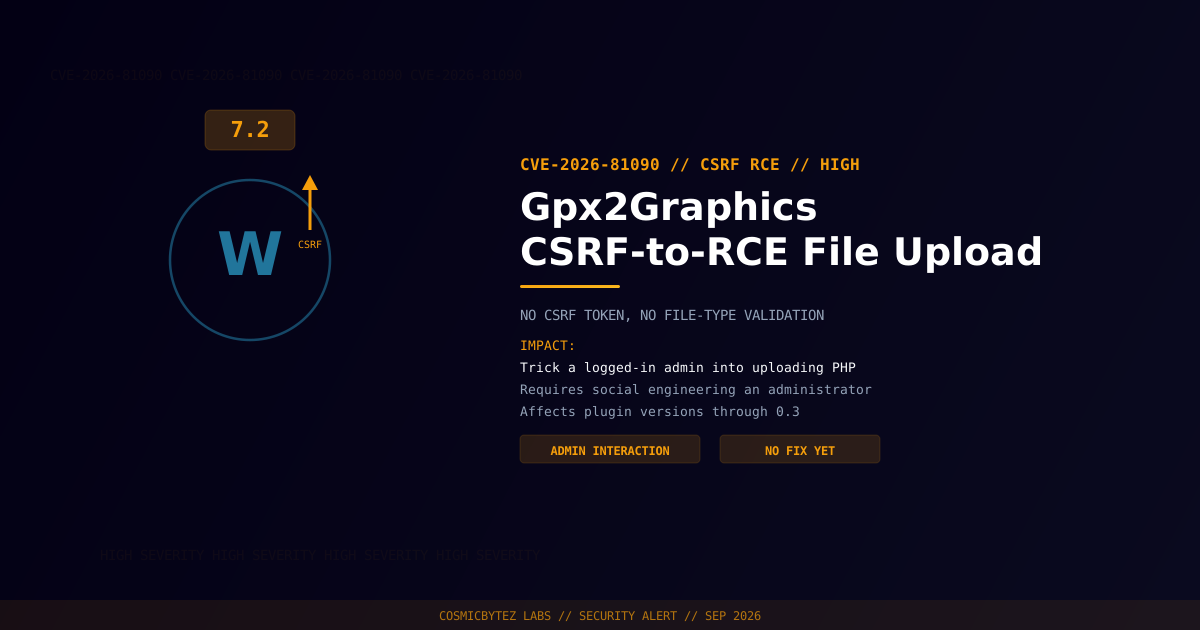
A high-severity CSRF-to-RCE vulnerability (CVE-2026-81090) has been disclosed in the Gpx2Graphics WordPress plugin. The plugin performs no CSRF check on its file upload handler and does not validate uploaded file types, allowing an attacker to trick a logged-in administrator into unknowingly uploading an arbitrary file — including a PHP webshell — simply by getting them to visit a malicious page.
CVSS Score: 7.2 (High)
Unlike a directly unauthenticated upload flaw, this one requires social engineering an administrator, which lowers its severity slightly but keeps the end result identical: remote code execution.
Vulnerability Overview
| Attribute | Value |
|---|---|
| CVE ID | CVE-2026-81090 |
| CVSS Score | 7.2 (High) |
| Type | Cross-Site Request Forgery (CWE-352) + Unrestricted Upload of File with Dangerous Type (CWE-434) |
| Attack Vector | Network |
| Privileges Required | None (attacker); requires a logged-in administrator to trigger the request |
| User Interaction | Required — victim admin must visit a crafted page |
Affected Versions
| Plugin | Affected Versions | Fixed Version |
|---|---|---|
| Gpx2Graphics | ≤ 0.3 | Not yet published at time of writing |
Attack Vector
1. Attacker crafts a malicious HTML page containing an auto-submitting
   form targeting the Gpx2Graphics upload endpoint
2. Attacker lures a logged-in WordPress administrator into visiting the
   page (phishing link, malicious ad, compromised site, etc.)
3. Victim's browser submits the forged request using their authenticated
   session — no CSRF token required
4. Plugin accepts the upload without validating file type or extension
5. Malicious PHP file is written to a web-accessible directory
6. Attacker accesses the uploaded webshell via HTTP — full RCEImpact of Successful Exploitation
| Impact | Description |
|---|---|
| Remote Code Execution | Execute arbitrary PHP on the server |
| Full Site Compromise | Database access, file manipulation, lateral movement |
| Requires Admin Interaction | Attacker must social-engineer a click, unlike direct unauthenticated flaws |
This maps to MITRE ATT&CK T1189 (Drive-by Compromise) / T1204 (User Execution) for delivery, and T1059 (web shell execution) for the payload.
Immediate Remediation
Step 1: Check for a Patch
No fixed version was available at time of disclosure. Monitor the plugin's WordPress.org page or WPScan advisory.
wp plugin get gpx2graphics --field=versionStep 2: Reduce Exposure
- Deactivate Gpx2Graphics until a patch is released
- Train administrators to avoid clicking unsolicited links while logged into WordPress
- Consider requiring re-authentication for sensitive admin actions (e.g. via a security plugin that adds nonce-independent CSRF protection)
Step 3: Scan for Existing Compromise
# Search for recently uploaded PHP files in unexpected locations
find /path/to/wordpress/wp-content/ -name "*.php" -newer /path/to/wordpress/wp-includes/version.php -type f

# Verify WordPress core integrity
wp core verify-checksumsPost-Remediation Steps
- Apply the vendor patch once released, or remove the plugin
- Scan the installation for webshells uploaded during the exposure window
- Rotate WordPress admin credentials and session cookies as a precaution
- Log out all active admin sessions to invalidate any hijacked sessions
- Deploy a WAF to catch PHP uploads to unexpected directories
References
- OffSeq Threat Radar — CVE-2026-81090 CWE-434 Unrestricted Upload of File with Dangerous Type in Gpx2Graphics
- VulDB — CVE-2026-81090 in Gpx2Graphics Plugin
- NIST NVD — CVE-2026-81090