Executive Summary
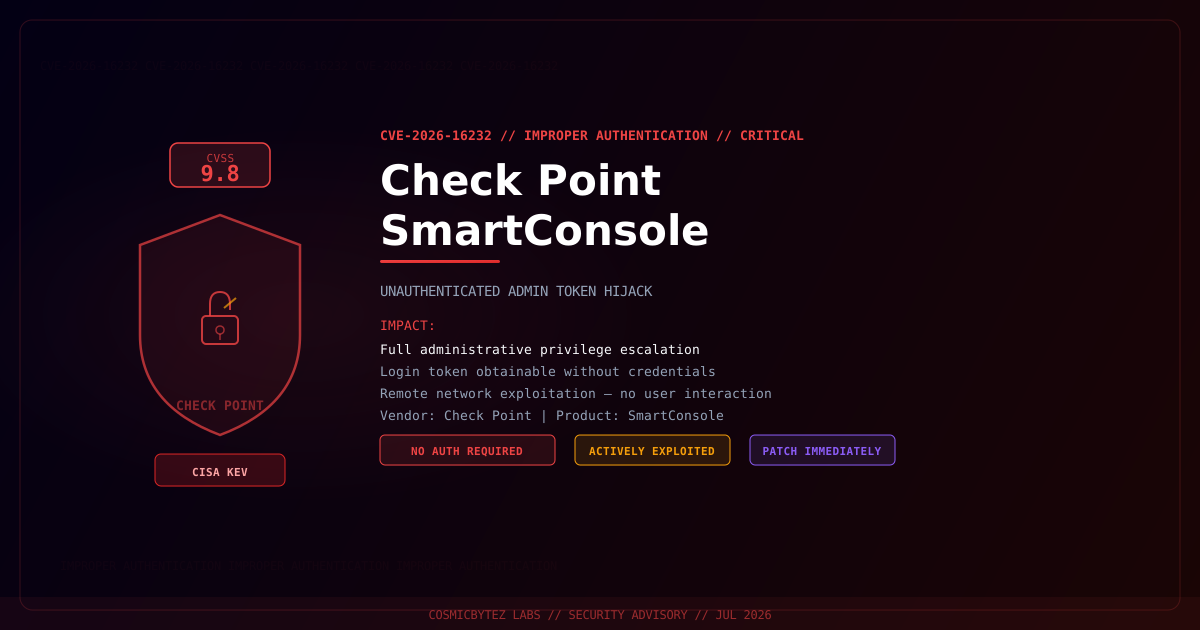
A critical improper authentication vulnerability (CVE-2026-16232) has been disclosed in Check Point SmartConsole, the centralized management platform used to administer Check Point network security gateways and policies. The flaw allows an unauthenticated remote attacker to obtain a valid application login token and use it to authenticate with full administrative privileges — without ever supplying legitimate credentials.
The vulnerability has been added to CISA's Known Exploited Vulnerabilities (KEV) catalog, confirming active exploitation in the wild. Organizations running Check Point SmartConsole must apply vendor patches immediately.
Vulnerability Overview
| Attribute | Value |
|---|---|
| CVE ID | CVE-2026-16232 |
| CVSS Score | 9.8 (Critical) |
| Type | Improper Authentication |
| Attack Vector | Network (remote, no auth required) |
| Privileges Required | None |
| User Interaction | None |
| Vendor | Check Point |
| Product | SmartConsole |
| CISA KEV | Yes — actively exploited |
What Is Check Point SmartConsole?
Check Point SmartConsole is the primary management interface for Check Point's security architecture. Administrators use it to:
- Define and push firewall and IPS policies across gateways
- Manage VPN configurations and access controls
- Monitor security events and threat prevention logs
- Administer user access and identity-based policies
Compromise of SmartConsole effectively grants an attacker god-mode access over an organization's entire Check Point security infrastructure — the ability to disable protections, exfiltrate policies, and pivot into protected network segments.
Attack Mechanism
The vulnerability stems from an improper authentication implementation in the SmartConsole login flow. An attacker positioned on a network that can reach the SmartConsole management port can:
1. Send a crafted unauthenticated request to the SmartConsole API endpoint
2. The service returns a valid application session token without credential verification
3. Attacker presents the stolen token as a legitimate authenticated session
4. Full administrative access granted — no username or password required
5. Attacker can now modify firewall rules, disable threat prevention, or exfiltrate configNo public proof-of-concept has been released by the researcher, but CISA's KEV addition confirms exploitation by threat actors in the wild.
Impact of Successful Exploitation
| Impact | Description |
|---|---|
| Firewall Policy Manipulation | Add, modify, or delete firewall rules across all managed gateways |
| VPN Compromise | Alter VPN configurations to create attacker-controlled access paths |
| Threat Prevention Bypass | Disable IPS, anti-bot, and anti-virus blades on gateways |
| Credential Theft | Access stored administrator credentials and API tokens |
| Lateral Movement | Use gateway access to pivot deeper into protected network segments |
| Full Audit Trail Access | Review security logs to understand detection posture |
Immediate Remediation
Step 1: Apply Vendor Patch
Check Point has released patches addressing CVE-2026-16232. Obtain the latest SmartConsole update directly from the Check Point Support Center.
- Log in to the Check Point Support Center
- Navigate to Downloads > SmartConsole
- Download and install the patched version
- Restart SmartConsole and confirm the version number
Step 2: Restrict Management Access
While patching, immediately restrict access to the SmartConsole management interface:
# Example: restrict SmartConsole port to management-only IP ranges at the perimeter
# Block TCP 18190 (SmartConsole default) from untrusted networks

# On gateway CLI (Gaia OS)
fw sam -f -s <untrusted_source> -o any drop

# Or via SmartConsole itself: Security Policies > Firewall > Management interface restrictions- Ensure SmartConsole is never exposed directly to the internet
- Enforce management access through a dedicated management VLAN or jump server
- Apply IP allowlisting at the network perimeter
Step 3: Audit for Compromise
If your SmartConsole has been accessible from untrusted networks before patching:
# Review SmartConsole audit logs for unexpected login activity
# SmartConsole: Logs & Monitor > Audit Logs

# Look for:
# - Login events from unexpected source IPs
# - Policy changes outside of change windows
# - Administrator account creation or permission modifications
# - VPN configuration changesStep 4: Rotate Credentials and API Keys
- Rotate all SmartConsole administrator passwords
- Revoke and reissue API keys used for automation
- Review all administrator accounts — remove any unauthorized additions
- Enable multi-factor authentication on all admin accounts if available
Detection Indicators
| Indicator | Description |
|---|---|
| Unexpected SmartConsole logins from unfamiliar IPs | Token abuse or exploitation attempt |
| Policy changes outside of change windows | Post-exploitation firewall manipulation |
| New administrator accounts | Threat actor establishing persistence |
| Unexplained gateway configuration diffs | Unauthorized policy push |
| Connections to SmartConsole port (TCP 18190) from untrusted hosts | Active reconnaissance or exploitation |
Why This Is High-Priority
Check Point SmartConsole manages the perimeter security of thousands of enterprise networks globally. A single successful exploitation of CVE-2026-16232 allows an attacker to:
- Silently open firewall holes for follow-on intrusion
- Disable threat prevention across an entire gateway fleet
- Erase evidence by tampering with logs and audit trails
The CISA KEV addition means threat actors are already actively using this flaw. Every hour without patching is a window of exposure.
Post-Remediation Checklist
- Confirm patched SmartConsole version is running on all management stations
- Verify SmartConsole management ports are restricted at network level
- Review full audit log for unauthorized changes since exposure window began
- Rotate all administrative credentials and API tokens
- Enable MFA for all SmartConsole administrator accounts
- Implement change management controls requiring approval for policy modifications
- Configure anomaly alerting on unexpected management logins
References
- CISA Known Exploited Vulnerabilities Catalog — CVE-2026-16232
- NIST NVD — CVE-2026-16232
- Check Point Support Center