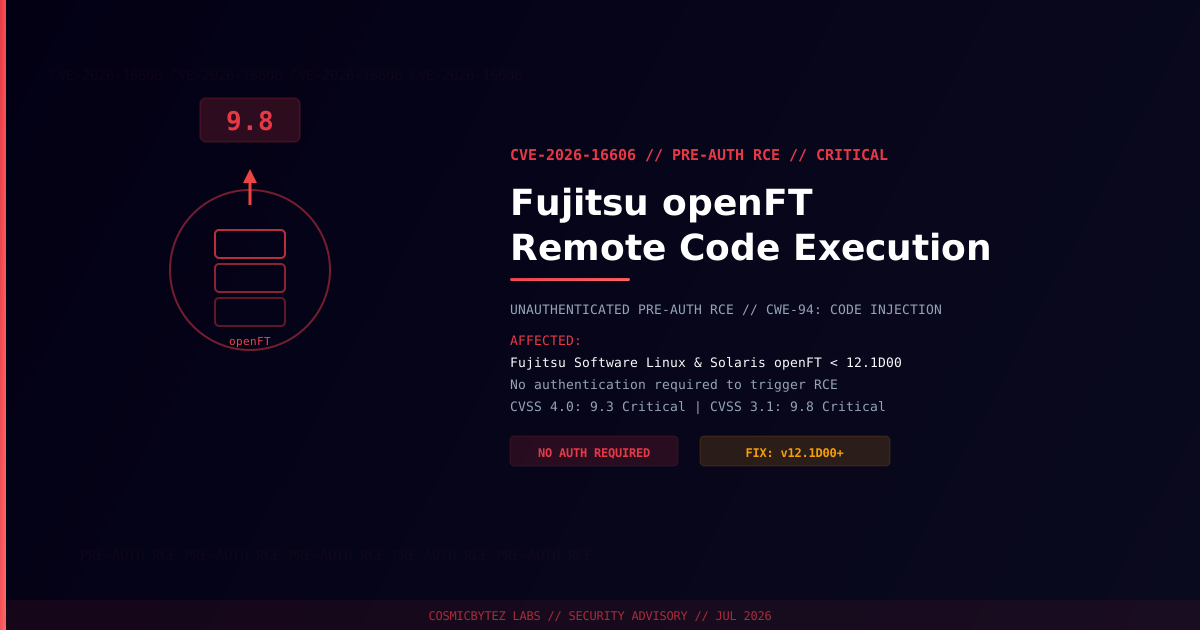
Executive Summary
A critical pre-authentication remote code execution vulnerability (CVE-2026-16606) has been disclosed in Fujitsu Software openFT, a file transfer software used in enterprise Linux and Oracle Solaris environments. The vulnerability carries a CVSS 3.1 score of 9.8 (Critical) and a CVSS 4.0 score of 9.3 (Critical), and requires no authentication to exploit.
Unauthenticated remote attackers can trigger arbitrary code execution on any affected openFT installation by sending a specially crafted request to the openFT service. A patch is available in version 12.1D00.
Vulnerability Overview
| Attribute | Value |
|---|---|
| CVE ID | CVE-2026-16606 |
| CVSS 3.1 Score | 9.8 (Critical) |
| CVSS 4.0 Score | 9.3 (Critical) |
| Type | Pre-Authentication Remote Code Execution |
| Weakness | CWE-94 — Improper Control of Code Generation (Code Injection) |
| Attack Vector | Network |
| Privileges Required | None |
| User Interaction | None |
| Published | July 22, 2026 |
| Vendor Advisory | FsasTech-PSIRT-FTI-FG-2026-042411 |
Affected Versions
| Product | Affected Versions | Fixed Version |
|---|---|---|
| Fujitsu Software Linux openFT | < 12.1C96 (all versions prior to 12.1D00) | 12.1D00 |
| Fujitsu Software Oracle Solaris openFT | < 12.1C95 (all versions prior to 12.1D00) | 12.1D00 |
Attack Vector
The flaw resides in the openFT file transfer daemon. Because no authentication is required prior to triggering the code injection condition (CWE-94), an attacker reachable over the network can exploit the vulnerability to execute arbitrary commands with the privileges of the openFT service process.
1. Attacker identifies host running Fujitsu openFT (any pre-12.1D00 version)
2. Crafted network request sent to openFT service — no credentials required
3. Code injection condition triggered in the openFT daemon
4. Arbitrary code executes under the openFT service account
5. Full host compromise — lateral movement, data exfiltration, persistencePotential Impact
| Impact | Description |
|---|---|
| Remote Code Execution | Execute arbitrary commands on the target host |
| Privilege Escalation | Escalate from openFT service account to root if misconfigured |
| Data Exfiltration | Access and exfiltrate files visible to the openFT process |
| Persistence | Deploy backdoors or scheduled tasks for sustained access |
| Lateral Movement | Use compromised host as pivot within enterprise networks |
Immediate Remediation
Step 1: Upgrade to openFT 12.1D00
The patch is available directly from Fujitsu / Fsas Technologies. Upgrade all affected Linux and Solaris openFT installations to version 12.1D00 or later immediately.
Consult the Fujitsu PSIRT advisory (FsasTech-PSIRT-FTI-FG-2026-042411) for upgrade packages and instructions.
Step 2: Restrict Network Access (Immediate Workaround)
If patching is not immediately possible, restrict network access to the openFT service at the firewall or host-based firewall level. Allow connections only from explicitly trusted source IP addresses.
# Example: restrict openFT port using iptables (verify actual port in your config)
iptables -I INPUT -p tcp --dport <openFT-port> ! -s <trusted-ip-range> -j DROP

# Or using nftables
nft add rule inet filter input tcp dport <openFT-port> ip saddr != <trusted-ip-range> dropStep 3: Identify Exposed Instances
# Check for openFT processes running on the system
ps aux | grep -i openft

# Check which ports openFT is listening on
ss -tlnp | grep openft
# or
netstat -tlnp | grep openftStep 4: Check for Signs of Exploitation
# Review openFT service logs for unexpected connections or errors
journalctl -u openft --since "7 days ago"

# Check for unexpected processes spawned by the openFT service
# (adjust service user as needed)
ps aux | grep <openft-user>

# Look for unexpected cron jobs or scheduled tasks
crontab -l -u <openft-user>Detection Indicators
| Indicator | Description |
|---|---|
| Unexpected inbound connections to openFT port | Potential pre-exploitation scanning or active attack |
| Processes spawned by openFT service user | Post-exploitation activity |
| New cron jobs or systemd units | Persistence mechanism installed post-compromise |
| Outbound connections from openFT service user | Data exfiltration or C2 callback |
| Modified files in openFT installation directory | Backdoor or tampered binary |
Post-Remediation Checklist
- Confirm patch applied — verify openFT version reports 12.1D00 or later
- Review firewall rules — ensure openFT port not exposed to untrusted networks
- Audit service logs — look for anomalous connections or errors prior to patch
- Check for persistence — review cron jobs, systemd units, and startup scripts
- Rotate credentials — change passwords for accounts accessible from the openFT host
- Scan for lateral movement — review adjacent systems for anomalous activity if compromise is suspected
References
- NIST NVD — CVE-2026-16606
- Fsas Technologies PSIRT Advisory: FsasTech-PSIRT-FTI-FG-2026-042411