Executive Summary
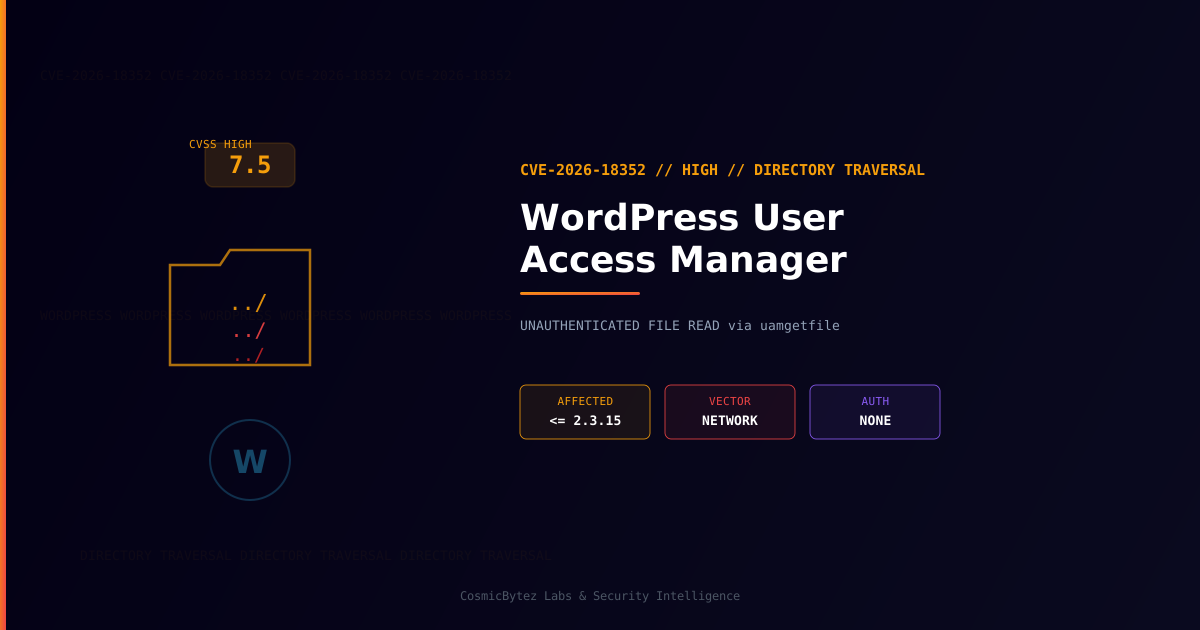
A High-severity directory traversal vulnerability (CVE-2026-18352) has been disclosed in the User Access Manager plugin for WordPress. All versions up to and including 2.3.15 are affected. The flaw exists in the uamgetfile parameter and allows unauthenticated attackers to read the contents of arbitrary files on the server — including sensitive configuration files and credentials.
CVSS Score: 7.5 (High)
The vulnerability requires no authentication and no user interaction, making it straightforward to exploit remotely. WordPress site owners running the affected plugin should update immediately.
Vulnerability Overview
| Attribute | Value |
|---|---|
| CVE ID | CVE-2026-18352 |
| CVSS Score | 7.5 (High) |
| Type | Directory Traversal / Arbitrary File Read |
| Attack Vector | Network (no authentication required) |
| Privileges Required | None |
| User Interaction | None |
| Parameter | uamgetfile |
Affected Versions
| Plugin | Affected Versions | Fixed Version |
|---|---|---|
| User Access Manager (WordPress) | <= 2.3.15 | Apply vendor patch |
The User Access Manager plugin is a popular WordPress plugin used to manage user roles, restrict access to posts and pages, and create member-only sections. Its widespread deployment across WordPress sites amplifies the potential impact of this flaw.
Technical Details
The vulnerability exists in the way the plugin handles file download requests. The uamgetfile parameter, used to serve protected files to authorized users, fails to properly sanitize user-supplied path input. An attacker can craft a request using path traversal sequences (../) to navigate outside the intended directory and read files anywhere on the filesystem accessible to the web server process.
Attack Flow
1. Attacker identifies a WordPress site running User Access Manager <= 2.3.15
2. Attacker sends a crafted HTTP GET request with a traversal payload:
   ?uamgetfile=../../wp-config.php
3. Plugin processes the request without sanitizing the path
4. Server returns contents of the requested file
5. Attacker extracts database credentials, secret keys, and configuration dataFiles at Risk
| File | Contents at Risk |
|---|---|
wp-config.php | Database host, name, username, password, secret keys |
/etc/passwd | System user accounts (Linux servers) |
.env files | API keys, environment-specific secrets |
wp-content/uploads/ | Sensitive uploaded documents |
| Log files | Application and error logs containing sensitive data |
Remediation
Step 1: Update the Plugin
Update User Access Manager to the latest version through the WordPress admin dashboard:
Plugins > Installed Plugins > User Access Manager > Update Now
Or via WP-CLI:
wp plugin update user-access-manager

# Verify installed version
wp plugin get user-access-manager --field=versionStep 2: If Immediate Update Is Not Possible
- Deactivate the plugin until a patch can be applied
- Block requests containing traversal sequences at the WAF or web server level:
# Nginx — block directory traversal attempts
if ($request_uri ~* "\.\./") {
    return 403;
}# Apache — mod_rewrite rule
RewriteCond %{QUERY_STRING} \.\./ [NC]
RewriteRule .* - [F]Step 3: Check for Signs of Exploitation
# Search web server access logs for uamgetfile traversal attempts
grep -i "uamgetfile" /var/log/nginx/access.log | grep "\.\."

# Check for abnormal access to wp-config.php via GET requests
grep "wp-config.php" /var/log/nginx/access.log

# Review recent plugin file reads in PHP logs
grep "uamgetfile" /var/log/php/error.logDetection Indicators
| Indicator | Description |
|---|---|
GET requests with uamgetfile=../../ pattern | Directory traversal exploitation attempts |
Unexpected reads of wp-config.php in access logs | Potential credential theft |
Requests to /etc/passwd or system files | OS-level file enumeration |
| Unusual outbound connections following exploitation | Attacker using harvested credentials |
Post-Remediation Checklist
- Confirm the plugin is updated to the patched version
- Review access logs for evidence of traversal attempts prior to patching
- Rotate all secrets stored in
wp-config.php— database password, secret keys, API keys - Regenerate WordPress salt keys via
wp config shuffle-salts - Audit file permissions — ensure the web server cannot read sensitive files outside the webroot
- Deploy a WAF (Wordfence, Sucuri, Cloudflare) to block future traversal attempts
- Enable file integrity monitoring to detect unauthorized reads or changes