Executive Summary
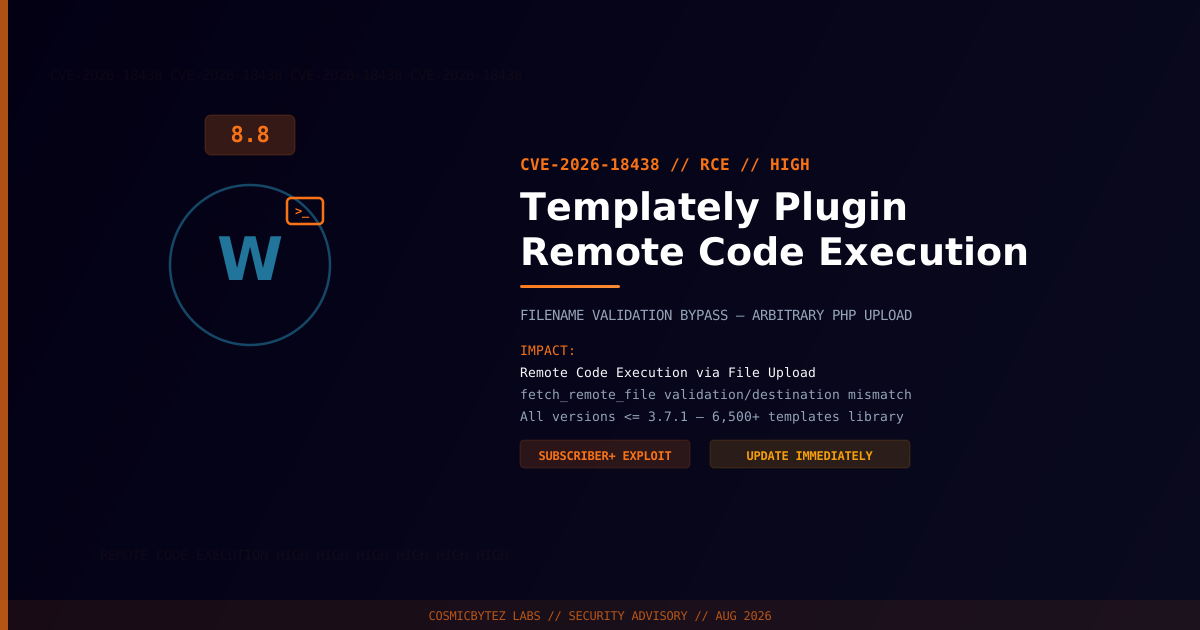
A high-severity Remote Code Execution vulnerability (CVE-2026-18438) has been disclosed in the Templately plugin for WordPress — a popular template library plugin offering over 6,500 free and pro templates for Elementor and Gutenberg. The flaw carries a CVSS score of 8.8 and allows authenticated attackers with subscriber-level access to upload and execute arbitrary code on the server.
CVSS Score: 8.8 (High)
The vulnerability resides in the plugin's fetch_remote_file() function, which contains a filename validation and destination path mismatch. An attacker can exploit this flaw to write arbitrary PHP files to locations outside of intended directories, bypassing upload restrictions and achieving remote code execution.
Vulnerability Overview
| Attribute | Value |
|---|---|
| CVE ID | CVE-2026-18438 |
| CVSS Score | 8.8 (High) |
| Type | Authenticated Remote Code Execution via File Upload |
| Attack Vector | Network |
| Privileges Required | Low (Subscriber role or above) |
| User Interaction | None |
| Affected Plugin | Templately ≤ 3.7.1 |
Affected Versions
| Plugin | Affected Versions | Status |
|---|---|---|
| Templately — Elementor & Gutenberg Template Library | All versions ≤ 3.7.1 | Patch required |
Technical Details
The fetch_remote_file() function in Templately is designed to retrieve remote template assets and store them locally. The vulnerability stems from a validation/destination mismatch: the function validates the filename for safe characters but then writes the file to a destination path derived separately, allowing an attacker to craft a request where the validated name and the actual write path diverge.
By exploiting this mismatch, an attacker with at least subscriber-level access can write a PHP file to a web-accessible directory, then access it directly via HTTP to execute arbitrary server-side code.
Attack Sequence
1. Attacker registers a subscriber account (or uses compromised credentials)
2. Attacker crafts request to fetch_remote_file() with malicious payload
3. Filename validation passes on the sanitized component
4. Actual write operation targets attacker-controlled destination path
5. PHP webshell written to web-accessible wp-content directory
6. Attacker accesses webshell via HTTP — full RCE achievedImpact of Successful Exploitation
| Impact | Description |
|---|---|
| Remote Code Execution | Execute arbitrary PHP code on the server |
| Database Compromise | Access WordPress database via wp-config.php |
| Webshell Persistence | Uploaded PHP files survive plugin updates |
| Lateral Movement | Pivot to other sites on shared hosting infrastructure |
| Data Exfiltration | Read all site files and sensitive configuration |
| Malware Distribution | Inject malicious code served to site visitors |
Immediate Remediation
Step 1: Update Templately
# Via WP-CLI
wp plugin update templately

# Verify installed version
wp plugin get templately --field=versionOr update through WordPress admin: Plugins > Installed Plugins > Templately > Update Now.
Step 2: Scan for Uploaded Webshells
# Find PHP files recently added to upload directories
find /var/www/html/wp-content/ -name "*.php" -newer /var/www/html/wp-includes/version.php -type f

# Scan for common webshell signatures
grep -rl "eval(base64_decode" /var/www/html/wp-content/
grep -rl "system(" /var/www/html/wp-content/uploads/
grep -rl "passthru\|shell_exec\|exec(" /var/www/html/wp-content/

# Verify WordPress core file integrity
wp core verify-checksumsStep 3: Restrict File Permissions
# Prevent PHP execution in upload directories
cat >> /var/www/html/wp-content/uploads/.htaccess << 'EOF'
<Files *.php>
deny from all
</Files>
EOF

# Or via Nginx
# location ~* /wp-content/uploads/.*\.php$ { deny all; }Step 4: Audit Subscriber Accounts
# List all subscriber accounts — remove unknown ones
wp user list --role=subscriber --fields=ID,user_login,user_email,user_registered

# Remove suspicious accounts
wp user delete <suspicious_user_id>Detection Indicators
| Indicator | Description |
|---|---|
PHP files in wp-content/uploads/ | Webshells uploaded via the vulnerability |
| Requests to Templately's API endpoints | Exploitation attempts |
| Outbound connections from web server | Post-exploitation exfiltration |
| Suspicious subscriber account registrations | Pre-attack account creation |
Post-Remediation Steps
- Update Templately to the patched version
- Scan the installation for PHP webshells in upload directories
- Restrict PHP execution in
wp-content/uploads/via server config - Audit subscriber accounts and remove unknown registrations
- Rotate all credentials — WordPress admin, database, hosting
- Enable file integrity monitoring to detect future changes
- Deploy a WAF and consider restricting new account registrations