Executive Summary
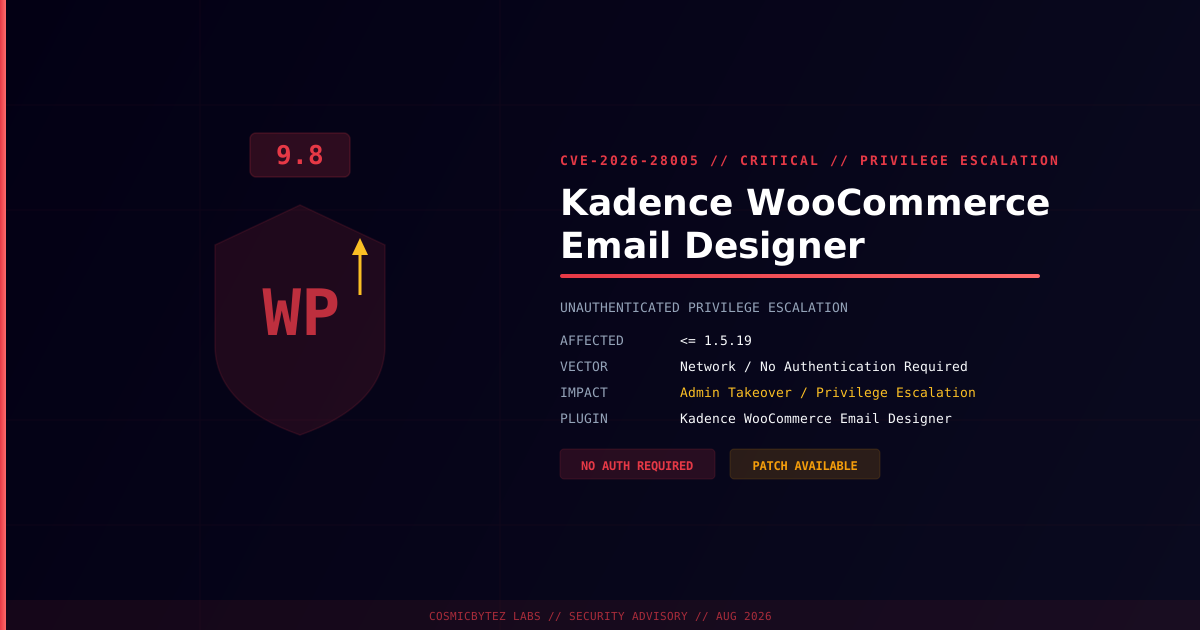
A critical unauthenticated privilege escalation vulnerability (CVE-2026-28005) has been disclosed in the Kadence WooCommerce Email Designer WordPress plugin. The flaw carries a CVSS score of 9.8 and affects all versions up to and including 1.5.19. An unauthenticated attacker can exploit this vulnerability to escalate their privileges on the target WordPress site — up to and including administrator access — without providing any valid credentials.
CVSS Score: 9.8 (Critical)
The plugin is used by WordPress and WooCommerce site owners to customize the design, layout, and content of WooCommerce transactional emails. With over 100,000 active installations, the exposure window for this vulnerability is substantial.
Vulnerability Overview
| Attribute | Value |
|---|---|
| CVE ID | CVE-2026-28005 |
| CVSS Score | 9.8 (Critical) |
| CWE | Incorrect Privilege Assignment (CWE-266) |
| Type | Unauthenticated Privilege Escalation |
| Attack Vector | Network |
| Privileges Required | None |
| User Interaction | None |
| Affected Plugin | Kadence WooCommerce Email Designer |
| Affected Versions | <= 1.5.19 |
Affected Versions
| Plugin | Affected Versions | Status |
|---|---|---|
| Kadence WooCommerce Email Designer | <= 1.5.19 | Patch available — update immediately |
Technical Background
Privilege escalation vulnerabilities in WordPress plugins typically stem from improperly secured AJAX endpoints or REST API routes that lack both nonce validation and capability checks. When a plugin registers a handler for an action like wp_ajax_nopriv_* (accessible to unauthenticated users), a missing capability check allows any visitor to trigger functionality that should be restricted to administrators.
In this class of vulnerability, the attack flow generally works as follows:
1. Attacker identifies WordPress site running vulnerable Kadence plugin
2. Attacker sends crafted HTTP POST to wp-admin/admin-ajax.php
   (targeting an unauthenticated action hook)
3. Plugin processes the request without verifying caller permissions
4. Attacker's supplied role/user data is applied server-side
5. Attacker account elevated to Administrator — or new admin account created
6. Full site takeover: content manipulation, credential harvesting, malware installWhy CVSS 9.8?
| CVSS Metric | Value | Reason |
|---|---|---|
| Attack Vector | Network | Exploitable remotely over HTTP |
| Attack Complexity | Low | No special conditions required |
| Privileges Required | None | No login needed |
| User Interaction | None | Fully automated |
| Confidentiality Impact | High | Database and config access |
| Integrity Impact | High | Site content modifiable |
| Availability Impact | High | Site can be defaced/destroyed |
Impact of Successful Exploitation
| Impact | Description |
|---|---|
| Admin Account Creation | Attacker creates a new WordPress administrator |
| Full Site Compromise | Access to all posts, pages, orders, user data |
| WooCommerce Data Access | Customer PII, order history, payment method metadata |
| Backdoor Installation | Upload malicious plugins or themes for persistence |
| Email Hijacking | Modify transactional emails to capture credentials or deliver phishing |
| SEO Spam | Inject spam content or redirects into the site |
| Supply Chain Risk | Shared hosting environments risk lateral movement |
Immediate Remediation
Step 1: Update the Plugin
Update Kadence WooCommerce Email Designer to the latest version immediately. Updates are available through the WordPress admin panel.
# Via WP-CLI
wp plugin update kadence-woocommerce-email-designer

# Confirm installed version
wp plugin get kadence-woocommerce-email-designer --field=versionOr via WordPress Admin → Plugins → Installed Plugins → Kadence WooCommerce Email Designer → Update Now.
Step 2: Audit for Compromise
If the plugin was running an affected version on a publicly accessible site, assume potential compromise and investigate:
# Check for recently created admin accounts
wp user list --role=administrator --fields=ID,user_login,user_registered

# Scan for unexpected PHP files in uploads
find /path/to/wordpress/wp-content/uploads/ -name "*.php" -type f

# Check recently modified plugin/theme files
find /path/to/wordpress/wp-content/ -name "*.php" \
  -newer /path/to/wordpress/wp-includes/version.php -type f

# Verify core WordPress integrity
wp core verify-checksumsStep 3: Review User Accounts
# List all administrators and when they registered
wp user list --role=administrator --fields=ID,user_login,user_email,user_registered

# Remove any unauthorized admin accounts
wp user delete <suspicious-user-id> --reassign=<admin-user-id>Step 4: Rotate Credentials
- Rotate all WordPress admin passwords
- Regenerate WordPress secret keys and salts:
wp config shuffle-salts - Rotate WooCommerce payment gateway API keys if stored in the database
- Rotate any credentials stored in
wp-config.php
If Immediate Patching Is Not Possible
- Deactivate the plugin entirely until the patch can be applied
- Block access to
wp-admin/admin-ajax.phpat the WAF or web server level for unauthenticated requests (where feasible without breaking site functionality) - Enable a virtual patch through Patchstack or Wordfence if available
- Monitor access logs for unexpected POST requests to AJAX endpoints
Detection Indicators
| Indicator | Description |
|---|---|
Unexpected administrator role users | Attacker-created accounts |
POST requests to admin-ajax.php with plugin-specific actions | Exploitation attempts |
| Unusual login events from unknown IPs | Account takeover in progress |
| Modifications to plugin/theme files | Post-exploitation persistence |
| Outbound connections from webserver | Data exfiltration activity |
Post-Remediation Steps
- Confirm plugin is updated to the patched version
- Remove any unauthorized admin accounts created during the exposure window
- Rotate all administrative credentials
- Scan the full WordPress installation for webshells and unauthorized modifications
- Review WooCommerce order and customer data for unauthorized access indicators
- Deploy a Web Application Firewall (Wordfence, Patchstack, Sucuri)
- Enable WordPress file integrity monitoring
- Consider subscribing to vulnerability alerts for all installed plugins
References
- NIST NVD — CVE-2026-28005
- Patchstack — Kadence WooCommerce Email Designer Vulnerabilities
- Wordfence Intelligence — Kadence WooCommerce Email Designer