Executive Summary
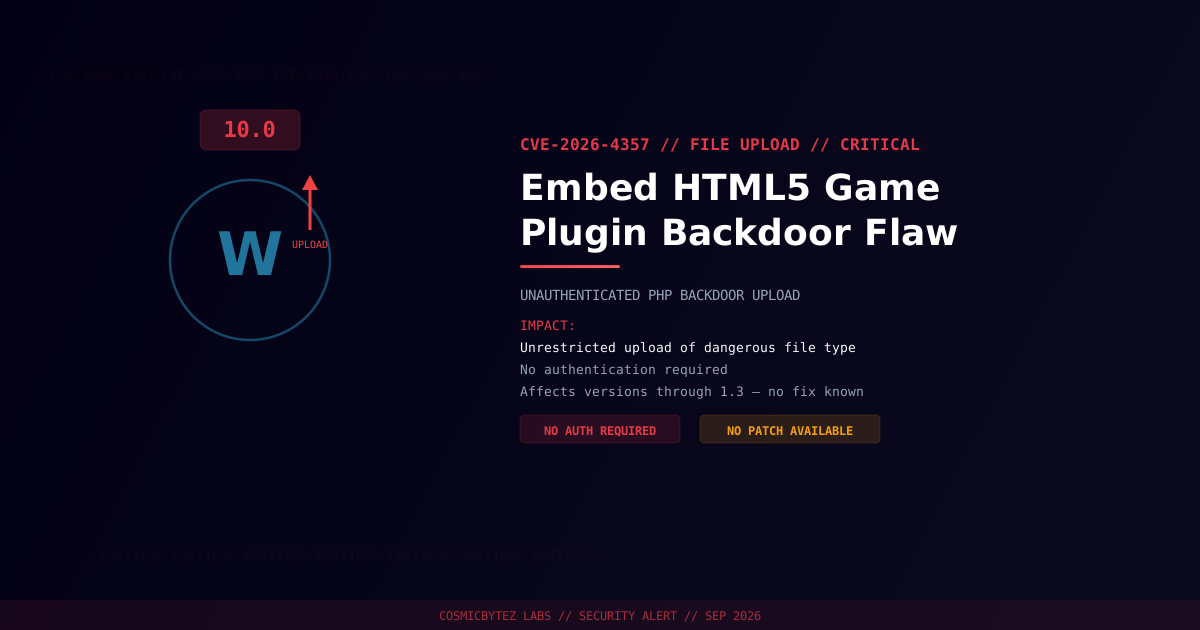
CVE-2026-4357 affects the Embed HTML5 Game WordPress plugin (versions through 1.3) and carries a maximum CVSS score of 10.0 — the ceiling of the scale. The plugin fails to restrict who can upload files through it and fails to validate what gets uploaded, letting unauthenticated attackers plant PHP backdoors on any site running it.
CVSS Score: 10.0 (Critical)
There is no login wall, no capability check, and no file-type filtering standing between a remote attacker and a working web shell.
Vulnerability Overview
| Attribute | Value |
|---|---|
| CVE ID | CVE-2026-4357 |
| CWE | CWE-434 (Unrestricted Upload of File with Dangerous Type) |
| CVSS Score | 10.0 (Critical) |
| Vector | CVSS:3.1/AV:N/AC:L/PR:N/UI:N/S:C/C:H/I:H/A:H |
| Attack Vector | Network (no authentication required) |
| Privileges Required | None |
| User Interaction | None |
| Assigner | WPScan |
Affected Versions
| Plugin | Affected Versions | Fixed Version |
|---|---|---|
| Embed HTML5 Game | ≤ 1.3 | None published at time of writing |
No patched release has been published for this plugin as of disclosure. Sites should treat it as permanently vulnerable until the vendor ships a fix.
Attack Vector
1. Attacker identifies a WordPress site running Embed HTML5 Game
2. Attacker sends an unauthenticated upload request to the plugin's upload handler
3. The plugin accepts the file with no access control or extension check
4. A PHP backdoor is written to a web-accessible directory
5. Attacker requests the backdoor directly over HTTP
6. Full remote code execution and site compromiseImpact of Successful Exploitation
| Impact | Description |
|---|---|
| Remote Code Execution | Arbitrary PHP execution on the server |
| Full Site Takeover | Admin account creation, content tampering |
| Database Compromise | Read/write via wp-config.php credentials |
| Web Shell Persistence | Backdoors survive routine updates |
| Malware / Spam Injection | Serving malicious content to site visitors |
Immediate Remediation
Step 1: Deactivate and Remove the Plugin
# Via WP-CLI
wp plugin deactivate embed-html5-game
wp plugin delete embed-html5-gameOr through WordPress admin: Plugins > Installed Plugins > Embed HTML5 Game > Deactivate > Delete.
Step 2: Scan for Existing Compromise
# Search for recently created/modified PHP files
find /path/to/wordpress/wp-content/ -name "*.php" -newer /path/to/wordpress/wp-includes/version.php -type f

# Check for common web shell signatures
grep -rl "eval\s*(base64_decode" /path/to/wordpress/wp-content/
grep -rl "system\s*(\|shell_exec\s*(\|passthru\s*(" /path/to/wordpress/wp-content/uploads/

# Verify WordPress core integrity
wp core verify-checksumsIf Immediate Removal Isn't Possible
- Block the plugin's upload endpoint at the web server or WAF level
- Restrict PHP execution in
wp-content/uploads/via server config (.htaccess/ nginx location block) - Monitor access logs for unauthenticated POST requests to the plugin's paths
Detection Indicators
| Indicator | Description |
|---|---|
| Unauthenticated POST requests to the plugin's upload path | Exploitation attempts |
| New PHP files in uploads directories | Backdoors dropped through the flaw |
Requests to newly created .php files | Attacker accessing an uploaded backdoor |
| Unexpected outbound connections from the web server | Post-exploitation activity |
Post-Remediation Steps
- Confirm the plugin is fully removed
- Scan for web shells and unauthorized file changes
- Review all admin accounts for unauthorized additions
- Rotate all credentials — WordPress admin, database, API keys
- Regenerate WordPress security keys with
wp config shuffle-salts - Deploy a WAF (Wordfence, Sucuri) for ongoing protection
- Disable PHP execution in the uploads directory as a standing hardening measure