Executive Summary
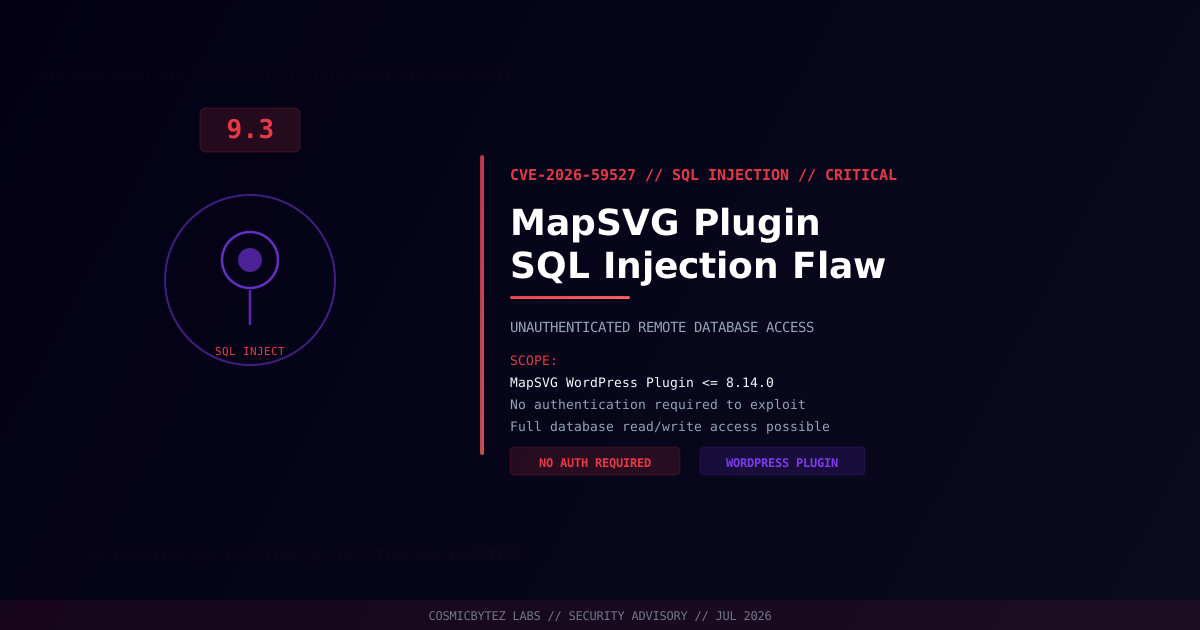
A critical unauthenticated SQL injection vulnerability (CVE-2026-59527) has been disclosed in the MapSVG WordPress plugin, affecting all versions up to and including 8.14.0. The vulnerability carries a CVSS score of 9.3 and allows any unauthenticated remote attacker to inject malicious SQL queries, potentially exposing or corrupting the site's entire database.
CVSS Score: 9.3 (Critical)
MapSVG is a premium WordPress mapping plugin used to embed interactive SVG maps, Google Maps, and image maps into websites. Sites using the plugin for store locators, property listings, event maps, and geographic data visualizations are at risk.
Vulnerability Overview
| Attribute | Value |
|---|---|
| CVE ID | CVE-2026-59527 |
| CVSS Score | 9.3 (Critical) |
| Type | Unauthenticated SQL Injection |
| Attack Vector | Network (no authentication required) |
| Privileges Required | None |
| User Interaction | None |
| Affected Versions | MapSVG <= 8.14.0 |
Affected Versions
| Plugin | Affected Versions | Status |
|---|---|---|
| MapSVG WordPress Plugin | All versions <= 8.14.0 | Patch required — update immediately |
Attack Vector
SQL injection vulnerabilities in WordPress plugins typically arise when user-supplied input is incorporated into database queries without adequate sanitization or the use of prepared statements. In CVE-2026-59527, the injection point exists in a publicly accessible endpoint of the MapSVG plugin, meaning no WordPress account is required to exploit it.
1. Attacker identifies WordPress site running MapSVG <= 8.14.0
2. Attacker sends crafted HTTP request with malicious SQL payload to MapSVG endpoint
3. Plugin passes unsanitized input directly into database query
4. Attacker extracts data: usernames, password hashes, emails, custom post data
5. In worst-case scenarios: attacker injects data or drops database tables
6. WordPress admin hash cracked offline → full site takeoverImpact of Successful Exploitation
| Impact | Description |
|---|---|
| Data Exfiltration | Read all WordPress database tables including users, posts, and options |
| Credential Theft | Extract WordPress admin password hashes for offline cracking |
| Account Takeover | Inject new admin user or reset credentials |
| Site Defacement | Modify post content or settings via database manipulation |
| Malware Seeding | Insert malicious JavaScript into stored content |
| Lateral Movement | Database credentials in wp-config.php may expose other services |
Immediate Remediation
Step 1: Update MapSVG to a Patched Version
Check the MapSVG plugin page or your premium license portal for the latest patched release above 8.14.0. Apply the update immediately.
# Via WP-CLI
wp plugin update mapsvg

# Verify installed version
wp plugin get mapsvg --field=versionOr update through WordPress admin: Plugins > Installed Plugins > MapSVG > Update Now.
Step 2: Scan for Compromise
# Check for unauthorized admin users added recently
wp user list --role=administrator

# Search for signs of injected content or backdoors
grep -rl "eval\s*(base64_decode" /path/to/wordpress/
grep -rl "<script" /path/to/wordpress/wp-content/uploads/

# Review recent database changes
wp post list --post_status=any --orderby=modified --order=DESC --fields=ID,post_title,post_modified | head -20

# Verify WordPress core integrity
wp core verify-checksumsStep 3: Enable a Web Application Firewall
Implement a WAF to detect and block SQL injection attempts while patching is being applied:
- Wordfence Security — Free WAF with SQL injection rules
- Sucuri Security — Cloud-based WAF
- Cloudflare WAF — Managed rules for CMS protection
If Immediate Patching Is Not Possible
- Deactivate the MapSVG plugin until a patched version is available
- Block access to MapSVG API endpoints at the web server level (Nginx/Apache)
- Enable database activity monitoring to detect anomalous queries
- Take a full database backup before any remediation steps
Detection Indicators
| Indicator | Description |
|---|---|
| Unusual SELECT queries with UNION, OR 1=1, or comments | SQL injection attempts in access logs |
| New administrator accounts not created by known staff | Post-exploitation account creation |
| Modified wp_options entries (siteurl, active_plugins) | Attacker persisting via options table |
| Unexpected outbound HTTP from web server | Data exfiltration or C2 beacon |
| Error messages referencing SQL syntax in HTTP responses | Active exploitation leaking database errors |
Post-Remediation Steps
- Confirm plugin updated to a version above 8.14.0
- Audit administrator accounts — remove any unauthorized admin users
- Rotate all credentials — WordPress admin passwords, database password, API keys
- Regenerate WordPress security keys using
wp config shuffle-salts - Scan all uploaded files for webshells or malicious content
- Review database contents for injected data or modified records
- Enable two-factor authentication on all WordPress administrator accounts
- Deploy ongoing WAF protection and enable SQL injection rules