Executive Summary
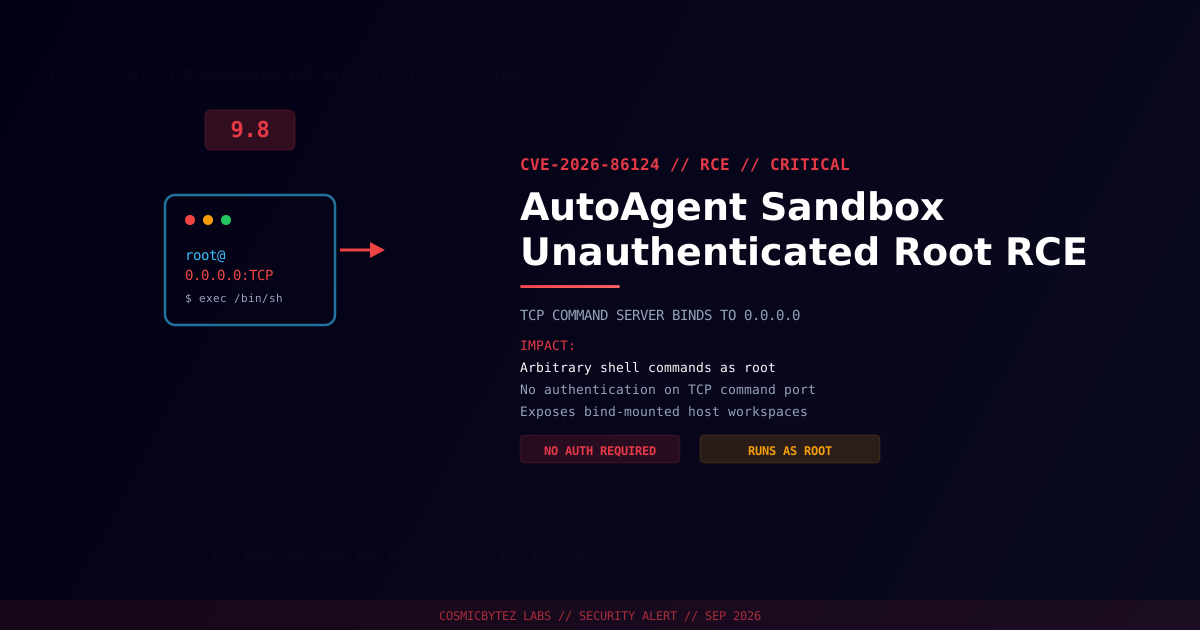
A critical unauthenticated remote code execution vulnerability (CVE-2026-86124) has been disclosed in AutoAgent, the HKUDS open-source AI agent framework. The flaw sits in AutoAgent's sandbox TCP command server, which binds to 0.0.0.0 and executes any command it receives as root, without any form of authentication or authorization check.
CVSS Score: 9.8 (Critical) under CVSS 3.1; a CVSS 4.0 score of 9.3 has also been reported by other trackers.
Any host that can reach the exposed TCP port can send arbitrary bash commands and have them executed inside the AutoAgent sandbox container as root — including read/write access to any bind-mounted host workspace directories.
Vulnerability Overview
| Attribute | Value |
|---|---|
| CVE ID | CVE-2026-86124 |
| CVSS Score | 9.8 (Critical) / CVSS 4.0: 9.3 |
| Type | Missing Authentication for Critical Function → Remote Code Execution |
| Attack Vector | Network (no authentication required) |
| Privileges Required | None |
| User Interaction | None |
| Vendor / Product | HKUDS / AutoAgent |
| Disclosed via | VulnCheck advisory — "AutoAgent Unauthenticated Remote Code Execution via the Sandbox TCP Command Server" |
| Published | 2026-09-05 |
Technical Details
AutoAgent's sandbox environment spins up a Docker container to isolate agent-executed code, and communicates with that container through a lightweight TCP command server. Two design decisions in that server compound into full root RCE:
tcp_server.py— the TCP listener binds to0.0.0.0(all network interfaces) and accepts inbound connections with no authentication or authorization check whatsoever. Any client that can open a TCP connection to the port can submit shell commands for execution.docker_env.py— the sandbox container itself is launched withdocker run --user root, and the command port is published with-p, exposing it on0.0.0.0at the host level as well.
Together, these mean a remote, unauthenticated attacker who can reach the published port can execute arbitrary bash commands as root inside the container — and, because AutoAgent sandboxes typically bind-mount a host workspace directory in for agent file access, that access can extend to files outside the container itself.
1. Attacker scans for hosts exposing the AutoAgent TCP command port
2. Attacker opens a raw TCP connection — no credentials, tokens, or handshake required
3. Attacker sends a bash command payload
4. Command server executes the payload as root inside the sandbox container
5. Attacker pivots via bind-mounted host directories or lateral network accessImpact of Successful Exploitation
| Impact | Description |
|---|---|
| Remote Code Execution | Arbitrary shell commands executed as root |
| Host Workspace Compromise | Read/write access to bind-mounted host directories |
| Container Escape Risk | Root-in-container plus permissive Docker flags raises escape risk |
| Data Exfiltration | Access to any secrets, source, or data mounted into the sandbox |
| Lateral Movement | Pivot point into the broader host network if the port is internet-facing |
Immediate Remediation
No official patched release was confirmed at the time of publication. Until a fix ships, mitigate at the deployment layer:
Step 1: Take the Port Off the Public Network
# Never publish the sandbox command port on 0.0.0.0.
# Bind it to localhost only, or drop the -p flag entirely if the
# container doesn't need external reachability.
docker run --rm -p 127.0.0.1:<port>:<port> autoagent-sandboxStep 2: Restrict at the Firewall / Security Group
# Block the AutoAgent TCP command port from any interface other than loopback
sudo ufw deny in on eth0 to any port <port> proto tcpStep 3: Stop Running the Sandbox as Root
Remove --user root from the docker run invocation in docker_env.py (or the equivalent deployment config) and run the sandbox under a non-privileged UID with the minimum filesystem permissions the agent actually needs.
Step 4: Front the Command Server With Authentication
If the TCP server must be reachable beyond localhost, put it behind mutual TLS or a token-based auth proxy — do not rely on network segmentation alone.
If Immediate Mitigation Isn't Possible
- Do not expose AutoAgent sandboxes to any untrusted network, including shared internal networks.
- Audit existing deployments for the port being reachable from outside the host.
- Monitor for unexpected inbound TCP connections to the sandbox port and unexpected process spawns inside the container.
Detection Indicators
| Indicator | Description |
|---|---|
| Inbound TCP connections to the sandbox command port from unfamiliar sources | Possible exploitation attempt |
| Unexpected root-owned processes inside the sandbox container | Command execution via the TCP server |
| Unexpected writes to bind-mounted host directories | Post-exploitation host access |
docker run invocations with --user root and a published port | Vulnerable configuration in use |
References
- VulnCheck — AutoAgent Unauthenticated Remote Code Execution via the Sandbox TCP Command Server
- NIST NVD — CVE-2026-86124
- OffSeq Threat Radar — CVE-2026-86124