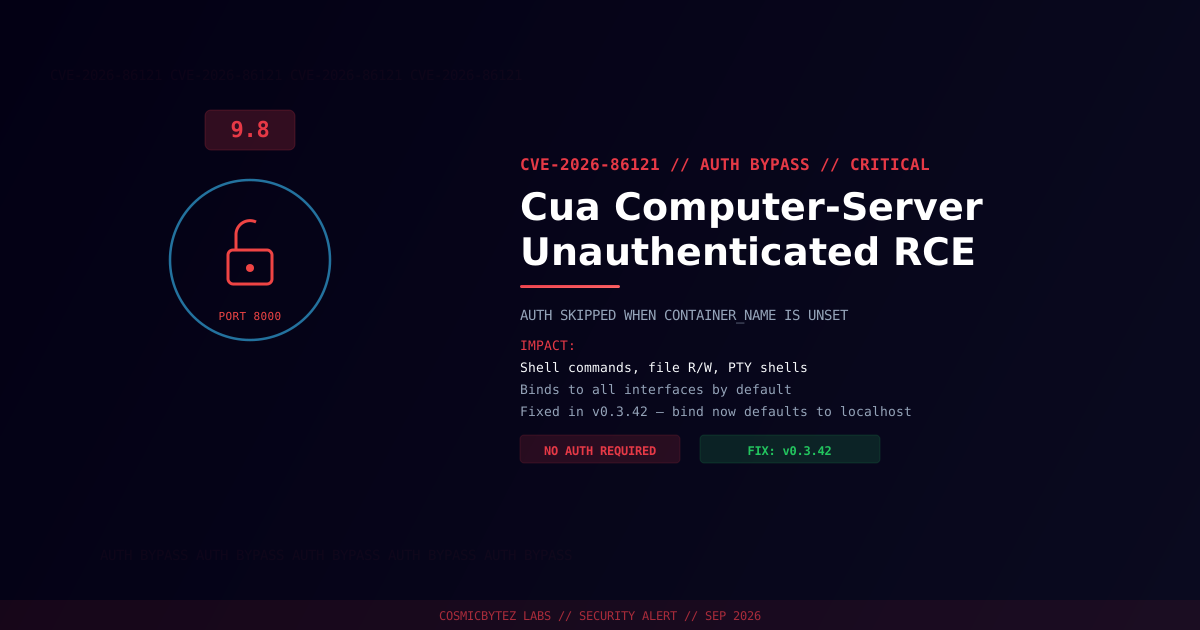
Executive Summary
A critical authentication bypass vulnerability (CVE-2026-86121) has been disclosed in Cua computer-server, the trycua project's server component for programmatic desktop/computer control. Versions before 0.3.42 skip authentication entirely when the CONTAINER_NAME environment variable is unset, and bind to all network interfaces by default — combining into unauthenticated remote code execution.
CVSS Score: 9.8 (Critical) under CVSS 3.1; CVSS 4.0 score of 9.3.
The flaw was reported by researcher George Chen via GitHub Issue #1892 and disclosed with VulnCheck as the assigning CNA. A fix shipped in v0.3.42.
Vulnerability Overview
| Attribute | Value |
|---|---|
| CVE ID | CVE-2026-86121 |
| CVSS Score | 9.8 (Critical) / CVSS 4.0: 9.3 |
| Type | Missing Authentication for Critical Function |
| Attack Vector | Network (no authentication required) |
| Privileges Required | None |
| User Interaction | None |
| Reported By | George Chen (GitHub Issue #1892) |
| Fixed Version | 0.3.42 (commit 59cf25c0ec54) |
Technical Details
Cua computer-server exposes desktop-control functionality — running shell commands, reading/writing files, and opening interactive PTY shells — over an HTTP API on TCP port 8000. Two compounding flaws remove the intended access controls:
- Silent auth bypass — in
Server.auth(main.py), authentication is skipped entirely ("allow-all") whenever theCONTAINER_NAMEenvironment variable is unset at startup. Any deployment that doesn't explicitly set this variable runs with no authentication. - Permissive default bind address — the CLI's
--hostflag (cli.py) defaults to0.0.0.0, publishing the API on every network interface rather than restricting it to localhost.
Combined, an unauthenticated attacker who can reach port 8000 can:
- Execute arbitrary shell commands via the
run_commandendpoint - Read and write arbitrary files through the file-operation endpoints
- Open interactive PTY shells on the host running the server
1. Attacker locates a Cua computer-server instance reachable on TCP/8000
2. Server was started without CONTAINER_NAME set → auth check allows all requests
3. Attacker calls run_command / file endpoints directly, no credentials needed
4. Full command execution and file access on the underlying systemImpact of Successful Exploitation
| Impact | Description |
|---|---|
| Remote Code Execution | Arbitrary shell commands via run_command |
| Arbitrary File Read/Write | Full access through file-operation endpoints |
| Interactive Shell Access | PTY endpoint grants a live remote shell |
| Desktop/Automation Hijack | Any agent or automation using this server for computer control can be hijacked |
Remediation
Step 1: Update Immediately
pip install --upgrade cua-computer-server
# Confirm the version
python -m cua_computer_server --versionUpgrade to v0.3.42 or later, which fixes the auth bypass and changes the default bind address to 127.0.0.1.
Step 2: Always Set CONTAINER_NAME
Even after patching, explicitly set the CONTAINER_NAME environment variable in every deployment — do not rely on defaults.
Step 3: Bind to Localhost Unless Remote Access Is Required
cua-computer-server --host 127.0.0.1If remote access is genuinely required, place the server behind a VPN or an authenticating reverse proxy — never expose port 8000 directly to an untrusted network.
Step 4: Audit Existing Deployments
# Check whether the port is reachable from outside localhost
nmap -p 8000 <host>

# Confirm CONTAINER_NAME is set in the running environment
docker exec <container> printenv CONTAINER_NAMEDetection Indicators
| Indicator | Description |
|---|---|
| Inbound connections to TCP/8000 from unexpected sources | Possible exploitation attempt |
run_command or file-endpoint calls with no auth header/token | Exploitation of the auth bypass |
| New PTY sessions opened without a corresponding legitimate user action | Interactive shell abuse |
Server processes started without CONTAINER_NAME set | Vulnerable configuration in use |
References
- VulnCheck / TheHackerWire — Cua Computer-Server Unauthenticated RCE (CVE-2026-86121)
- NIST NVD — CVE-2026-86121
- OffSeq Threat Radar — CVE-2026-86121