Overview
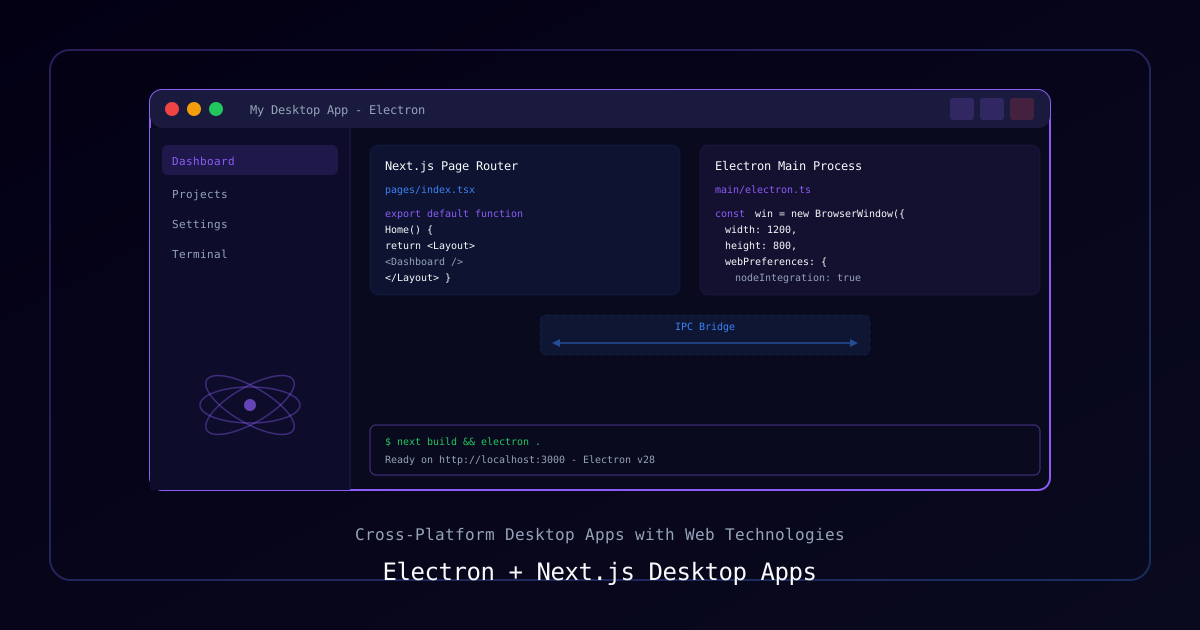
Electron lets you build native desktop apps using web technologies. Combined with Next.js, you get server-side rendering, file-based routing, and the React ecosystem in a desktop package. This guide covers the architecture from project setup to distribution.
Architecture
┌─────────────────────────────────────────────┐
│              Electron Shell                  │
│  ┌────────────────────────────────────────┐  │
│  │           Main Process                 │  │
│  │  - Window management                  │  │
│  │  - System tray                        │  │
│  │  - IPC handler                        │  │
│  │  - Native APIs (fs, shell, etc.)      │  │
│  └──────────────┬─────────────────────────┘  │
│                 │ IPC                         │
│  ┌──────────────▼─────────────────────────┐  │
│  │         Renderer Process               │  │
│  │  ┌──────────────────────────────────┐  │  │
│  │  │        Next.js App               │  │  │
│  │  │  - Pages & Components            │  │  │
│  │  │  - React State                   │  │  │
│  │  │  - UI Rendering                  │  │  │
│  │  └──────────────────────────────────┘  │  │
│  └────────────────────────────────────────┘  │
└─────────────────────────────────────────────┘Requirements
| Component | Version |
|---|---|
| Node.js | 18+ |
| Electron | 28+ |
| Next.js | 14+ |
Process
Step 1: Project Setup
npx create-next-app@latest my-desktop-app --typescript --app
cd my-desktop-app
npm install electron electron-builder concurrently wait-on
npm install -D @types/electronStep 2: Electron Main Process
// electron/main.ts
import { app, BrowserWindow, ipcMain, Tray, Menu, nativeImage } from "electron";
import path from "path";

let mainWindow: BrowserWindow | null = null;
let tray: Tray | null = null;

const isDev = process.env.NODE_ENV === "development";

function createWindow() {
  mainWindow = new BrowserWindow({
    width: 1200,
    height: 800,
    minWidth: 800,
    minHeight: 600,
    webPreferences: {
      preload: path.join(__dirname, "preload.js"),
      contextIsolation: true,
      nodeIntegration: false,
    },
    titleBarStyle: "hiddenInset",
    backgroundColor: "#0a0a0a",
  });

  if (isDev) {
    mainWindow.loadURL("http://localhost:3000");
    mainWindow.webContents.openDevTools();
  } else {
    mainWindow.loadFile(path.join(__dirname, "../out/index.html"));
  }

  mainWindow.on("close", (event) => {
    // Minimize to tray instead of closing
    event.preventDefault();
    mainWindow?.hide();
  });
}

function createTray() {
  const icon = nativeImage.createFromPath(
    path.join(__dirname, "../assets/tray-icon.png")
  );
  tray = new Tray(icon.resize({ width: 16, height: 16 }));

  const contextMenu = Menu.buildFromTemplate([
    { label: "Show App", click: () => mainWindow?.show() },
    { type: "separator" },
    {
      label: "Quit",
      click: () => {
        mainWindow?.destroy();
        app.quit();
      },
    },
  ]);

  tray.setContextMenu(contextMenu);
  tray.on("double-click", () => mainWindow?.show());
}

app.whenReady().then(() => {
  createWindow();
  createTray();
  registerIpcHandlers();
});Step 3: Preload Script (Secure Bridge)
// electron/preload.ts
import { contextBridge, ipcRenderer } from "electron";

// Expose safe APIs to the renderer
contextBridge.exposeInMainWorld("electronAPI", {
  // File operations
  readFile: (path: string) => ipcRenderer.invoke("fs:read", path),
  writeFile: (path: string, data: string) =>
    ipcRenderer.invoke("fs:write", path, data),
  selectDirectory: () => ipcRenderer.invoke("dialog:selectDirectory"),

  // System info
  getPlatform: () => process.platform,
  getVersion: () => ipcRenderer.invoke("app:version"),

  // Events from main process
  onUpdateAvailable: (callback: (info: any) => void) =>
    ipcRenderer.on("update-available", (_, info) => callback(info)),
});Step 4: IPC Handlers
// electron/ipc-handlers.ts
import { ipcMain, dialog, app } from "electron";
import fs from "fs/promises";
import path from "path";

export function registerIpcHandlers() {
  // File system operations
  ipcMain.handle("fs:read", async (_, filePath: string) => {
    // Validate path is within allowed directories
    const resolved = path.resolve(filePath);
    const content = await fs.readFile(resolved, "utf-8");
    return content;
  });

  ipcMain.handle("fs:write", async (_, filePath: string, data: string) => {
    const resolved = path.resolve(filePath);
    await fs.writeFile(resolved, data, "utf-8");
    return true;
  });

  // Native dialogs
  ipcMain.handle("dialog:selectDirectory", async () => {
    const result = await dialog.showOpenDialog({
      properties: ["openDirectory"],
    });
    return result.canceled ? null : result.filePaths[0];
  });

  // App info
  ipcMain.handle("app:version", () => app.getVersion());
}Step 5: Using Electron APIs in React
// hooks/useElectron.ts
"use client";

import { useState, useEffect } from "react";

interface ElectronAPI {
  readFile: (path: string) => Promise<string>;
  writeFile: (path: string, data: string) => Promise<boolean>;
  selectDirectory: () => Promise<string | null>;
  getPlatform: () => string;
  getVersion: () => Promise<string>;
}

export function useElectron() {
  const [isElectron, setIsElectron] = useState(false);

  useEffect(() => {
    setIsElectron(typeof window !== "undefined" && "electronAPI" in window);
  }, []);

  const api = isElectron
    ? (window as any).electronAPI as ElectronAPI
    : null;

  return { isElectron, api };
}// app/page.tsx
"use client";
import { useElectron } from "@/hooks/useElectron";
export default function Home() {
const { isElectron, api } = useElectron();
const handleSelectFolder = async () => {
if (!api) return;
const dir = await api.selectDirectory();
if (dir) {
console.log("Selected:", dir);
}
};
return (
<main>
<h1>My Desktop App</h1>
{isElectron ? (
<button onClick={handleSelectFolder}>Select Folder</button>
) : (
<p>Running in browser mode</p>
)}
</main>
);
}Step 6: Package Scripts
{
  "scripts": {
    "dev": "concurrently \"next dev\" \"wait-on http://localhost:3000 && electron .\"",
    "build": "next build && next export && electron-builder",
    "dist:win": "electron-builder --win",
    "dist:mac": "electron-builder --mac",
    "dist:linux": "electron-builder --linux"
  },
  "build": {
    "appId": "com.yourapp.desktop",
    "productName": "My Desktop App",
    "files": ["electron/**/*", "out/**/*"],
    "directories": { "output": "dist" },
    "win": { "target": "nsis" },
    "mac": { "target": "dmg" },
    "linux": { "target": "AppImage" }
  }
}Security Best Practices
| Practice | Why |
|---|---|
contextIsolation: true | Prevents renderer from accessing Node.js |
nodeIntegration: false | No direct Node.js in browser context |
| Validate IPC inputs | Prevent path traversal in file operations |
| Use preload scripts | Controlled bridge between main and renderer |
Key Takeaways
- Keep the main process lean — UI logic belongs in the renderer
- Use IPC for all communication between main and renderer processes
- Context isolation + preload scripts = secure architecture
- The app works as a web app in the browser and as a desktop app in Electron
- Use
electron-builderfor cross-platform packaging and auto-updates