Overview
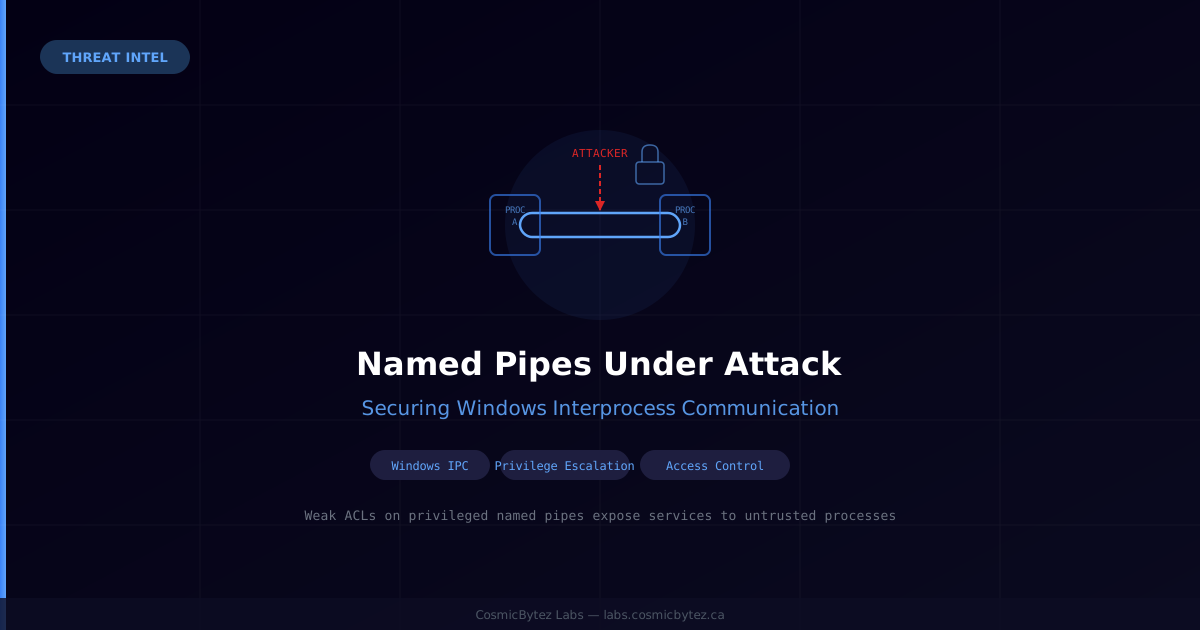
Windows named pipes are one of the oldest and most widely used interprocess communication (IPC) mechanisms in the Windows ecosystem. Security researchers and ThreatLocker have spotlighted how weak access controls on named pipes can expose privileged system services to untrusted or compromised processes — making them a reliable primitive for local privilege escalation and lateral movement within a network.
What Are Named Pipes?
Named pipes provide a communication channel between processes on the same machine or across a network. Unlike anonymous pipes, they have a filesystem-like name (e.g., \\.\pipe\MyService) and can be accessed by any process with sufficient permissions. They are used extensively by Windows services, security tools, backup agents, and enterprise software.
The problem: many applications create named pipes with overly permissive access control lists (ACLs), granting write or full-control access to Everyone, Authenticated Users, or NETWORK SERVICE — far broader than necessary.
The Attack Surface
When a privileged service (e.g., running as SYSTEM) listens on a named pipe with loose ACLs, an unprivileged attacker who can write to that pipe gains:
- Command injection — if the service processes pipe data as executable commands or shell strings, arbitrary code runs under the privileged context
- Token impersonation — a classic Windows privilege escalation technique where the server-side process impersonates the client's security token. If the server is
SYSTEMand the client causes an impersonation, the result is aSYSTEM-level token for the attacker - Information disclosure — sensitive configuration, credentials, or operational data flowing through the pipe is exposed
Real-world examples include well-known escalation paths through print spooler pipes, backup agent pipes, and EDR service pipes — many CVEs over the years trace back to exactly this pattern.
How Attackers Exploit Named Pipes
A typical attack flow:
- Enumerate writable named pipes on the system using tools like Sysinternals' Process Monitor,
PipeList, or purpose-built offensive tooling - Identify a pipe backed by a privileged service process
- Send crafted data to trigger command execution, path injection, or impersonation
- Escalate from a low-privileged user or a compromised service account to
SYSTEM
Attackers operating post-exploitation (e.g., via a Cobalt Strike or Havoc C2 beacon) frequently target named pipes as a reliable, detection-resistant escalation technique.
Defensive Controls
ThreatLocker's guidance outlines four key controls for hardening named-pipe IPC:
1. Strict ACLs
Apply the principle of least privilege to pipe security descriptors. Only grant access to the specific accounts or security groups that legitimately need to communicate over the pipe. Avoid Everyone or Authenticated Users where a more specific SID will work.
# Example: set a restrictive DACL on a pipe during service startup
$pipeSecurity = New-Object System.IO.Pipes.PipeSecurity
$accessRule = New-Object System.IO.Pipes.PipeAccessRule(
    "DOMAIN\ServiceAccount",
    [System.IO.Pipes.PipeAccessRights]::ReadWrite,
    [System.Security.AccessControl.AccessControlType]::Allow
)
$pipeSecurity.AddAccessRule($accessRule)2. Endpoint Verification
Before processing any message from a pipe client, the server should verify the client's identity. Use GetNamedPipeClientProcessId / GetNamedPipeClientSessionId to identify the connecting process and validate it against an allowlist before acting on its data.
3. Command Authorization
Implement allowlist-based command authorization on the server side — reject any command or request that does not match a known-good pattern. Never pass raw pipe data to shell interpreters, cmd.exe, or CreateProcess without validation and escaping.
4. Narrowly Scoped Service Privileges
Run services that expose named pipes under dedicated low-privilege service accounts (Virtual Accounts or Managed Service Accounts) rather than LocalSystem. If a pipe-connected service is compromised or abused, the blast radius is limited to what that service account can access.
Detection
Monitor for:
- Named pipe enumeration activity — bursts of
NtCreateFileorCreateFilecalls against\\.\pipe\*paths from unusual processes - Impersonation tokens created in the context of high-privilege services
- Unusual processes connecting to known privileged service pipes (e.g., a user-mode application talking to
\\.\pipe\ntsvcsor similar)
Windows Security Event ID 4656 (A handle to an object was requested) and 4663 (An attempt was made to access an object) can surface pipe access if object auditing is enabled. Sysmon Event ID 17 (Pipe Created) and 18 (Pipe Connected) provide richer telemetry.
Key Takeaways
| Risk | Mitigation |
|---|---|
| Overly permissive pipe ACLs | Apply least-privilege DACLs at pipe creation |
| Unauthenticated clients | Verify client process identity before processing |
| Raw data execution | Validate and allowlist all commands from pipe |
| High-privilege service context | Use dedicated low-privilege service accounts |
Named pipes are not going away — they are deeply embedded in the Windows architecture. The goal is not to avoid them but to use them securely. Reviewing your privileged services' pipe ACLs is a low-effort, high-value hardening exercise that can close off an entire class of local privilege escalation paths.