Executive Summary
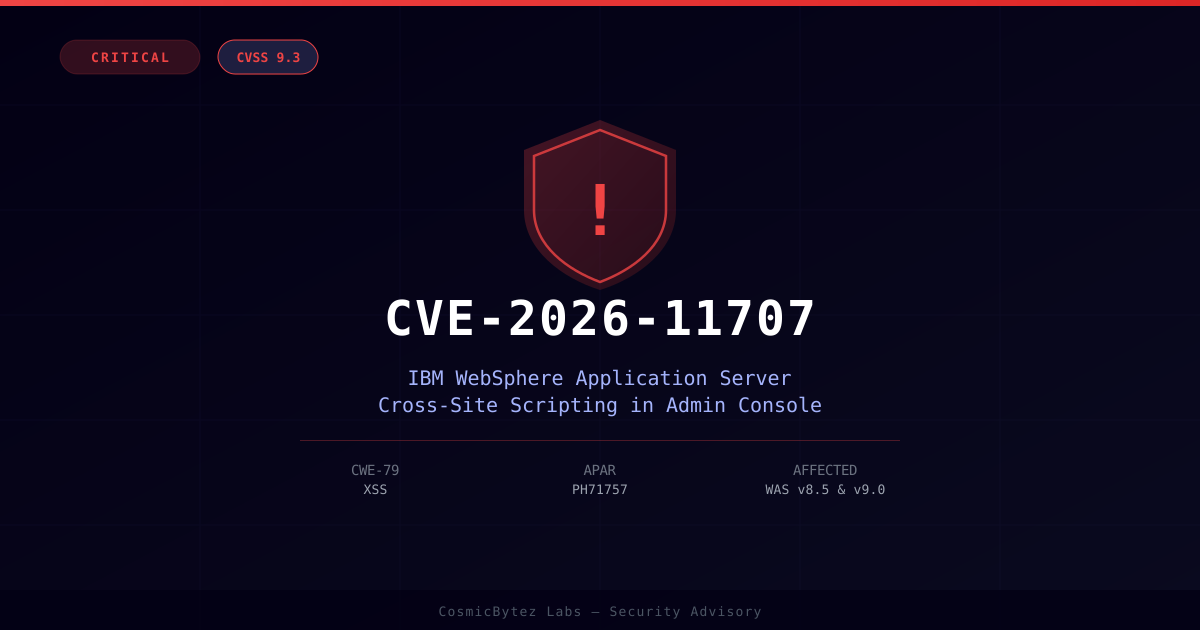
IBM has disclosed CVE-2026-11707, a critical cross-site scripting (XSS) vulnerability in the administrative console login page of IBM WebSphere Application Server (WAS). Assigned a CVSS 3.1 score of 9.3, this flaw allows a remote, unauthenticated attacker to inject and execute malicious JavaScript in an administrator's browser — with no credentials required. Successful exploitation can lead to full administrative account compromise.
The vulnerability is tracked under APAR PH71757 and affects WAS v8.5 and v9.0, IBM WebSphere Hybrid Edition, and IBM Tivoli System Automation Application Manager 4.1 (which ships a bundled WAS component).
Vulnerability Details
| Field | Value |
|---|---|
| CVE ID | CVE-2026-11707 |
| CVSS 3.1 Score | 9.3 (Critical) |
| CVSS Vector | CVSS:3.1/AV:N/AC:L/PR:N/UI:R/S:C/C:H/I:H/A:N |
| CWE | CWE-79 — Improper Neutralization of Input During Web Page Generation (Cross-Site Scripting) |
| Attack Vector | Network |
| Attack Complexity | Low |
| Privileges Required | None |
| User Interaction | Required (admin must click a crafted link) |
| Scope | Changed |
| APAR | PH71757 |
How It Works
The vulnerability exists in the administrative console login page of WebSphere Application Server. An attacker crafts a malicious URL containing JavaScript payloads and convinces an administrator to visit the link. Because the admin console login page does not properly sanitize or encode user-supplied input before rendering it in the browser, the injected script executes in the context of the admin console session.
Given that the administrative console operates with elevated privileges, successful exploitation can result in:
- Session hijacking — stealing the administrator's authenticated session token
- Credential theft — capturing login credentials via crafted login form manipulation
- Unauthorized administrative actions — modifying server configuration, deploying malicious applications, or escalating to full server compromise
The Changed scope (S:C) in the CVSS vector indicates the vulnerability's impact extends beyond the vulnerable component — a successful XSS attack on the login page can affect the broader WebSphere environment once admin access is obtained.
Affected Products
| Product | Affected Versions |
|---|---|
| IBM WebSphere Application Server | 8.5.0.0 through 8.5.5.29 |
| IBM WebSphere Application Server | 9.0.0.0 through 9.0.5.x |
| IBM WebSphere Hybrid Edition | Bundles affected WAS versions |
| IBM Tivoli System Automation Application Manager | 4.1 (bundled WAS component) |
This CVE is disclosed alongside two related XSS vulnerabilities in the same bulletin: CVE-2026-11594 (CVSS 8.5, adjacent network access required) and CVE-2026-11383 (CVSS 5.4, lower privilege impact). Organizations should treat all three under the same remediation effort.
Remediation
IBM has not provided a workaround — patching is the only effective mitigation. Apply fixes as follows:
WebSphere Application Server v9.0
- Apply Fix Pack 9.0.5.29 or later (targeted Q3 2026)
- Or apply the interim fix for APAR PH71757 immediately
WebSphere Application Server v8.5
- Apply Fix Pack 8.5.5.30 or later (targeted Q3 2026)
- Or apply the interim fix for APAR PH71757 immediately
IBM Tivoli System Automation Application Manager 4.1
- Monitor IBM's TSAAM security bulletin page for a downstream advisory referencing PH71757
- The fix requires upgrading the embedded WAS component to a patched version
Interim fixes are available now through IBM Fix Central. IBM's primary security bulletin is at node 7277546.
Recommendations
- Apply the interim fix for APAR PH71757 immediately — do not wait for the next Fix Pack release if your WebSphere admin console is internet-accessible.
- Restrict admin console access — place the WebSphere administrative console behind a VPN or restrict access to internal/management networks only.
- Enable WAF rules for XSS detection on any web application firewall protecting the admin console.
- Audit admin accounts — review recent admin console activity for signs of unauthorized access or configuration changes.
- Inventory bundled WAS — identify all IBM products in your environment that ship WebSphere as an embedded component (including TSAAM 4.1) and apply applicable downstream bulletins.