Executive Summary
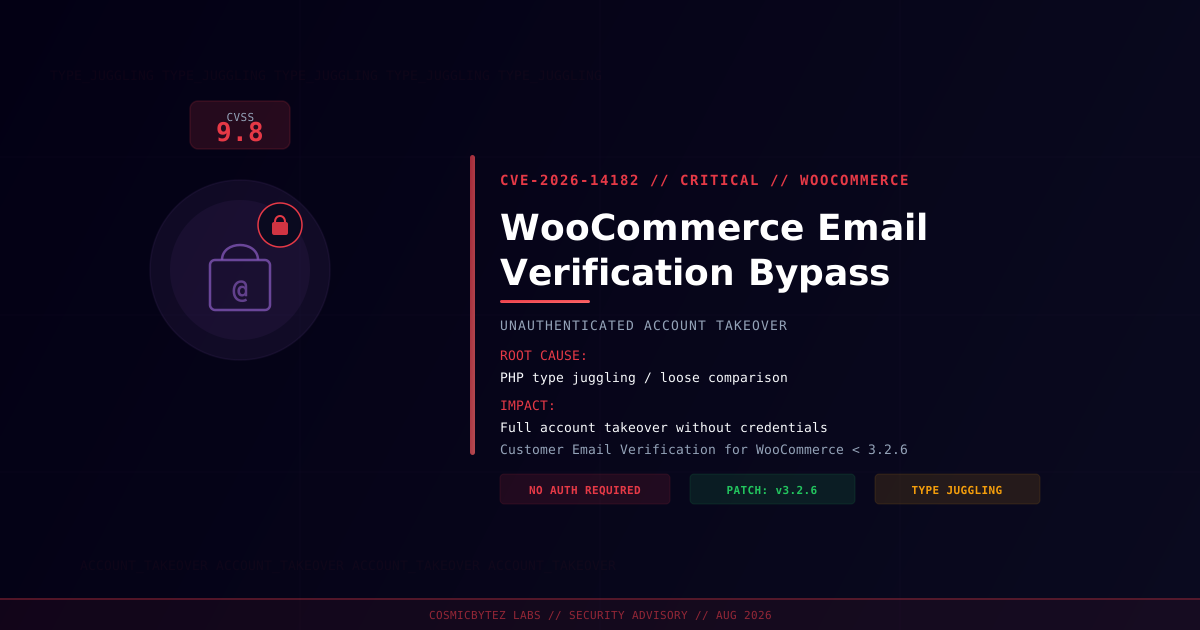
A critical authentication bypass vulnerability (CVE-2026-14182) has been disclosed in the Customer Email Verification for WooCommerce WordPress plugin. The flaw receives a CVSS score of 9.8 (Critical) and allows completely unauthenticated attackers to bypass the email verification step and take over any existing WooCommerce customer account.
CVSS Score: 9.8 (Critical)
The vulnerability stems from a PHP type juggling weakness in the email verification code validation logic. The plugin performs a loose comparison (==) instead of a strict comparison (===) when checking the activation code submitted by users. An attacker who crafts a specific value type — exploiting PHP's type coercion behaviour — can satisfy the comparison check without knowing the legitimate activation code, gaining unauthorized access to victim accounts.
Vulnerability Overview
| Attribute | Value |
|---|---|
| CVE ID | CVE-2026-14182 |
| CVSS Score | 9.8 (Critical) |
| CWE | CWE-1023 — Incomplete Comparison with Missing Factors |
| Type | Authentication Bypass / Account Takeover |
| Attack Vector | Network (unauthenticated) |
| Privileges Required | None |
| User Interaction | None |
| Plugin | Customer Email Verification for WooCommerce |
| Fixed Version | 3.2.6 |
Affected Versions
| Plugin | Affected Versions | Fixed Version |
|---|---|---|
| Customer Email Verification for WooCommerce | < 3.2.6 | 3.2.6 |
Technical Analysis
The root cause is a PHP loose type comparison in the email verification activation code check. PHP's == operator applies type juggling — it converts operands to a common type before comparing. This means certain values evaluate as equal even when they are semantically different.
How the Attack Works
1. Attacker identifies a WooCommerce store using the vulnerable plugin
2. Attacker initiates account verification flow for a target email address
3. Instead of supplying the correct activation code, attacker crafts a value
   (e.g. boolean true, integer 0, or a "magic hash" string) that satisfies
   the loose == comparison against the stored code
4. Plugin accepts the crafted value as valid verification
5. Attacker gains full access to the target account — orders, billing info,
saved payment methods, and any stored personal dataPHP Type Juggling Background
PHP's loose comparison (==) can produce surprising results:
// Vulnerable pattern (loose comparison)
if ($submitted_code == $stored_code) {
    // verify user
}

// Examples of type juggling bypass:
"0e12345" == "0e67890"  // true — both treated as scientific notation 0^n
true == "any string"    // true — boolean true matches any non-empty string
0 == "foobar"           // true in older PHP — 0 loosely equals non-numeric string

// Safe pattern (strict comparison)
if ($submitted_code === $stored_code) {
    // verify user
}Impact of Successful Exploitation
| Impact | Description |
|---|---|
| Account Takeover | Complete access to victim WooCommerce accounts |
| Order History Access | View and modify existing orders |
| Personal Data Exposure | Names, addresses, phone numbers |
| Billing Information | Access stored billing details |
| Password Reset | Change account password, locking out legitimate owner |
| Stored Payment Methods | Access saved card/payment method references |
Immediate Remediation
Step 1: Update the Plugin to 3.2.6
# Via WP-CLI
wp plugin update woo-confirmation-email

# Verify the installed version
wp plugin get woo-confirmation-email --field=versionOr navigate to WordPress Admin → Plugins → Installed Plugins and update Customer Email Verification for WooCommerce.
Step 2: Verify the Update
# Confirm version after update
wp plugin get woo-confirmation-email --fields=name,version,statusStep 3: Audit for Signs of Compromise
After patching, review account activity for any suspicious logins or account modifications:
-- Check recent account login activity via WooCommerce order table
SELECT p.ID, p.post_date, pm.meta_value AS customer_email
FROM wp_posts p
JOIN wp_postmeta pm ON p.ID = pm.post_id
WHERE p.post_type = 'shop_order'
  AND pm.meta_key = '_billing_email'
  AND p.post_date >= DATE_SUB(NOW(), INTERVAL 7 DAY)
ORDER BY p.post_date DESC;# Check for unexpected admin users added recently
wp user list --role=administrator
# Check recent password changes in WordPress logs (if logging enabled)
grep "password" /var/log/nginx/access.log | grep -i "wp-login\|password" | tail -50Step 4: If Immediate Patching Is Not Possible
- Temporarily deactivate the plugin until patching is feasible
- Block unauthenticated POST requests to the email verification endpoint at the WAF/web server layer
- Enable login notifications for customer accounts to detect unauthorized access
- Force password resets for sensitive or high-value customer accounts
Detection Indicators
| Indicator | Description |
|---|---|
| Unusual login activity | Account logins from unexpected IPs or locations |
| Password change requests | Unexpected password resets on customer accounts |
| Order modifications | Orders changed by the account owner unexpectedly |
| New admin accounts | Unauthorized WordPress admin users added |
| Verification requests | High volume of email verification attempts |
Post-Remediation Checklist
- Plugin updated to version 3.2.6 or later
- Audit log reviewed for suspicious account activity in the past 30 days
- High-risk customer accounts notified and prompted to reset passwords
- WAF rules updated to monitor verification endpoint abuse
- Monitoring alerts configured for bulk verification attempts
- All stored sessions invalidated (
wp user session destroy --all-users)