Executive Summary
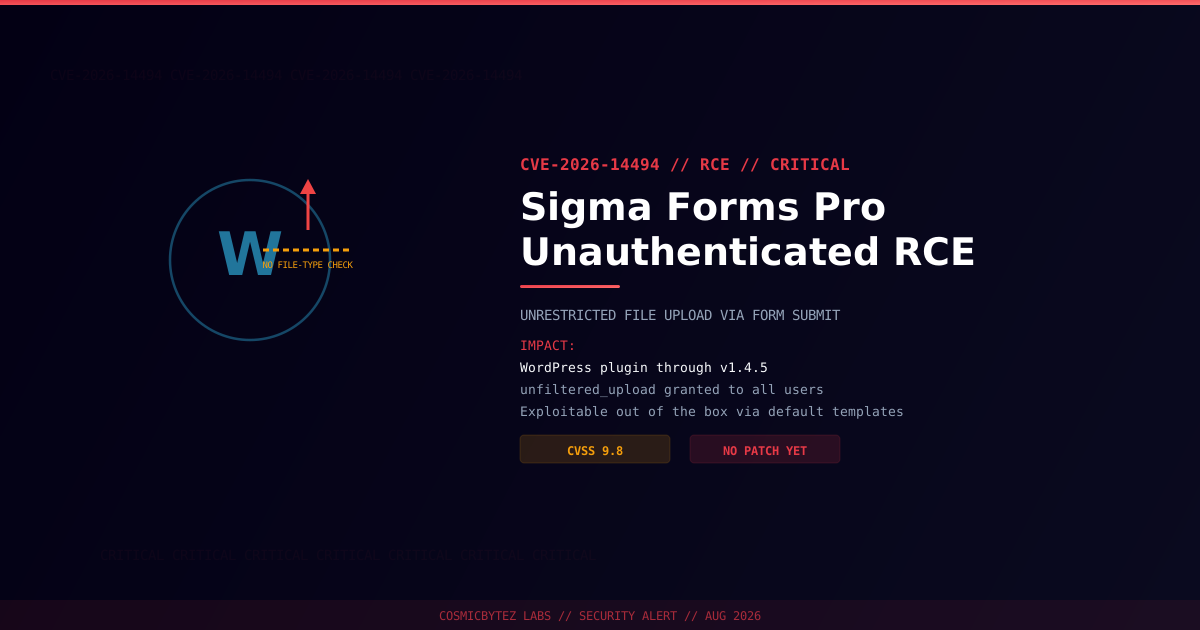
CVE-2026-14494 affects the Sigma Forms Pro plugin for WordPress, which is vulnerable to Remote Code Execution in all versions up to and including 1.4.5. The flaw carries a maximum-severity CVSS score of 9.8 and requires no authentication to exploit.
CVSS Score: 9.8 (Critical)
The root cause is in the plugin's handle_form_submission function, which dynamically grants the unfiltered_upload capability to all users — including anonymous visitors — during form submissions, and skips MIME-type validation whenever the form's allowed_file_types setting is left unconfigured. Several of the plugin's own default pre-built templates, including Job Application, Support Ticket, and Wholesale Application, ship with file-upload fields that have no type restriction configured, making the vulnerability immediately exploitable on a fresh install with zero customization. No patched version has been identified as of this advisory.
Vulnerability Overview
| Attribute | Value |
|---|---|
| CVE ID | CVE-2026-14494 |
| CVSS Score | 9.8 (Critical) |
| Type | Unrestricted Upload of File with Dangerous Type (CWE-434) → RCE |
| Attack Vector | Network (no authentication required) |
| Privileges Required | None |
| User Interaction | None |
| Assigner | Wordfence |
| Disclosed | 2026-08-29 |
Affected Versions
| Plugin | Affected Versions | Fixed Version |
|---|---|---|
| Sigma Forms Pro | Through 1.4.5 | None identified — remove or lock down until patched |
Technical Details
Sigma Forms Pro's submission pipeline runs through handle_form_submission, which is responsible for processing incoming form data, including uploaded files. Two design flaws combine into unauthenticated RCE:
- Capability escalation on submission. The handler dynamically grants the
unfiltered_uploadWordPress capability to the requesting user for the duration of the submission — regardless of whether that user is logged in, and regardless of their normal role.unfiltered_uploadis meant to be reserved for trusted administrators on multisite networks; here it is handed to anyone who can reach the form. - MIME validation bypass when unconfigured. File-type checks only apply when a form's
allowed_file_typessetting has been explicitly configured. Forms that leave this field blank — including several of Sigma Forms Pro's own default templates — accept any file extension, including.php.
Because the plugin's pre-built Job Application, Support Ticket, and Wholesale Application templates include file-upload fields with no type restriction by design, a site running any of these templates out of the box is exploitable without further misconfiguration.
Attack Vector
1. Attacker locates a public-facing Sigma Forms Pro form with a file-upload field
   (e.g. a Job Application or Support Ticket form using the default template)
2. Attacker submits the form with a malicious file named e.g. shell.php
3. handle_form_submission grants unfiltered_upload for the request and skips
   MIME validation because allowed_file_types is unset
4. Malicious PHP file is written to a web-accessible uploads directory
5. Attacker requests the uploaded file directly via HTTP
6. Arbitrary PHP executes as the web server user — full RCEImpact of Successful Exploitation
| Impact | Description |
|---|---|
| Remote Code Execution | Arbitrary PHP execution on the web server |
| No Authentication Barrier | Any site visitor can trigger the upload, no account needed |
| Zero-Config Exploitability | Default templates ship pre-configured to be vulnerable |
| Database Compromise | Full access via wp-config.php credentials once a shell is dropped |
| Site-Wide Takeover | Webshell can create rogue admin accounts, install further backdoors |
Immediate Remediation
Step 1: Check Exposure
# Via WP-CLI
wp plugin list --status=active | grep -i "sigma-forms\|sigma forms"Step 2: Restrict or Remove File-Upload Fields
Because no fixed version currently exists, treat any live form with an unrestricted upload field as an open door:
- Edit every Sigma Forms Pro form, including the Job Application, Support Ticket, and Wholesale Application templates.
- Explicitly set
allowed_file_typesto a tightly scoped extension list (e.g.pdf,doc,docx) on every upload field, or remove upload fields entirely until a fix ships. - If the plugin cannot be locked down immediately, deactivate Sigma Forms Pro.
Step 3: Scan for Existing Compromise
# Search for recently uploaded PHP files in unexpected locations
find /path/to/wordpress/wp-content/uploads/ -name "*.php" -type f

# Check for common webshell signatures
grep -rl "eval\s*(base64_decode" /path/to/wordpress/wp-content/
grep -rl "system\s*(" /path/to/wordpress/wp-content/uploads/

# Verify WordPress core and plugin file integrity
wp core verify-checksumsIf Immediate Action Is Not Possible
- Block PHP execution in the uploads directory at the web server level (e.g.
.htaccessdeny or nginxlocationblock). - Deploy a WAF rule blocking uploads with
.php,.phtml, or double-extension filenames to Sigma Forms Pro endpoints. - Monitor access and upload logs for suspicious POST requests to form-submission endpoints.
Detection Indicators
| Indicator | Description |
|---|---|
Form submissions with .php or double-extension filenames | Direct exploitation attempt |
New PHP files in wp-content/uploads/ | Webshell dropped through the vulnerability |
HTTP requests directly loading files under wp-content/uploads/ | Attacker accessing an uploaded webshell |
| Unexpected outbound connections from the web server process | Post-exploitation activity |
Post-Remediation Steps
- Lock down or remove upload fields on all Sigma Forms Pro forms.
- Scan the full installation for webshells and unauthorized file changes.
- Audit all WordPress administrator accounts for unauthorized additions.
- Rotate credentials — WordPress admin, database, and hosting-panel logins.
- Regenerate WordPress security keys with
wp config shuffle-salts. - Monitor Wordfence/NVD for a patched release before restoring unrestricted uploads.