Executive Summary
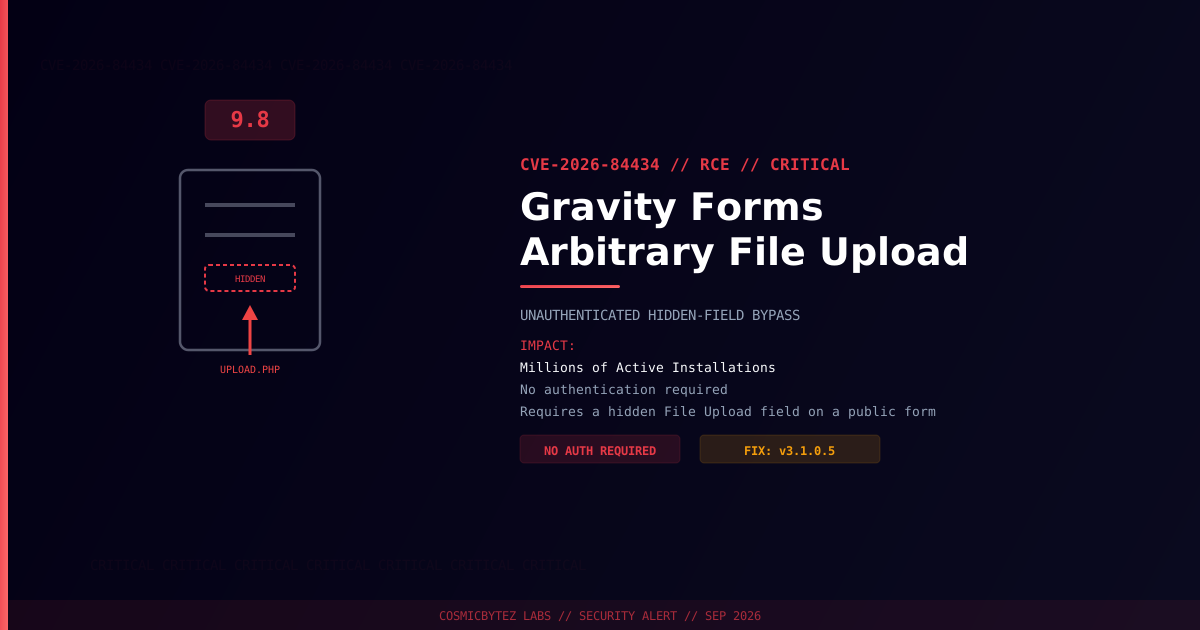
A critical arbitrary file upload vulnerability (CVE-2026-84434) has been disclosed in Gravity Forms, one of the most widely deployed WordPress form builder plugins with millions of active installations. The flaw carries a CVSS score of 9.8 and lets unauthenticated attackers upload files that may execute on the server, leading to remote code execution.
CVSS Score: 9.8 (Critical)
The bug lives in a mismatch between Gravity Forms' field validation pipeline and its file persistence pipeline. When a form includes a File Upload field with its visibility set to Hidden, extension validation is skipped during the validation stage — but the plugin's upload_file() function still writes the submitted file to disk without re-checking it. An attacker only needs access to a public page containing such a form; no account or credentials are required.
Vulnerability Overview
| Attribute | Value |
|---|---|
| CVE ID | CVE-2026-84434 |
| CVSS Score | 9.8 (Critical) |
| CWE | CWE-434 (Unrestricted Upload of File with Dangerous Type) |
| Type | Unauthenticated Arbitrary File Upload → RCE |
| Attack Vector | Network (no authentication required) |
| Privileges Required | None |
| User Interaction | None |
| Condition | Target form must contain a File Upload field with Visibility set to Hidden |
| Discovered By | 0xd4rk5id3 (EnvoraSec), via Wordfence |
Affected Versions
| Plugin | Affected Versions | Fixed Version |
|---|---|---|
| Gravity Forms | ≤ 3.1.0.4 | 3.1.0.5 |
Attack Vector
1. Attacker identifies a publicly accessible Gravity Forms form
2. Form contains a File Upload field configured with Visibility = Hidden
3. Hidden fields skip extension validation in the plugin's validation pipeline
4. Attacker POSTs a crafted request with a malicious file to the hidden field
5. upload_file() persists the file to wp-content/uploads/gravity_forms/ without re-validation
6. If the upload directory allows script execution, the file runs as codeGravity Forms typically ships .htaccess rules that block PHP execution inside its upload directory, so real-world impact depends heavily on server configuration — non-Apache stacks (nginx, alternate docroots, misconfigured rewrite rules) are at the highest risk of full RCE. Even where execution is blocked, the upload itself still succeeds, which can be chained with other flaws or used to plant files for later retrieval.
Impact of Successful Exploitation
| Impact | Description |
|---|---|
| Remote Code Execution | Execute arbitrary code where server config permits script execution in uploads |
| Unauthenticated Access | No credentials or user interaction needed to trigger the upload |
| Webshell Persistence | Uploaded files can survive plugin/core updates |
| Data Exfiltration | Access to database credentials and site content via a planted webshell |
| Lateral Movement | Pivot to other sites on shared hosting environments |
Immediate Remediation
Step 1: Update to Version 3.1.0.5
# Via WP-CLI
wp plugin update gravityforms

# Verify the installed version
wp plugin get gravityforms --field=versionOr update through WordPress admin: Plugins > Installed Plugins > Gravity Forms > Update Now.
Step 2: Audit Forms for Hidden File Upload Fields
- Review every published form in Forms > All Forms
- Check each File Upload field's Visibility setting
- Remove or set to Visible any hidden File Upload fields that aren't required to be hidden
Step 3: Scan for Existing Compromise
# Search for recently written files in the Gravity Forms upload directory
find /path/to/wordpress/wp-content/uploads/gravity_forms/ -type f -newer /path/to/wordpress/wp-includes/version.php

# Check for common webshell signatures
grep -rl "eval\s*(base64_decode" /path/to/wordpress/wp-content/uploads/gravity_forms/
grep -rl "system\s*(\|shell_exec\s*(" /path/to/wordpress/wp-content/uploads/gravity_forms/

# Verify WordPress core integrity
wp core verify-checksumsIf Immediate Patching Is Not Possible
- Set all File Upload fields to Visible so extension validation applies
- Block script execution in
wp-content/uploads/gravity_forms/at the web server level (deny PHP/CGI execution) - Deploy a WAF rule blocking POSTs with executable file extensions to Gravity Forms endpoints
- Monitor access logs for unusual POST traffic to form submission endpoints
Detection Indicators
| Indicator | Description |
|---|---|
| POST requests to Gravity Forms submission endpoints with executable payloads | Exploitation attempts |
New files in wp-content/uploads/gravity_forms/ with script extensions | Successful upload via the flaw |
| Requests directly accessing uploaded files | Attacker triggering a planted webshell |
| Outbound connections from the web server process | Post-exploitation data exfiltration |
Post-Remediation Steps
- Confirm plugin updated to 3.1.0.5 or later
- Audit all forms for hidden File Upload fields and correct visibility settings
- Scan the installation for webshells and unauthorized files
- Review user accounts for unauthorized administrators
- Rotate credentials — WordPress admin, database, API keys
- Regenerate WordPress security keys using
wp config shuffle-salts - Deploy a WAF for ongoing protection against upload-based attacks
References
- Patchstack — WordPress Gravity Forms Plugin Unauthenticated Arbitrary File Upload
- NIST NVD — CVE-2026-84434