Executive Summary
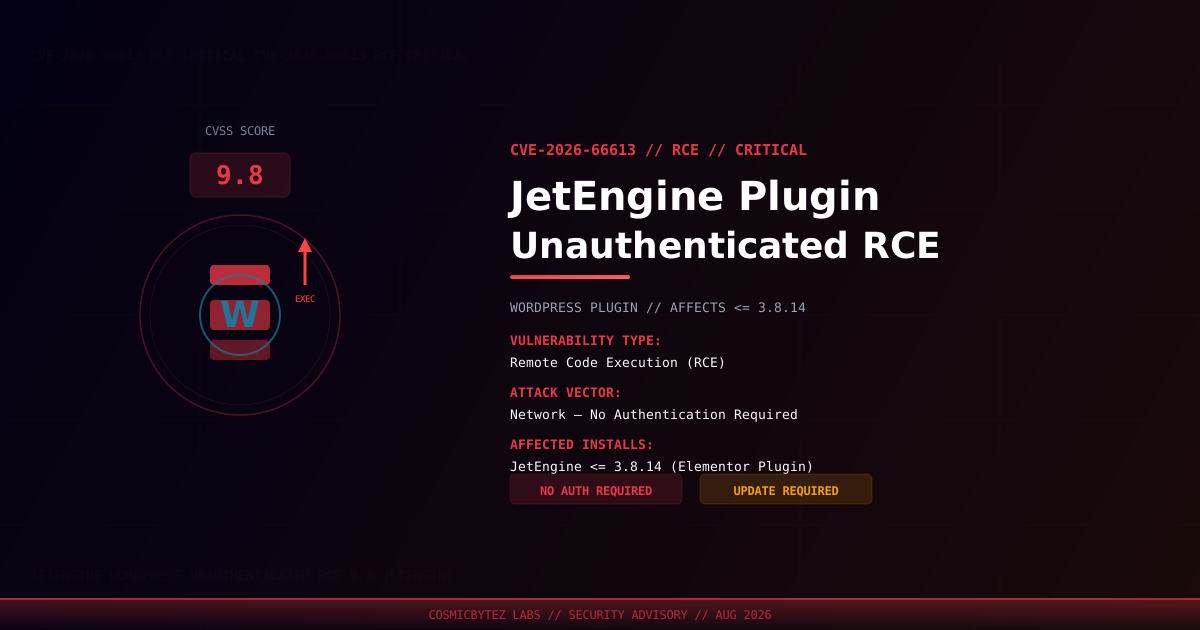
A critical unauthenticated remote code execution (RCE) vulnerability has been disclosed in the JetEngine plugin for WordPress, developed by Crocoblock. Tracked as CVE-2026-66613, this flaw carries a CVSS score of 9.8 and affects all versions up to and including 3.8.14. An unauthenticated attacker can exploit this vulnerability to execute arbitrary code on the target server with no credentials required.
JetEngine is a popular Elementor add-on used to build dynamic content and custom data structures in WordPress — widely adopted across agency-built and e-commerce sites.
Vulnerability Overview
| Attribute | Value |
|---|---|
| CVE ID | CVE-2026-66613 |
| CVSS Score | 9.8 (Critical) |
| Type | Unauthenticated Remote Code Execution (RCE) |
| Attack Vector | Network |
| Privileges Required | None |
| User Interaction | None |
| Affected Plugin | JetEngine by Crocoblock |
Affected Versions
| Plugin | Affected Versions | Recommended Action |
|---|---|---|
| JetEngine | <= 3.8.14 | Update immediately / disable plugin |
Attack Scenario
The vulnerability allows an unauthenticated remote attacker to achieve full code execution on the web server. A successful attack could follow this pattern:
1. Attacker identifies a WordPress site running JetEngine <= 3.8.14
2. Attacker crafts a malicious HTTP request targeting the vulnerable endpoint
3. Plugin processes the request without verifying caller identity
4. Attacker achieves arbitrary PHP code execution on the server
5. Full site compromise: data exfiltration, webshell deployment, lateral movementPotential Impact
| Impact Category | Description |
|---|---|
| Remote Code Execution | Execute arbitrary PHP on the server with web server privileges |
| Full Site Compromise | Read, modify, or delete all WordPress content and files |
| Database Access | Retrieve credentials from wp-config.php; read/write entire DB |
| Credential Harvesting | Extract admin credentials and stored user data |
| Malware Deployment | Install backdoors, crypto miners, or redirect malware |
| Lateral Movement | Pivot to other sites on shared hosting environments |
Immediate Remediation
Step 1: Update JetEngine
# Via WP-CLI — update the plugin
wp plugin update jet-engine

# Verify installed version
wp plugin get jet-engine --field=versionOr navigate to WordPress Admin → Plugins → JetEngine → Update Now.
Step 2: If Immediate Patching Is Not Possible
- Deactivate the JetEngine plugin entirely until a patch can be applied
- Block external access to JetEngine's API and admin endpoints at the WAF or web server level
- Monitor access logs for anomalous POST requests or PHP execution patterns
Step 3: Scan for Indicators of Compromise
# Check for recently added or modified PHP files in WordPress directories
find /path/to/wordpress/ -name "*.php" -newer /path/to/wordpress/wp-login.php -type f

# Look for common webshell signatures
grep -rl "eval(base64_decode" /path/to/wordpress/wp-content/
grep -rl "shell_exec\|system\s*(" /path/to/wordpress/wp-content/

# Verify WordPress core file integrity via WP-CLI
wp core verify-checksums

# Audit recently created admin accounts
wp user list --role=administratorDetection
| Indicator | Significance |
|---|---|
| Unexpected POST requests to JetEngine endpoints | Potential exploitation attempts |
| New PHP files in upload or plugin directories | Possible webshell dropped via RCE |
| New/unknown administrator accounts | Post-exploitation privilege escalation |
| Outbound connections from the web server process | Data exfiltration or C2 beaconing |
Modified wp-config.php or .htaccess | Post-compromise persistence |
Post-Remediation Checklist
- Confirm plugin is updated to a patched version (3.8.15 or later when available)
- Audit all WordPress administrator accounts — remove any unauthorized additions
- Rotate all credentials — WordPress admin, database password, API keys, FTP
- Regenerate WordPress security keys and salts:
wp config shuffle-salts - Scan installation for webshells and unauthorized file modifications
- Review server and access logs for signs of exploitation (anomalous POST patterns)
- Deploy a WAF (Wordfence, Sucuri, Cloudflare WAF) with WordPress-specific rules
- Enable file integrity monitoring to detect future unauthorized changes