Executive Summary
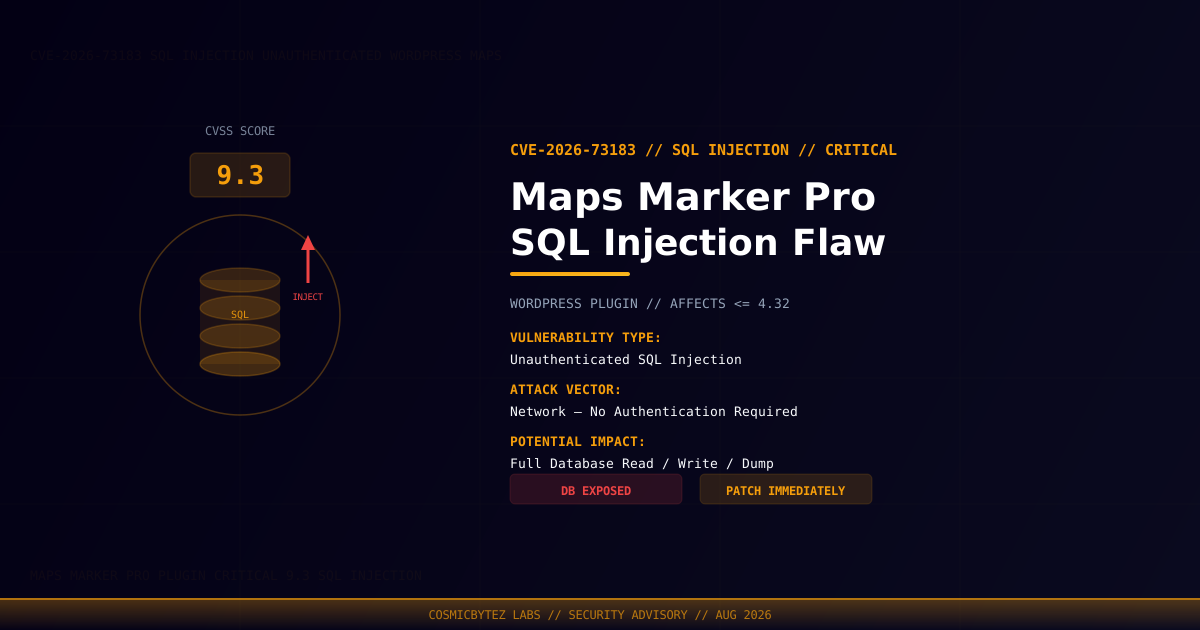
A critical unauthenticated SQL injection vulnerability has been disclosed in Maps Marker Pro, a popular WordPress mapping and location plugin. Tracked as CVE-2026-73183 with a CVSS score of 9.3, the flaw affects all versions up to and including 4.32. An unauthenticated attacker can exploit this to read, modify, or exfiltrate the entire WordPress database — including user credentials, private content, and configuration data — with no login required.
Vulnerability Overview
| Attribute | Value |
|---|---|
| CVE ID | CVE-2026-73183 |
| CVSS Score | 9.3 (Critical) |
| Type | Unauthenticated SQL Injection |
| Attack Vector | Network |
| Privileges Required | None |
| User Interaction | None |
| Affected Plugin | Maps Marker Pro |
Affected Versions
| Plugin | Affected Versions | Recommended Action |
|---|---|---|
| Maps Marker Pro | <= 4.32 | Update immediately or deactivate |
SQL Injection Impact
SQL injection vulnerabilities at this severity level can be chained through multiple attack stages:
1. Attacker locates WordPress site running Maps Marker Pro <= 4.32
2. Attacker crafts a malicious SQL payload in an unauthenticated request
3. Plugin fails to properly sanitize or parameterize user input
4. Attacker extracts wp_users table — usernames, emails, hashed passwords
5. Attacker may write or modify database records (depending on DB user privileges)
6. Offline password cracking of extracted hashes leads to admin account takeoverPotential Impact
| Impact Category | Description |
|---|---|
| Data Exfiltration | Full read access to all WordPress database tables |
| Credential Theft | Extract admin usernames and password hashes from wp_users |
| Account Takeover | Crack extracted hashes offline → admin login |
| Data Manipulation | Insert/modify/delete records if DB user has write privileges |
| Secret Extraction | Access stored API keys, plugin settings, and transients |
| Privilege Escalation | Insert a new admin account directly into the database |
Immediate Remediation
Step 1: Update or Deactivate Maps Marker Pro
# Via WP-CLI — update the plugin
wp plugin update maps-marker-pro

# Verify installed version
wp plugin get maps-marker-pro --field=versionIf an update is not yet available, deactivate the plugin immediately:
wp plugin deactivate maps-marker-proStep 2: Audit the Database for Unauthorized Changes
# Check for unexpected administrator accounts
wp user list --role=administrator

# Review recently modified posts/options that could indicate DB tampering
wp option list --search='*inject*'

# Verify WordPress options for unexpected entries
wp option get siteurl
wp option get admin_emailStep 3: Rotate All Exposed Credentials
After any confirmed SQL injection exposure, assume all database-stored secrets are compromised:
- Change all WordPress administrator passwords
- Rotate the database password and update
wp-config.php - Invalidate active sessions:
wp user session destroy --all --all-users - Regenerate security keys and salts:
wp config shuffle-salts - Rotate all plugin API keys stored in the WordPress options table
Detection Indicators
| Indicator | Description |
|---|---|
| Unusual GET/POST requests to Maps Marker endpoints | SQL injection probe attempts |
| Unexpected new administrator accounts in wp_users | Post-exploitation privilege escalation |
| Database error logs with SQL syntax errors | Blind/error-based injection attempts |
| Anomalous outbound traffic from web server | Data exfiltration following successful injection |
| Modified WordPress options (siteurl, admin_email) | Attacker-controlled database manipulation |
Detection via WAF / IDS Rules
Common SQL injection payloads to watch for in request parameters targeting this plugin:
' OR 1=1--
UNION SELECT null,null,null--
'; INSERT INTO wp_users--
' AND SLEEP(5)--Configure WAF rules to block SQLi patterns on Maps Marker Pro endpoints and monitor web server logs for these signatures.
Post-Remediation Checklist
- Confirm plugin updated to a patched version
- Audit
wp_users— remove any unauthorized accounts - Review
wp_optionsfor unauthorized modifications - Rotate all admin passwords and API credentials
- Regenerate WordPress authentication keys
- Enable a WAF (Wordfence, Sucuri, Cloudflare) with SQLi rulesets
- Review server error logs and database slow query logs for exploitation evidence
- Consider enabling query logging temporarily to detect ongoing attacks