Executive Summary
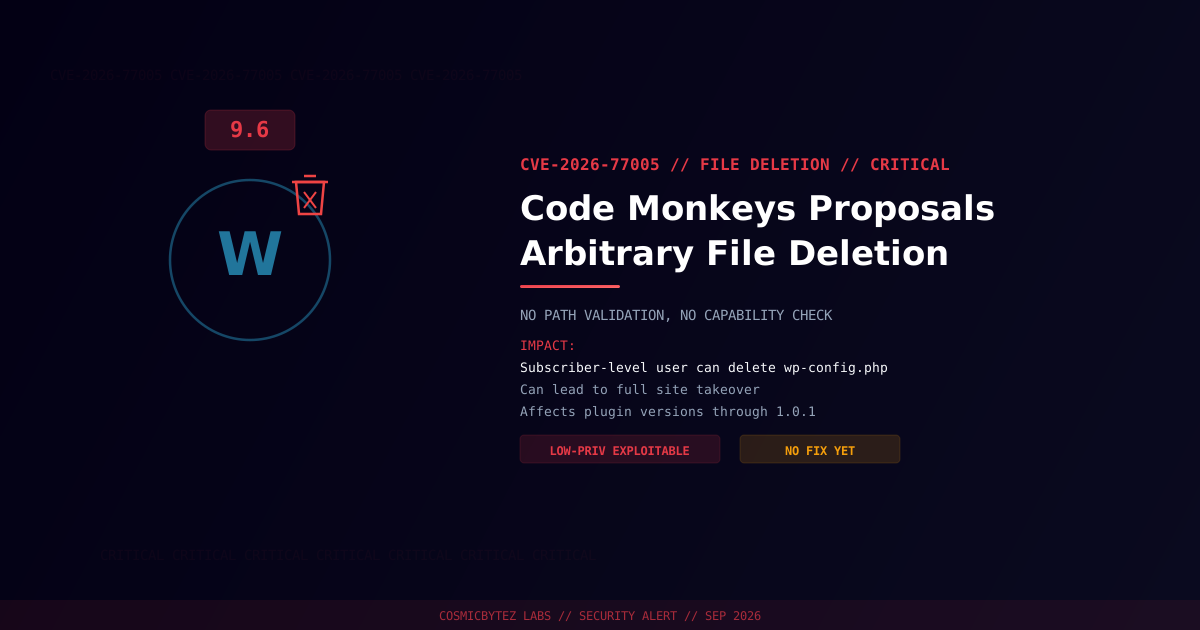
A critical arbitrary file deletion vulnerability (CVE-2026-77005) has been disclosed in the Code Monkeys Proposals WordPress plugin. The plugin does not validate a user-supplied file path before deleting a file, and does not check the capability of the requesting user — meaning any authenticated account, down to the lowest-privilege subscriber role, can delete arbitrary files on the server.
CVSS Score: 9.6 (Critical)
Deleting the right file — wp-config.php is the classic target — can force WordPress into a broken state that allows an attacker to walk through the setup wizard again and take over the site outright.
Vulnerability Overview
| Attribute | Value |
|---|---|
| CVE ID | CVE-2026-77005 |
| CVSS Score | 9.6 (Critical) |
| Type | External Control of File Name or Path (CWE-73) |
| Attack Vector | Network |
| Privileges Required | Low (any authenticated subscriber-level account) |
| User Interaction | None |
Affected Versions
| Plugin | Affected Versions | Fixed Version |
|---|---|---|
| Code Monkeys Proposals | ≤ 1.0.1 | Not yet published at time of writing |
Attack Vector
1. Attacker registers or already holds a subscriber-level WordPress account
2. Attacker sends a request to the plugin's file-deletion handler with a
   crafted file path (no capability check enforced)
3. Plugin deletes the targeted file without validating the path or
   the requesting user's permissions
4. Deleting wp-config.php forces WordPress into the setup wizard,
   letting the attacker point it at a database they control
5. Attacker completes setup as a new administrator — full site takeoverImpact of Successful Exploitation
| Impact | Description |
|---|---|
| Site Takeover | Deleting wp-config.php can trigger a hostile re-install |
| Denial of Service | Deleting core or plugin files breaks site functionality |
| Data Loss | Uploaded media, logs, or backups can be destroyed |
Immediate Remediation
Step 1: Check for a Patch
No fixed version was available at time of disclosure. Check the plugin's WordPress.org page or WPScan advisory regularly for an update.
wp plugin get code-monkeys-proposals --field=versionStep 2: Restrict or Remove the Plugin
Until a patch ships:
- Deactivate the Code Monkeys Proposals plugin
- If deactivation isn't immediately possible, restrict subscriber-level registration (disable open registration, require admin approval)
- Back up
wp-config.phpand core files off-server so a deletion can be recovered from quickly
Step 3: Check for Prior Exploitation
# Confirm wp-config.php and other critical files are intact
ls -la wp-config.php wp-load.php

# Check web server logs for requests to plugin file-handling endpoints
grep -i "code-monkeys-proposals" /var/log/apache2/access.logPost-Remediation Steps
- Apply the vendor patch as soon as one is released
- Audit subscriber accounts for ones you don't recognize
- Restore any deleted files from backup and verify WordPress core integrity (
wp core verify-checksums) - Disable open user registration if not required
- Deploy file integrity monitoring to catch unauthorized deletions early
References
- OffSeq Threat Radar — CVE-2026-77005 CWE-73 External Control of File Name or Path in CODE MONKEYS PROPOSALS
- VulDB — CVE-2026-77005 in Code Monkeys Proposals Plugin
- NIST NVD — CVE-2026-77005