Executive Summary
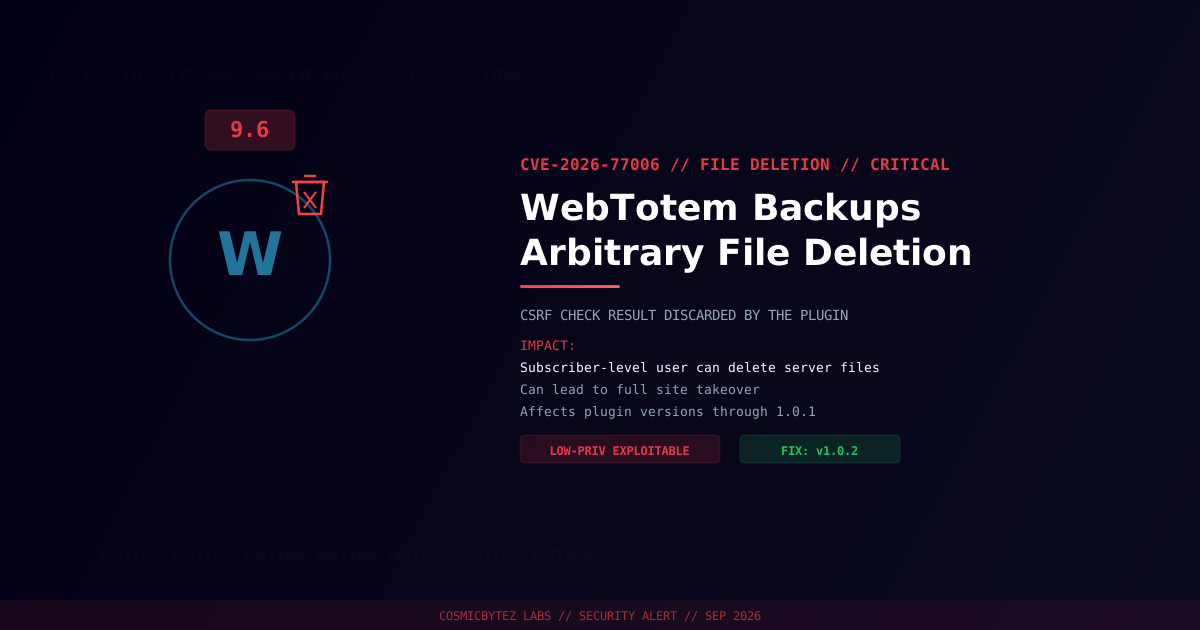
A critical arbitrary file deletion vulnerability (CVE-2026-77006) has been disclosed in the WebTotem Backups WordPress plugin. The plugin fails to validate a user-supplied file path, does not check the capability of the requesting user, and — notably — runs a CSRF check but then discards the result, providing no real protection. Any authenticated user, including a low-privilege subscriber, can delete arbitrary files on the server.
CVSS Score: 9.6 (Critical)
This flaw shares the exact same exploitation pattern as CVE-2026-77005 in the Code Monkeys Proposals plugin, disclosed the same day — both were flagged by WPScan and point to a common weak file-handling pattern circulating among smaller WordPress plugins.
Vulnerability Overview
| Attribute | Value |
|---|---|
| CVE ID | CVE-2026-77006 |
| CVSS Score | 9.6 (Critical) |
| Type | External Control of File Name or Path (CWE-73) + CSRF (CWE-352) |
| Attack Vector | Network |
| Privileges Required | Low (any authenticated subscriber-level account) |
| User Interaction | None |
Affected Versions
| Plugin | Affected Versions | Fixed Version |
|---|---|---|
| WebTotem Backups | ≤ 1.0.1 | 1.0.2 |
Attack Vector
1. Attacker registers or already holds a subscriber-level WordPress account
2. Attacker sends a request to the plugin's file-deletion handler with a
   crafted file path
3. Plugin runs its CSRF nonce check but ignores the outcome, and performs
   no capability check on the requesting user
4. File is deleted regardless of path validity or user privilege
5. Deleting critical files (e.g. wp-config.php) can force a hostile
re-install and full site takeoverImpact of Successful Exploitation
| Impact | Description |
|---|---|
| Site Takeover | Deleting wp-config.php can trigger a hostile re-install |
| Denial of Service | Deleting core or plugin files breaks site functionality |
| Backup Loss | Ironically, a backup plugin can be used to destroy the very backups it manages |
Immediate Remediation
Step 1: Update to Version 1.0.2
# Via WP-CLI
wp plugin update webtotem-backups

# Verify the installed version
wp plugin get webtotem-backups --field=versionOr update through WordPress admin: Plugins > Installed Plugins > WebTotem Backups > Update Now.
Step 2: Check for Prior Exploitation
# Confirm wp-config.php and core files are intact
ls -la wp-config.php wp-load.php

# Verify WordPress core integrity
wp core verify-checksumsIf Immediate Patching Is Not Possible
- Deactivate the WebTotem Backups plugin until patched
- Restrict subscriber-level registration if not required
- Back up
wp-config.phpand critical files off-server for fast recovery
Post-Remediation Steps
- Confirm plugin updated to 1.0.2 or later
- Audit subscriber accounts for ones you don't recognize
- Restore any deleted files from an off-server backup
- Enforce allowlist-based path validation review for any custom integrations built on top of this plugin
- Deploy file integrity monitoring to catch unauthorized deletions early
References
- OffSeq Threat Radar — CVE-2026-77006 CWE-73 External Control of File Name or Path in WebTotem Backups
- VulDB — CVE-2026-77006 in WebTotem Backups Plugin
- NIST NVD — CVE-2026-77006