Executive Summary
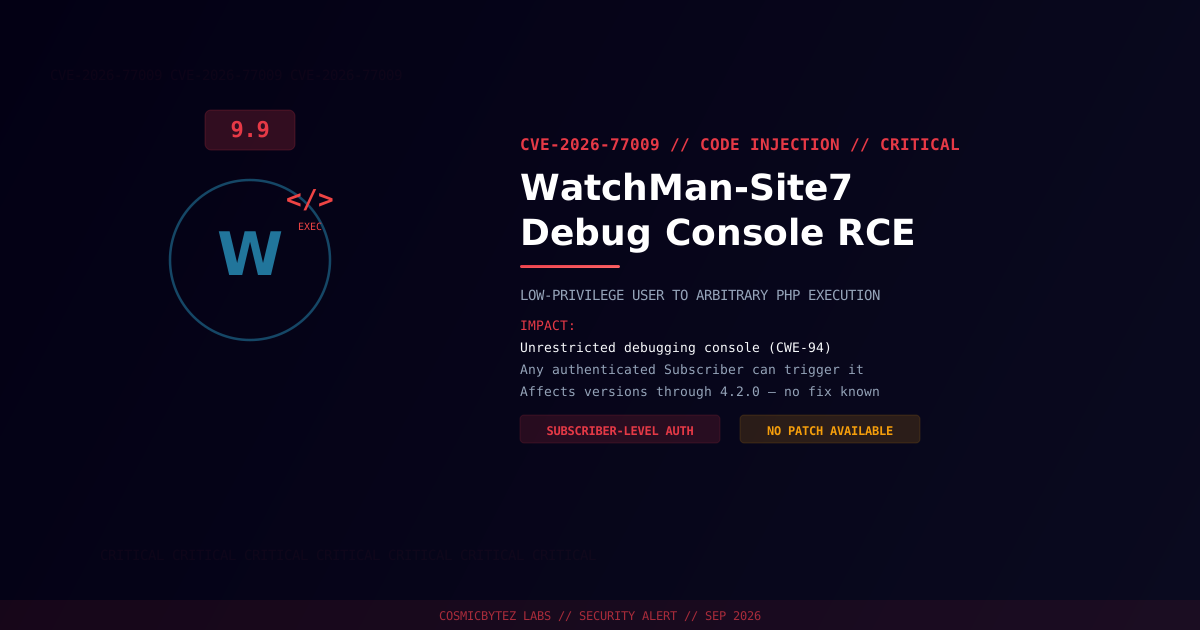
CVE-2026-77009 is a critical code injection vulnerability in the WatchMan-Site7 WordPress plugin (versions through 4.2.0), rated CVSS 9.9. The plugin ships a debugging console that executes user-supplied PHP code — and does not restrict who can reach it. Any authenticated user, including the lowest-privileged Subscriber role, can use it to run arbitrary code on the server.
CVSS Score: 9.9 (Critical)
Subscriber accounts are typically self-registration or comment-level access on many WordPress sites, meaning the effective barrier to full server compromise is often little more than a free sign-up.
Vulnerability Overview
| Attribute | Value |
|---|---|
| CVE ID | CVE-2026-77009 |
| CWE | CWE-94 (Improper Control of Generation of Code — Code Injection) |
| CVSS Score | 9.9 (Critical) |
| Vector | CVSS:3.1/AV:N/AC:L/PR:L/UI:N/S:C/C:H/I:H/A:H |
| Attack Vector | Network |
| Privileges Required | Low (any authenticated role, incl. Subscriber) |
| User Interaction | None |
| Assigner | WPScan |
Affected Versions
| Plugin | Affected Versions | Fixed Version |
|---|---|---|
| WatchMan-Site7 | ≤ 4.2.0 | None published at time of writing |
No patched release is currently available. Sites with open user registration are at particular risk, since the attack path only requires a low-privilege account.
Attack Vector
1. Attacker registers or obtains a low-privileged account (e.g. Subscriber)
2. Attacker authenticates and accesses the plugin's debugging console endpoint
3. The console accepts and executes attacker-supplied PHP with no capability check
4. Arbitrary PHP code runs in the context of the web server
5. Full remote code execution and site compromiseImpact of Successful Exploitation
| Impact | Description |
|---|---|
| Remote Code Execution | Arbitrary PHP execution via the debug console |
| Privilege Escalation | Subscriber-level access escalates to full server control |
| Database Compromise | Read/write via wp-config.php credentials |
| Data Exfiltration | Access to all site content and user data |
| Persistence | Attacker-planted code or accounts surviving cleanup attempts |
Immediate Remediation
Step 1: Deactivate and Remove the Plugin
# Via WP-CLI
wp plugin deactivate watchman-site7
wp plugin delete watchman-site7Or through WordPress admin: Plugins > Installed Plugins > WatchMan-Site7 > Deactivate > Delete.
Step 2: Lock Down User Registration
If open registration isn't required, disable it immediately under Settings > General > Membership, since Subscriber-level accounts are sufficient to exploit this flaw.
Step 3: Scan for Existing Compromise
# Search for recently modified/created PHP files
find /path/to/wordpress/wp-content/ -name "*.php" -newer /path/to/wordpress/wp-includes/version.php -type f

# Check for common web shell / injected code signatures
grep -rl "eval\s*(base64_decode" /path/to/wordpress/wp-content/
grep -rl "system\s*(\|shell_exec\s*(\|passthru\s*(" /path/to/wordpress/wp-content/

# Review recently created user accounts for unauthorized additions
wp user list --fields=ID,user_login,user_registered,roles --orderby=user_registered --order=DESCIf Immediate Removal Isn't Possible
- Block access to the plugin's debug console endpoint at the web server or WAF level
- Disable new user registration to close the lowest-effort attack path
- Audit and restrict existing Subscriber accounts
Detection Indicators
| Indicator | Description |
|---|---|
| Authenticated low-privilege requests to the debug console endpoint | Exploitation attempts |
| New admin or unexpected user accounts | Post-exploitation persistence |
| Unexpected PHP files or modified core files | Code planted via the console |
| Unusual outbound connections from the web server | Post-exploitation activity |
Post-Remediation Steps
- Confirm the plugin is fully removed
- Audit all user accounts, especially recent registrations and role changes
- Rotate all credentials — WordPress admin, database, API keys
- Regenerate WordPress security keys with
wp config shuffle-salts - Deploy a WAF (Wordfence, Sucuri) for ongoing protection
- Re-enable registration only with CAPTCHA/verification if it's needed going forward