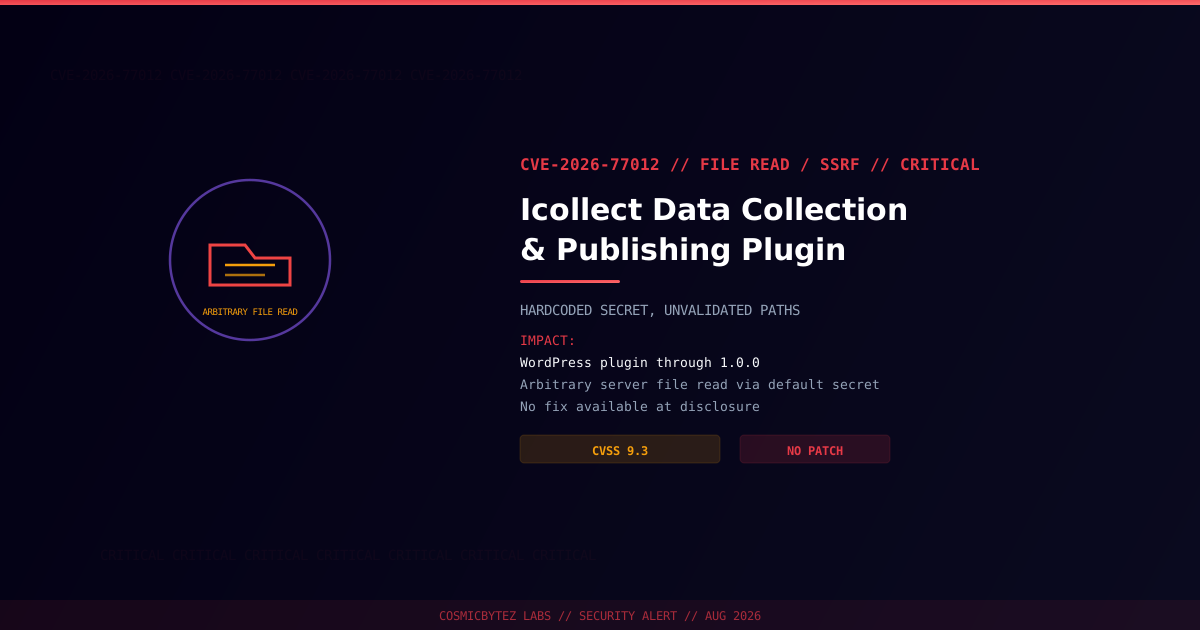
Executive Summary
CVE-2026-77012 affects Icollect (published under the Chinese name 爱采集数据采集和发布插件, a data collection and publishing plugin for WordPress), in all versions through 1.0.0, and carries a CVSS score of 9.3. One of the plugin's endpoints is meant to require a per-install secret before accepting unauthenticated requests, but instead falls back to a hardcoded default value that is identical across every installation. Combined with the plugin's failure to validate the URLs and destination paths supplied to it, this allows an unauthenticated attacker to make the server issue arbitrary requests and read arbitrary files from disk.
CVSS Score: 9.3 (Critical)
This is a low-visibility, low-install-base plugin with minimal independent coverage beyond NVD and WPScan records — treat exploitation risk as real regardless of its obscurity, since no fix currently exists.
Vulnerability Overview
| Attribute | Value |
|---|---|
| CVE ID | CVE-2026-77012 |
| CVSS Score | 9.3 (Critical) |
| Type | Server-Side Request Forgery (SSRF) / Arbitrary File Read |
| Attack Vector | Network |
| Privileges Required | None |
| User Interaction | None |
| Root Cause | Hardcoded default secret gates an "unauthenticated" endpoint; no validation of supplied URLs/paths |
Affected Versions
| Product | Affected Versions | Recommendation |
|---|---|---|
| Icollect (爱采集数据采集和发布插件) | All versions through 1.0.0 | No fix available — deactivate and remove until patched |
Technical Details
Icollect exposes an endpoint intended to be gated by a per-install "publishing password" so that only the site owner can trigger its data-collection/publishing actions without a full authenticated session. In practice, the plugin ships with a hardcoded default value for that secret, and nothing in the plugin forces administrators to change it — meaning any attacker who knows (or simply tries) the default can authenticate to the endpoint as if they were the site owner.
Once past that check, the endpoint accepts URLs and destination file paths without validating either one. That lack of validation means the endpoint can be pointed at arbitrary internal or external URLs (SSRF) and can be told to read from — and, per NVD's description, potentially write to — arbitrary paths on the server's filesystem, well outside the plugin's intended uploads directory.
Attack Vector
1. Attacker sends a request to the Icollect endpoint using the known hardcoded default secret
2. Endpoint accepts the request as if from a legitimate site owner
3. Attacker supplies an arbitrary file path or URL as the fetch/publish target
4. Plugin does not validate the path/URL against an allowlist
5. Server reads the requested file (or issues the requested request) and returns/stores the result
6. Attacker obtains sensitive server-side file contents (e.g. wp-config.php) or forces outbound requests from the serverImpact of Successful Exploitation
| Impact | Description |
|---|---|
| Arbitrary File Disclosure | Attackers can read sensitive files such as wp-config.php, exposing database credentials and secret keys |
| SSRF | The server can be forced to issue requests to internal-only endpoints unreachable from outside the network |
| No Authentication Needed | The "authentication" check relies on a value that is identical and public across every install |
| Full Site Compromise Risk | Database credentials recovered via file read can lead to complete WordPress site takeover |
Immediate Remediation
Step 1: Check Exposure
wp plugin list --status=active | grep -i "icollect\|caiji"Step 2: Remove or Deactivate
Because no fixed version currently exists:
- Deactivate and remove the Icollect plugin immediately.
- Rotate all secrets stored in
wp-config.php(database credentials, authentication keys/salts) in case they were already read. - Review server access logs for requests to the plugin's endpoint, particularly ones referencing configuration files or unusual outbound URLs.
If the Plugin Cannot Be Removed Immediately
- Block external access to the plugin's endpoint at the web server or WAF level.
- Restrict outbound requests from the server to a known allowlist, limiting SSRF impact.
- Move sensitive configuration values out of web-root-accessible files where the hosting environment allows it.
Detection Indicators
| Indicator | Description |
|---|---|
Requests to the Icollect endpoint referencing wp-config.php or other sensitive paths | Direct evidence of exploitation |
| Outbound requests to unfamiliar internal or external hosts originating from the plugin | Sign of SSRF abuse |
| Unauthenticated traffic to the plugin's publishing endpoint from unfamiliar IPs | Reconnaissance or active exploitation |
Post-Remediation Steps
- Confirm removal of the Icollect plugin across all affected sites.
- Rotate database credentials and WordPress secret keys defined in
wp-config.php. - Audit for unauthorized administrative accounts or content changes made since the plugin was installed.
- Track NVD/WPScan for a patched release before considering reinstallation.