Executive Summary
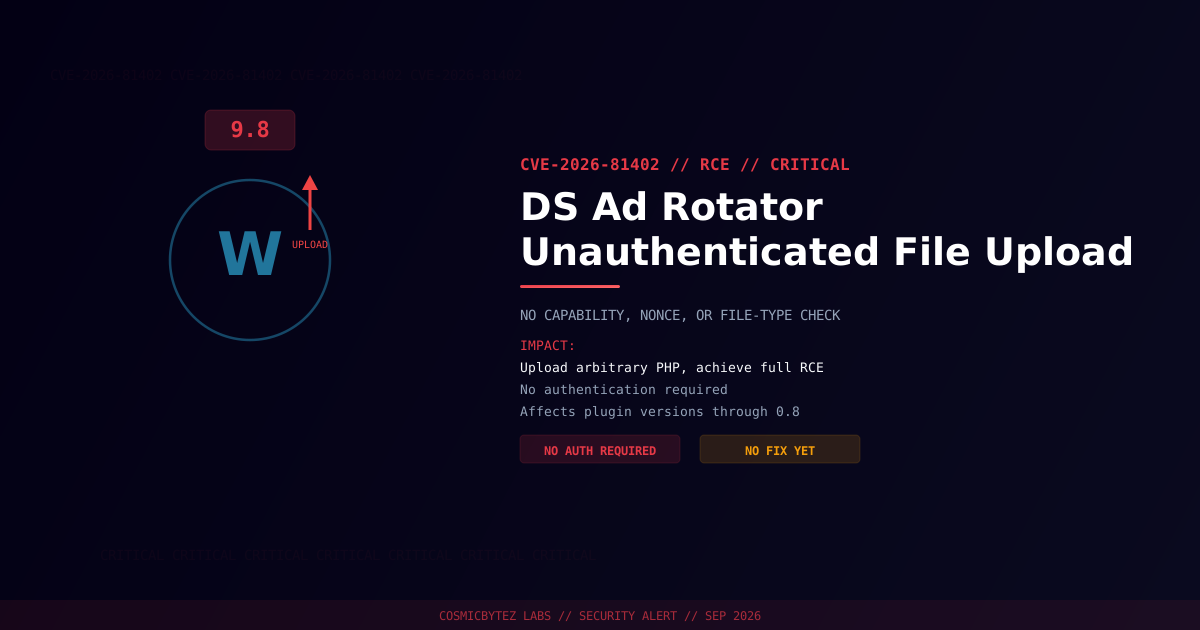
A critical unauthenticated arbitrary file upload vulnerability (CVE-2026-81402) has been disclosed in the DS Ad Rotator plugin for WordPress. The plugin's image upload handler performs no capability check, no nonce verification, and no file-type validation, allowing anyone on the internet — no account required — to upload arbitrary files, including PHP webshells, to a web-accessible directory.
CVSS Score: 9.8 (Critical)
This is as close to a worst-case WordPress plugin flaw as it gets: zero authentication, zero validation, and a direct path to remote code execution.
Vulnerability Overview
| Attribute | Value |
|---|---|
| CVE ID | CVE-2026-81402 |
| CVSS Score | 9.8 (Critical) |
| Type | Unrestricted Upload of File with Dangerous Type (CWE-434) |
| Attack Vector | Network (no authentication required) |
| Privileges Required | None |
| User Interaction | None |
Affected Versions
| Plugin | Affected Versions | Fixed Version |
|---|---|---|
| DS Ad Rotator | ≤ 0.8 | Not yet published at time of writing |
Attack Vector
1. Attacker identifies a WordPress site running DS Ad Rotator
2. Attacker sends an unauthenticated request directly to the plugin's
   image upload endpoint
3. Handler accepts the upload without checking capability, nonce, or
   file type
4. Malicious PHP file (webshell) is written to a web-accessible directory
5. Attacker accesses the uploaded webshell via HTTP
6. Full server compromise — database access, file manipulation,
lateral movementImpact of Successful Exploitation
| Impact | Description |
|---|---|
| Remote Code Execution | Execute arbitrary PHP code on the server |
| Database Compromise | Full read/write via wp-config.php credentials |
| Data Exfiltration | Access all site content and user data |
| Webshell Persistence | Uploaded files can survive plugin updates |
| Malware Distribution | Serve malware to site visitors |
Immediate Remediation
Step 1: Check for a Patch
No fixed version was available at time of disclosure — check the plugin's WordPress.org page or WPScan advisory for updates.
wp plugin get ds-ad-rotator --field=versionStep 2: Remove or Disable the Plugin
Given the lack of a patch and the trivially exploitable nature of this flaw:
- Deactivate and remove DS Ad Rotator immediately
- Block direct access to the plugin's upload endpoint at the web server or WAF level as an interim measure if removal isn't possible right away
Step 3: Scan for Existing Compromise
# Search for recently uploaded PHP files in unexpected locations
find /path/to/wordpress/wp-content/ -name "*.php" -newer /path/to/wordpress/wp-includes/version.php -type f

# Check for common webshell signatures
grep -rl "eval\s*(base64_decode" /path/to/wordpress/wp-content/
grep -rl "system\s*(" /path/to/wordpress/wp-content/uploads/

# Verify WordPress core integrity
wp core verify-checksumsDetection Indicators
| Indicator | Description |
|---|---|
| POST requests to DS Ad Rotator upload endpoints | Exploitation attempts |
| Unexpected PHP files in uploads directories | Webshells dropped through the vulnerability |
| Access to newly created PHP files | Attacker accessing an uploaded webshell |
| Outbound connections from the web server | Post-exploitation data exfiltration |
Post-Remediation Steps
- Remove the plugin unless and until a patch is released
- Scan the installation for webshells and unauthorized file changes
- Review user accounts for unauthorized administrators
- Rotate all credentials — WordPress admin, database, API keys
- Regenerate WordPress security keys using
wp config shuffle-salts - Deploy a WAF (Wordfence, Sucuri) for ongoing protection
References
- OffSeq Threat Radar — CVE-2026-81402 CWE-434 Unrestricted Upload of File with Dangerous Type in DS Ad Rotator
- VulDB — CVE-2026-81402 in DS Ad Rotator Plugin
- NIST NVD — CVE-2026-81402