Overview
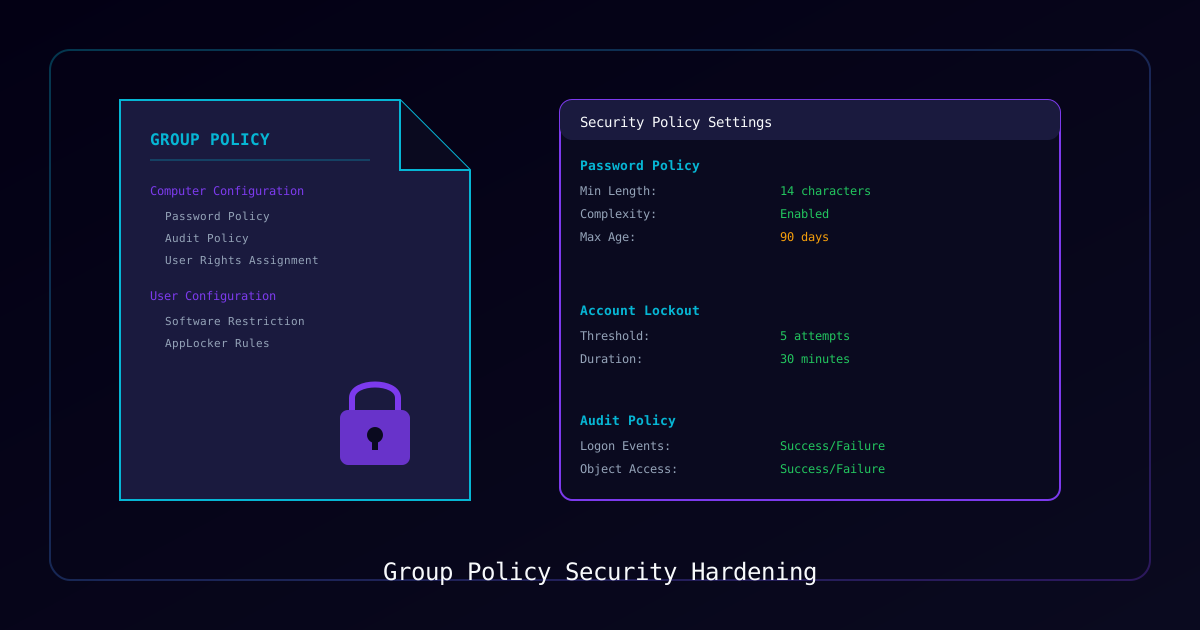
Group Policy is the primary mechanism for enforcing security baselines across Windows environments. A well-designed GPO structure can prevent credential theft, block lateral movement, restrict unauthorized software, and ensure compliance with frameworks like CIS Benchmarks, NIST 800-53, and PCI DSS.
Who Should Use This Guide:
- Systems administrators hardening Windows domains
- Security engineers implementing CIS benchmarks
- Compliance teams preparing for audits
- MSP technicians standardizing client security
What You Will Learn:
| Area | Policies Covered |
|---|---|
| Password & Lockout | Complexity, length, lockout thresholds |
| Audit Policies | Advanced audit configuration |
| User Rights | Logon restrictions, privilege assignment |
| Security Options | LSA protection, SMB signing, credential caching |
| AppLocker | Application whitelisting |
| Windows Firewall | Profile configuration |
| Attack Surface Reduction | ASR rules via GPO |
Requirements
| Component | Requirement |
|---|---|
| Access | Domain Admin or GPO Creator Owners |
| Tools | GPMC, RSAT, PowerShell AD module |
| Targets | Windows 10/11 Pro/Enterprise, Server 2016+ |
| Testing | Test OU/lab environment for initial deployment |
Warning: Test all GPO changes in a dedicated test OU before deploying to production. Aggressive security policies can lock out users or break applications.
GPO Naming Convention
Use a consistent naming standard:
[Category] - [Purpose] - [Scope]

Examples:
  Security - Password Policy - Domain
  Security - Workstation Hardening - Workstations OU
  Security - Server Baseline - Servers OU
  Security - AppLocker - IT Department
  Compliance - Audit Policy - Domain
Part 1: Password and Account Lockout Policies
These apply at the domain level via Default Domain Policy or a dedicated GPO linked to the domain root.
Path: Computer Configuration > Policies > Windows Settings > Security Settings > Account Policies
Password Policy
| Setting | CIS Recommendation | Value |
|---|---|---|
| Enforce password history | 24 passwords | 24 |
| Maximum password age | 365 days | 365 |
| Minimum password age | 1 day | 1 |
| Minimum password length | 14 characters | 14 |
| Password must meet complexity | Enabled | Enabled |
| Store passwords using reversible encryption | Disabled | Disabled |
Account Lockout Policy
| Setting | CIS Recommendation | Value |
|---|---|---|
| Account lockout duration | 15 minutes | 15 |
| Account lockout threshold | 5 invalid attempts | 5 |
| Reset account lockout counter after | 15 minutes | 15 |
# Verify current domain password policy
Get-ADDefaultDomainPasswordPolicy

# Check fine-grained password policies
Get-ADFineGrainedPasswordPolicy -Filter *Part 2: Advanced Audit Policies
Path: Computer Configuration > Policies > Windows Settings > Security Settings > Advanced Audit Policy Configuration
Recommended Audit Settings
| Category | Subcategory | Setting |
|---|---|---|
| Account Logon | Credential Validation | Success, Failure |
| Account Logon | Kerberos Authentication | Success, Failure |
| Account Management | Computer Account Management | Success |
| Account Management | Security Group Management | Success |
| Account Management | User Account Management | Success, Failure |
| Logon/Logoff | Logon | Success, Failure |
| Logon/Logoff | Logoff | Success |
| Logon/Logoff | Special Logon | Success |
| Object Access | File System | Failure |
| Policy Change | Audit Policy Change | Success |
| Privilege Use | Sensitive Privilege Use | Success, Failure |
| System | Security State Change | Success |
| System | Security System Extension | Success |
# Force audit policy to use advanced settings
# Computer Configuration > Security Settings > Local Policies > Security Options
# "Audit: Force audit policy subcategory settings" = Enabled

# Verify audit policy on a computer
auditpol /get /category:*Configure Event Log Size
Path: Computer Configuration > Policies > Administrative Templates > Windows Components > Event Log Service
| Log | Maximum Size | Retention |
|---|---|---|
| Security | 1 GB (1048576 KB) | Overwrite as needed |
| System | 256 MB (262144 KB) | Overwrite as needed |
| Application | 256 MB (262144 KB) | Overwrite as needed |
| PowerShell | 256 MB (262144 KB) | Overwrite as needed |
Part 3: Security Options (LSA Hardening)
Path: Computer Configuration > Policies > Windows Settings > Security Settings > Local Policies > Security Options
Critical Settings
| Setting | Value | Purpose |
|---|---|---|
| Interactive logon: Don't display last signed-in | Enabled | Prevents username enumeration |
| Interactive logon: Machine inactivity limit | 900 seconds | Auto-lock idle sessions |
| Network access: Do not allow anonymous enumeration of SAM accounts | Enabled | Block anonymous recon |
| Network security: LAN Manager authentication level | Send NTLMv2 response only. Refuse LM & NTLM | Block weak authentication |
| Network security: LDAP client signing requirements | Require signing | Prevent LDAP relay |
| Microsoft network server: Digitally sign communications (always) | Enabled | Require SMB signing |
| Microsoft network client: Digitally sign communications (always) | Enabled | Require SMB signing |
| Network security: Configure encryption types for Kerberos | AES128 + AES256 | Block weak ciphers |
| Network access: Restrict anonymous access to Named Pipes and Shares | Enabled | Reduce attack surface |
LSA Protection
# Enable LSA protection (prevents credential dumping)
# Computer Configuration > Administrative Templates > System > Local Security Authority
# "Configure LSASS to run as a protected process" = Enabled (with UEFI Lock)
Credential Guard
# Enable Credential Guard on supported hardware
# Computer Configuration > Administrative Templates > System > Device Guard
# "Turn On Virtualization Based Security" = Enabled
# "Credential Guard Configuration" = Enabled with UEFI lock
Part 4: AppLocker (Application Whitelisting)
Path: Computer Configuration > Policies > Windows Settings > Security Settings > Application Control Policies > AppLocker
Default Rules (Start Here)
# Create default rules first (allows Windows and Program Files)
# In GPMC > AppLocker > right-click each rule type > Create Default Rules

# Executable Rules:
# - Allow Everyone to run from %PROGRAMFILES%\*
# - Allow Everyone to run from %WINDIR%\*
# - Allow BUILTIN\Administrators to run all files

# Script Rules:
# - Allow Everyone to run from %PROGRAMFILES%\*
# - Allow Everyone to run from %WINDIR%\*

# MSI Rules:
# - Allow Everyone to run from %WINDIR%\Installer\*
# - Allow BUILTIN\Administrators to run all MSI filesBlock High-Risk Locations
# Block executables from user-writable locations
# Add Deny rules for:
# - %USERPROFILE%\AppData\*
# - %USERPROFILE%\Desktop\*
# - %USERPROFILE%\Downloads\*
# - %TEMP%\*
# - %TMP%\*

# Exception: Allow specific approved applications from these pathsEnable AppLocker Service
# Ensure AppIdentity service starts automatically
# Computer Configuration > Windows Settings > Security Settings > System Services
# Application Identity = Automatic
Part 5: Windows Firewall
Path: Computer Configuration > Policies > Windows Settings > Security Settings > Windows Defender Firewall
Profile Configuration
| Profile | State | Inbound | Outbound | Logging |
|---|---|---|---|---|
| Domain | On | Block | Allow | Log dropped + successful |
| Private | On | Block | Allow | Log dropped |
| Public | On | Block | Allow | Log dropped |
Recommended Inbound Rules
| Rule | Action | Ports | Scope |
|---|---|---|---|
| Remote Desktop | Allow | 3389 | From IT subnet only |
| WinRM | Allow | 5985-5986 | From management subnet |
| File Sharing | Allow | 445 | From internal networks |
| ICMP Echo | Allow | ICMP | From internal networks |
| All other | Block | * | * |
Part 6: Attack Surface Reduction (ASR) Rules
Configure ASR rules for advanced endpoint hardening (requires Defender AV):
Path: Computer Configuration > Administrative Templates > Windows Components > Microsoft Defender Antivirus > Microsoft Defender Exploit Guard > Attack Surface Reduction
Recommended ASR Rules
| Rule | GUID | Mode |
|---|---|---|
| Block executable content from email client | BE9BA2D9-53EA-4CDC-84E5-9B1EEEE46550 | Block |
| Block Office apps from creating child processes | D4F940AB-401B-4EFC-AADC-AD5F3C50688A | Block |
| Block Office apps from creating executable content | 3B576869-A4EC-4529-8536-B80A7769E899 | Block |
| Block JavaScript or VBScript from launching downloaded content | D3E037E1-3EB8-44C8-A917-57927947596D | Block |
| Block execution of potentially obfuscated scripts | 5BEB7EFE-FD9A-4556-801D-275E5FFC04CC | Block |
| Block credential stealing from LSASS | 9E6C4E1F-7D60-472F-BA1A-A39EF669E4B2 | Block |
| Block process creations originating from PSExec and WMI | D1E49AAC-8F56-4280-B9BA-993A6D77406C | Audit first |
# Check ASR rule status on a machine
Get-MpPreference | Select-Object -ExpandProperty AttackSurfaceReductionRules_ActionsGPO Deployment Strategy
Recommended Deployment Order
- Password Policy — Link to domain root (test in lab first)
- Audit Policy — Link to domain root
- Workstation Hardening — Link to Workstations OU (test OU first)
- Server Baseline — Link to Servers OU (test OU first)
- AppLocker — Start in Audit mode for 2 weeks, then enforce
- ASR Rules — Start in Audit mode, review events, then enforce
Testing Methodology
# 1. Create a Test OU
New-ADOrganizationalUnit -Name "GPO-Testing" -Path "DC=domain,DC=local"

# 2. Move test computers to Test OU
Move-ADObject -Identity "CN=TESTPC01,OU=Workstations,DC=domain,DC=local" `
    -TargetPath "OU=GPO-Testing,DC=domain,DC=local"

# 3. Link GPO to Test OU
New-GPLink -Name "Security - Workstation Hardening" `
    -Target "OU=GPO-Testing,DC=domain,DC=local"

# 4. Force GPO update on test machine
Invoke-GPUpdate -Computer "TESTPC01" -Force

# 5. Verify GPO application
gpresult /r /scope computerVerification Checklist
- Password policy meets CIS benchmark requirements
- Account lockout configured to prevent brute force
- Advanced audit policies generating expected events
- Security event log sized for 30+ days retention
- NTLMv2 only authentication enforced
- SMB signing required on all machines
- LSA protection enabled (no credential dumping)
- AppLocker blocking unsigned executables from user paths
- Windows Firewall enabled on all profiles
- ASR rules active (at least in audit mode)
- All changes tested in test OU before production deployment